9
Installation instructions
2.4
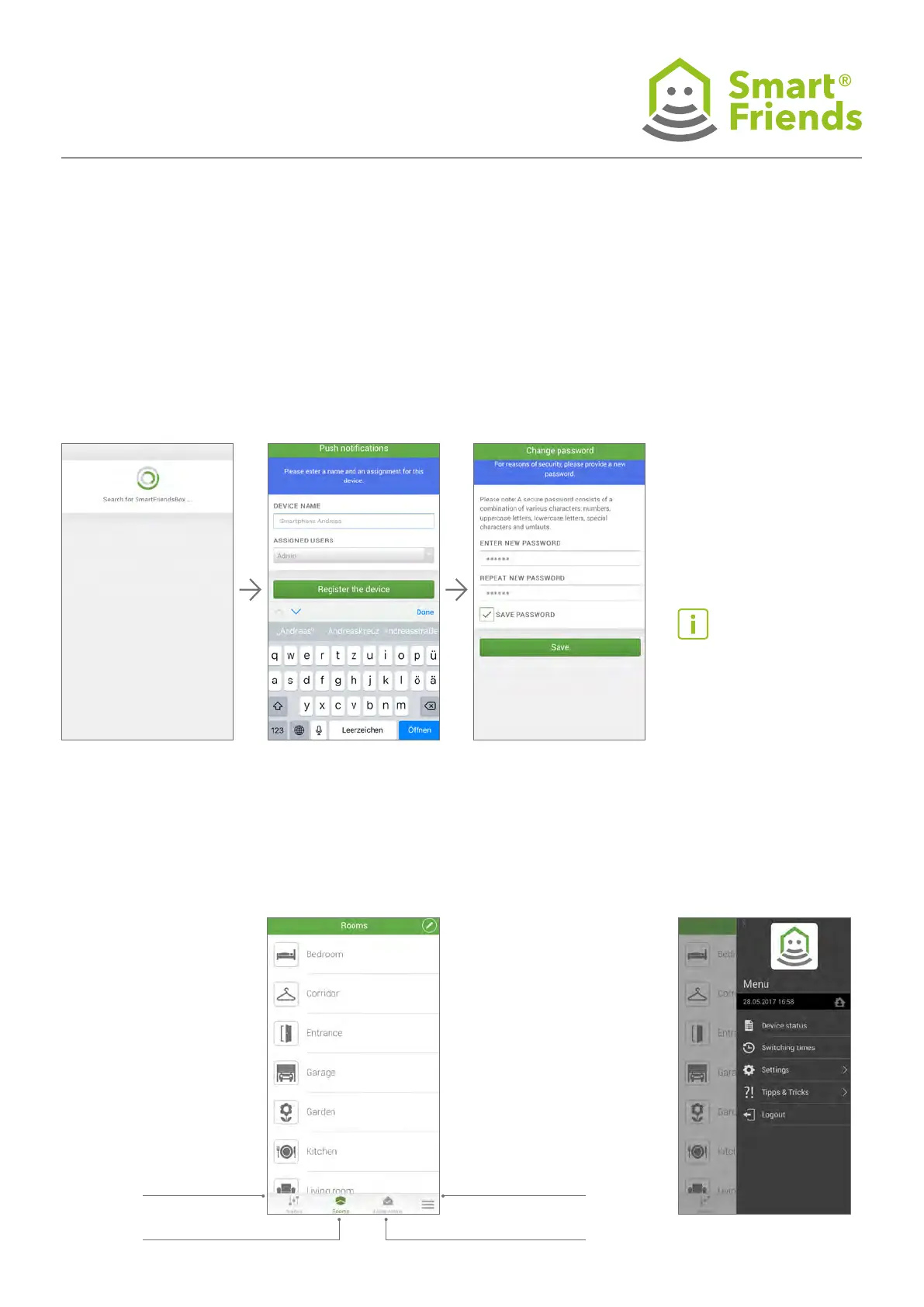
Give your smartphone or tablet a name here to be able to
use the “Push notications” function. In the scenes, you can
choose which device you want to receive push notications.
2.6 2.7
2.5
As soon as the Smart Friends Box has been found, save your
personal password. Make a note of your password here:
If the option “Save pass-
word” is enabled, this makes
the login process much
simpler next time you launch
the app.
Menu (p. 19)
Home status (p. 18)
Scenes (p. 14)
Rooms (p. 11)



 To Next Page