29
Installation instructions
10.4
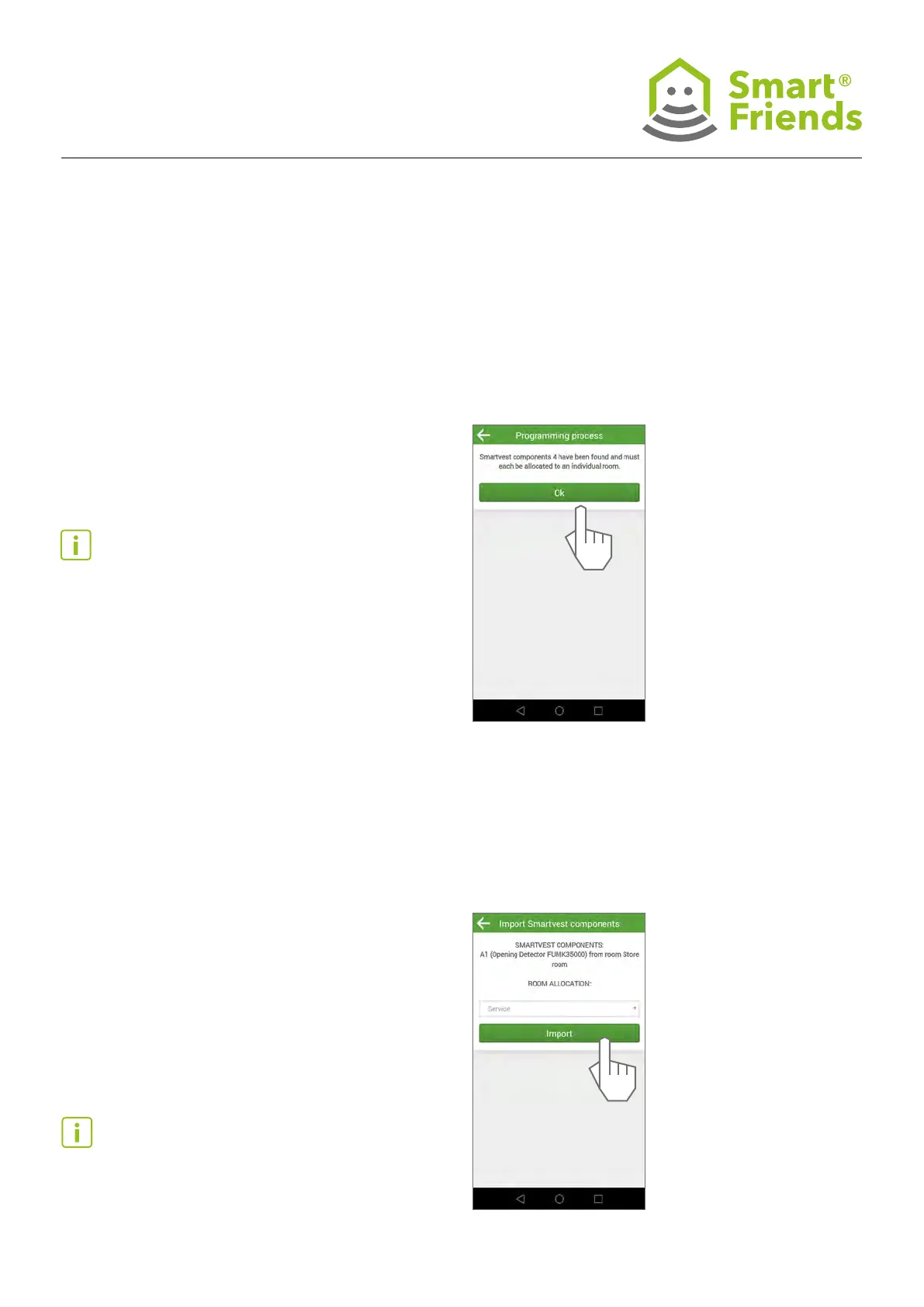
You now receive a message conrming that the learning
process has been started. You are then shown the number of
Smartvest components that can be imported. These include
opening detectors, motion detectors, smoke detectors, pow-
er sockets and cameras. Select “OK” to continue.
Tip: Only the above-mentioned sensors and actuators are
connected to the Smart Friends Box.
Control elements, e.g. remote controls or control panels,
access the Smartvest directly and are not connected to the
Smart Friends Box.
Alarm devices, e.g. sirens, are controlled by the Smartvest
automatically in the event of an alarm and are not connected
to the Smart Friends Box.
Tip: If the desired room has not yet been created, select the
room “Service”. You can change the room allocations at any
time afterwards.
10.5
Step by step, you are shown the Smartvest components
that can be imported, together with their name, type and
item number. For each component, select a room where it is
installed. The display in the Smart Friends app is based on the
allocations made here.



 To Next Page