EasyManua.ls Logo

Smartoptics Activity 885 - Importing Calibration Data; Figure 12: Completing the Installation; Figure 13: no Calibration Data

Smartoptics Activity 885
57 pages
Print Icon
To Next Page IconTo Next Page
To Previous Page IconTo Previous Page
Loading...
General saftey information
20
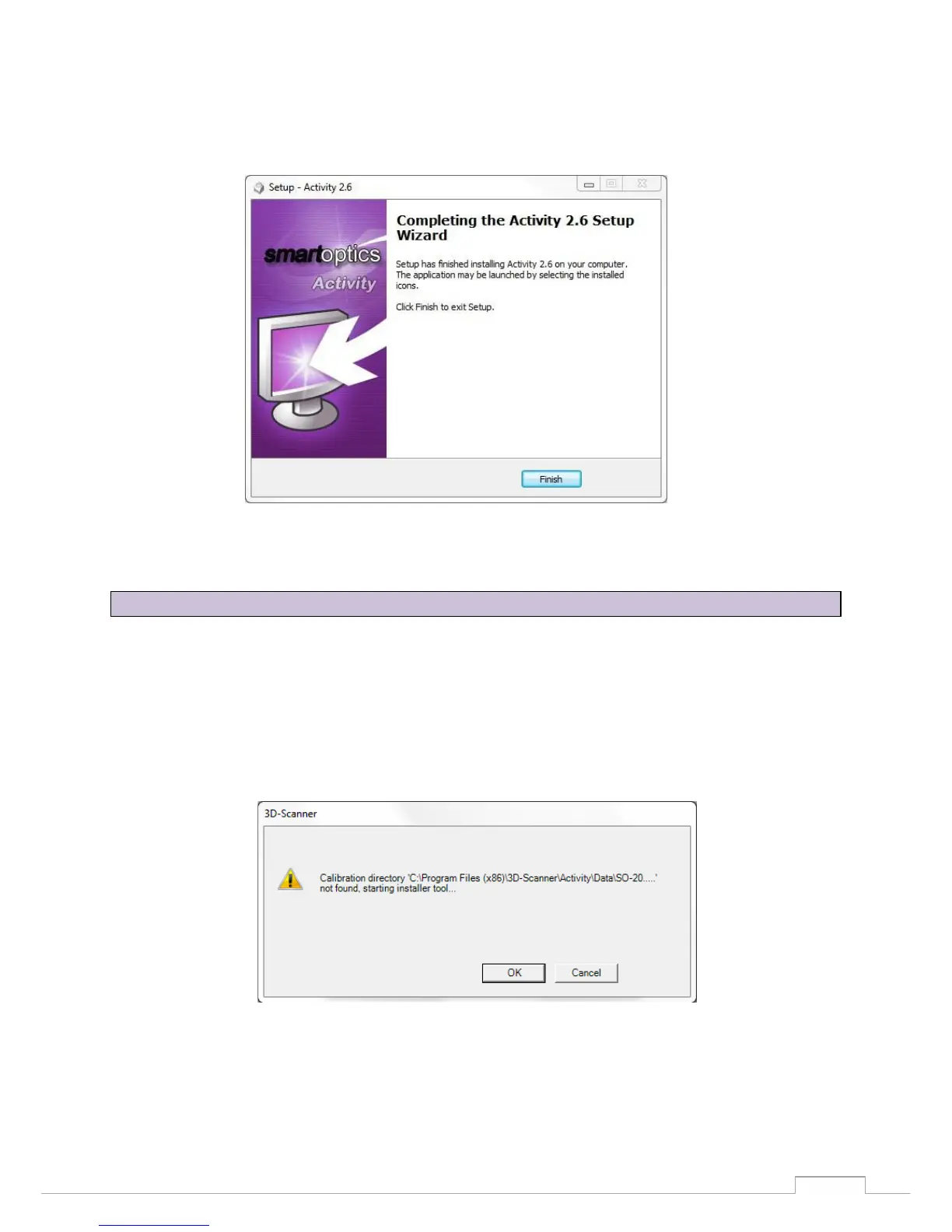
Confirm the installation of the driver with "Next". Then complete the installation with "Finish". The
drivers have now been installed and the process is completed.
Figure 12: Completing the installation
The scannerspecific calibration data must be imported during the initial installation.
Start the Activity software via the Desktop icon or from the Start Menu.
This is followed by a software message (Calibration directory … not found). Click "OK" to start the
"Installer Tool".
Figure 13: No calibration data
9.4 Importing calibration data

Table of Contents