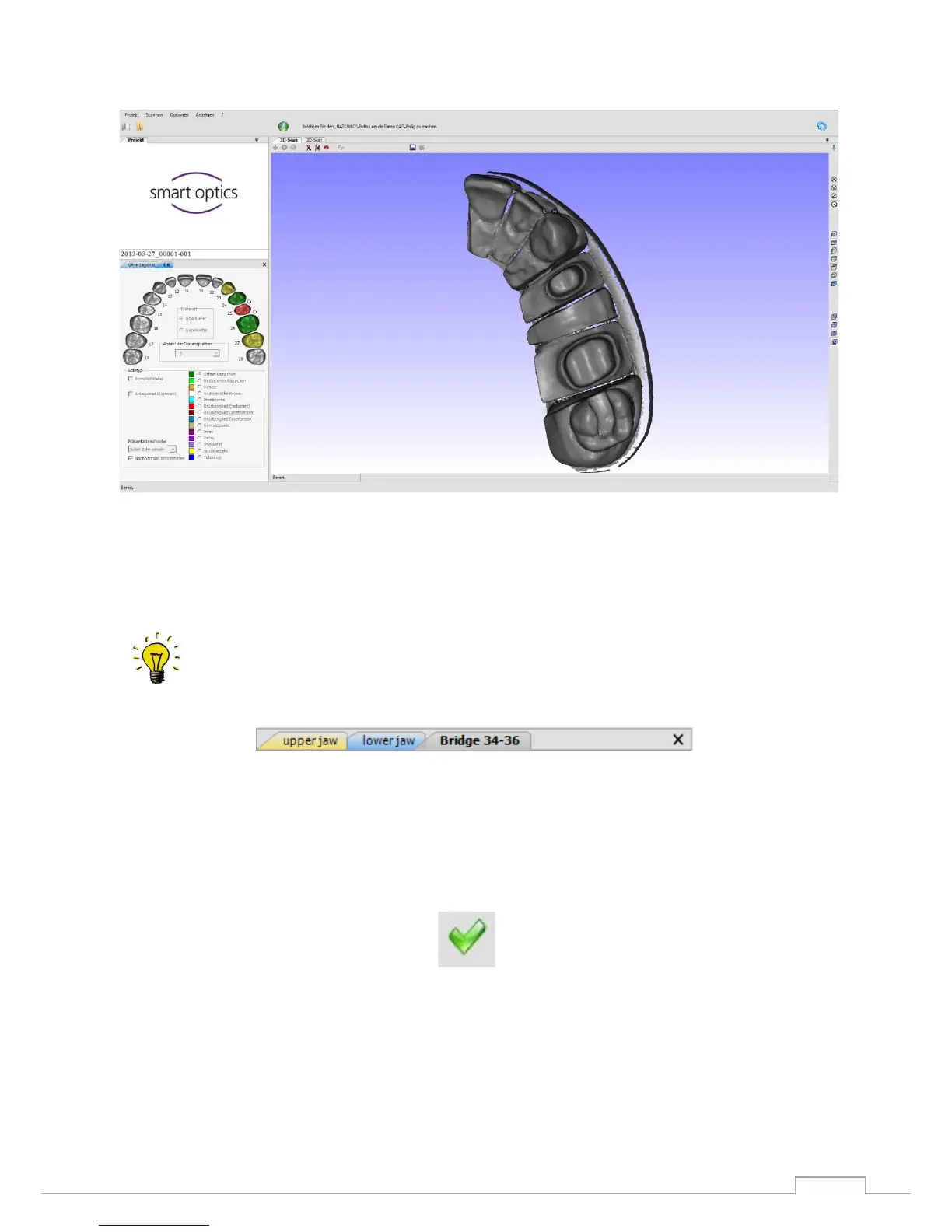
Figure 49: 3D-STL Datafile
Um den Scanvorgang abzuschließen müssen beiden Datensätze als STL-Datei vorliegen.
You can tell from the coloring of the file tab whether a data set is already "matched", i.e.
whether there is an STL. (Blue - individual records, Yellow - STL data set,
Grey - 2D scan) (see Fig. 51)
Now you can close the scan software and begin the construction.
To do this click on the following icon:
Figure 51: End scanning process
The software will now save the STL data sets in a data file.
Now reopen the "DentalDB".
The lower window now displays the preview scans and the "scan" in green


 To Next Page