-22-
No.PS※※-OMM0003-J
•[F 2] Setting of OUT2 Page 27
Same setting as [F 1] OUT1.
The display colour is linked to the setting of OUT1, and can not be set for OUT2.
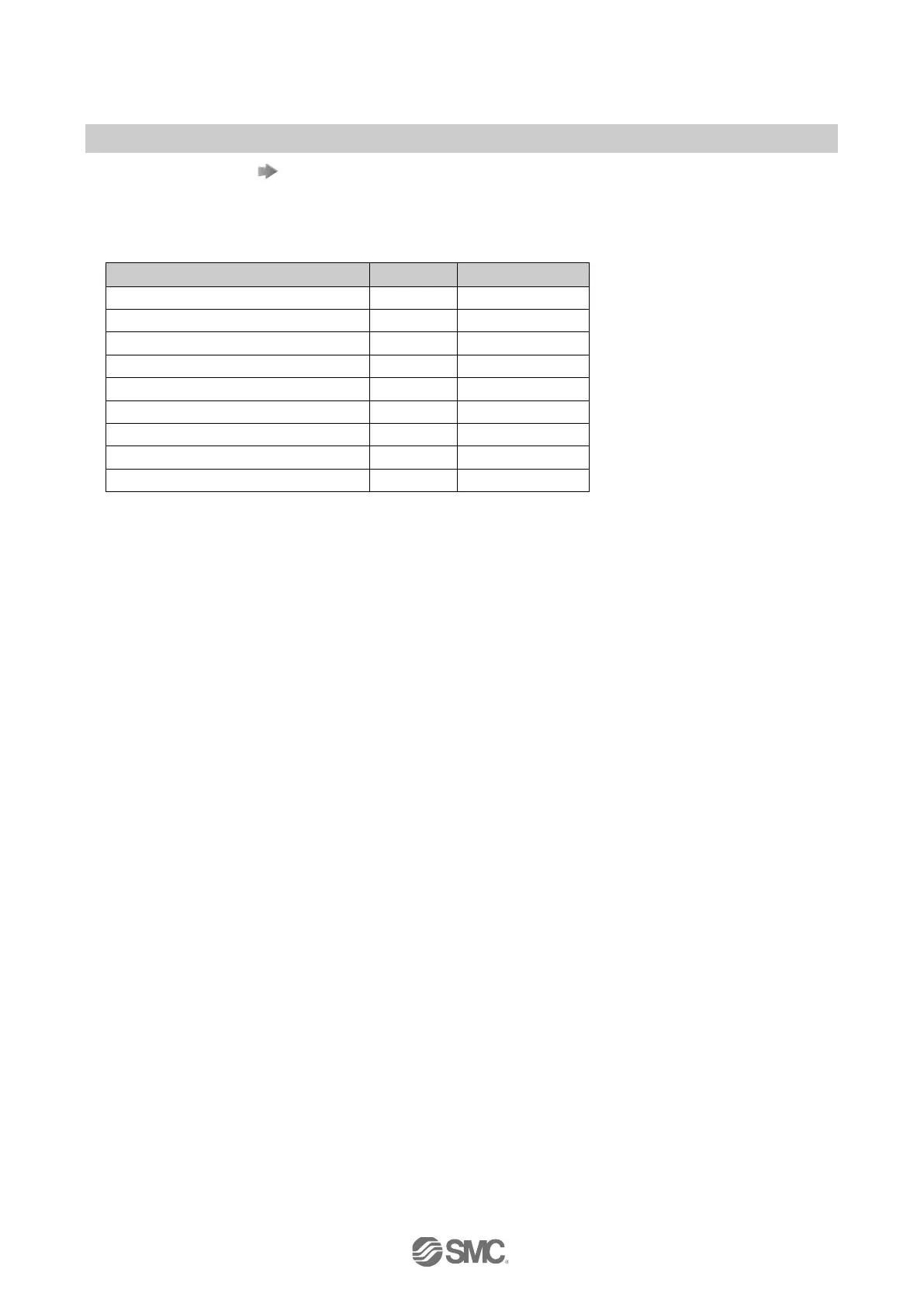
•Other parameter settings
Item Page Default setting
[F 4] Analogue output / Auto-shift input
∗
[F 7] Fine adjustment of display value
0%
[F 8] Auto-preset function
[F98] Setting of all functions
[F99] Reset to the default setting
∗: ISE80H cannot be set.



 To Next Page
 Loading...