-38-
No.PS※※-OMM0003-J
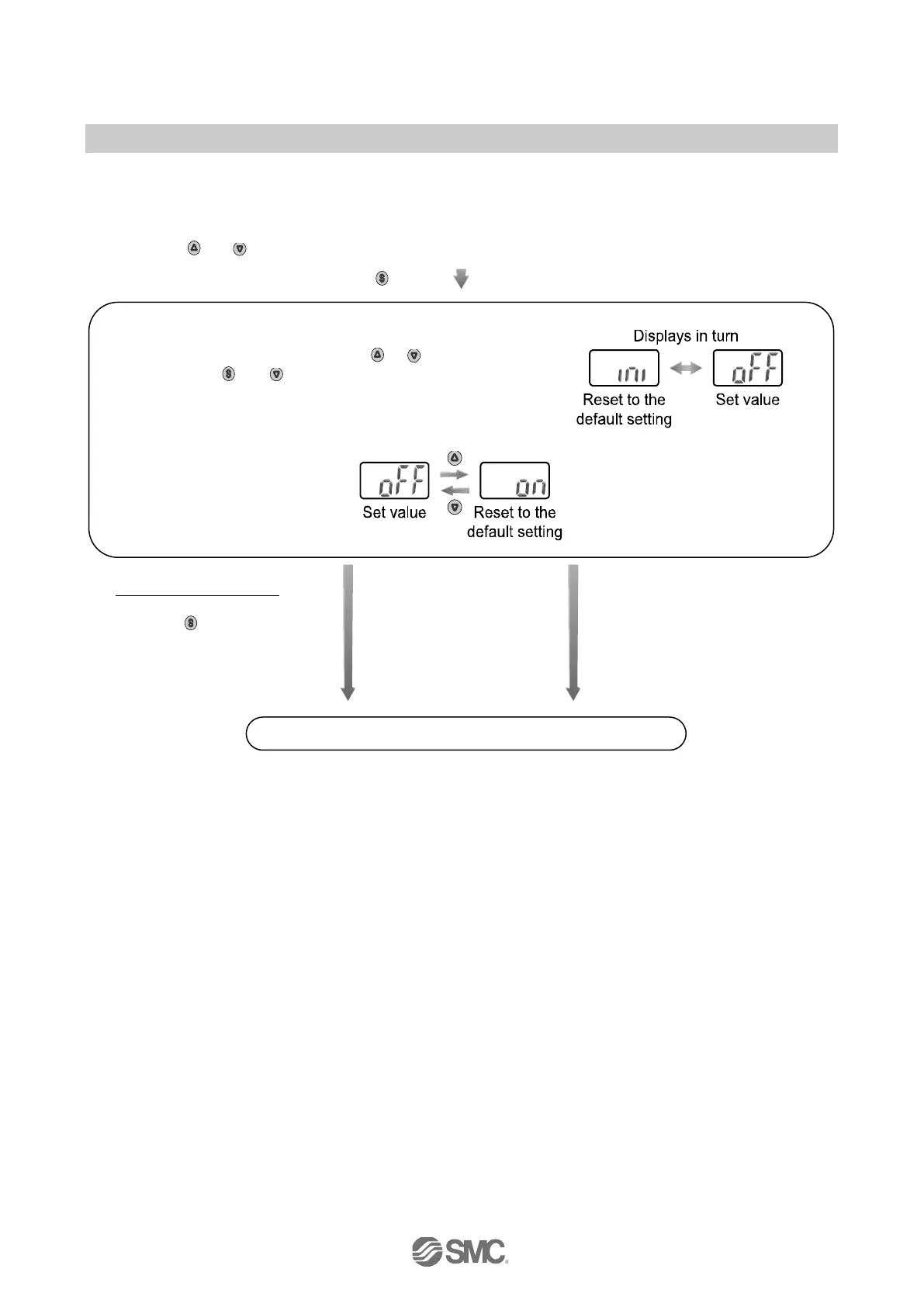
■[F99] Reset to the default setting
If the setting of the pressure switch becomes unknown, the default setting can be restored.
<Operation>
Press the
or button in function selection mode to display [F99].
Press the
button.
Move on to reset to the default setting.
[oFF] (unused) selected
Press the
button to set
Return to function selection
mode.
The setting is reset to the
default setting, and the mode
returns to the function
selection mode.
Setting of [F99] Reset to the default setting completed
Reset to the default setting
Set the display [ON] by pressing the or button,
then press the
and buttons simultaneously for
5 seconds or longer.


 To Next Page
 Loading...