-37-
No.PS※※-OMM0003-J
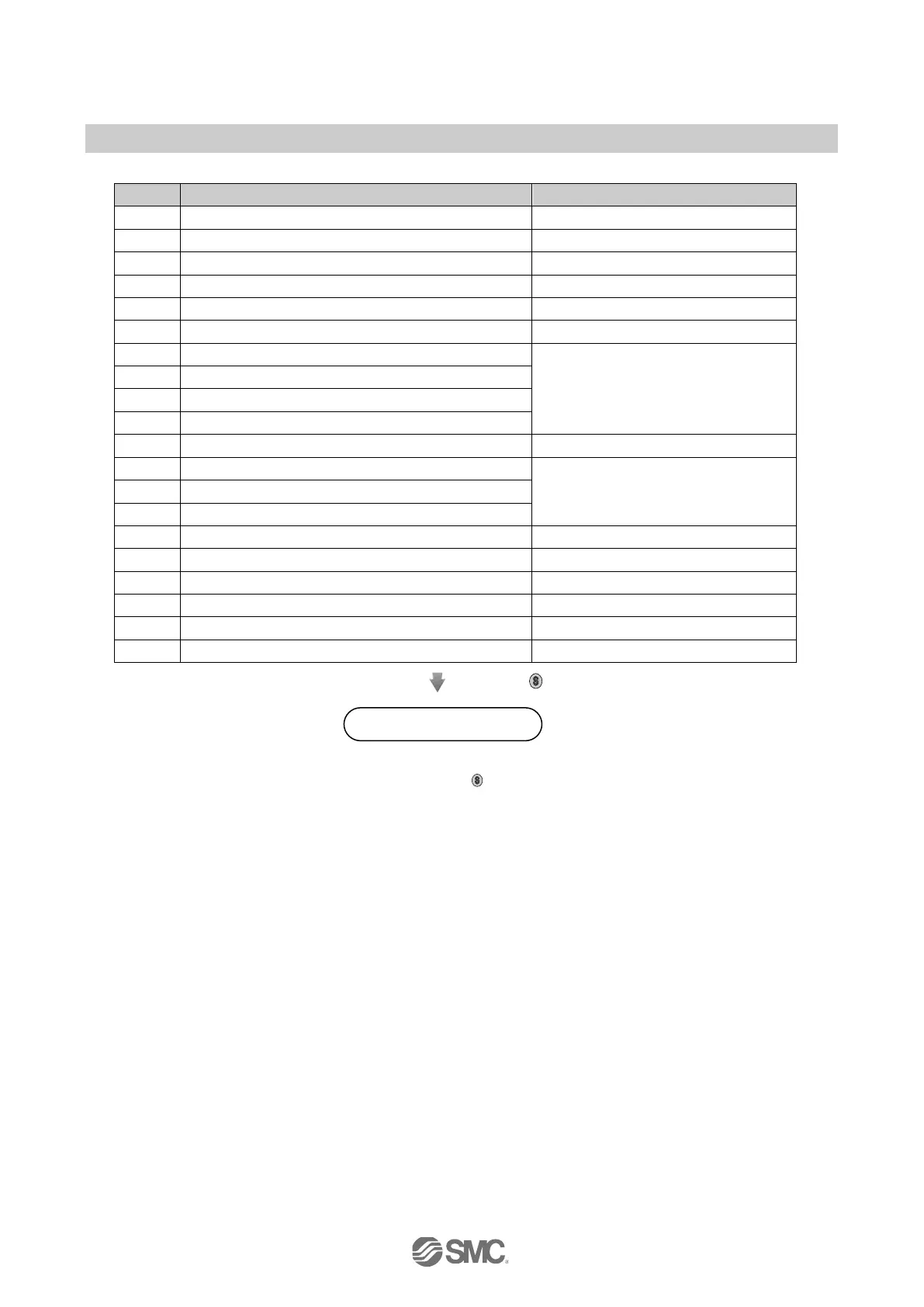
•Order of function setting
Selection of display unit
Model with units selection function
Select output mode (OUT1)
Select reversed output (OUT1)
Setting of pressure (OUT1)
Setting of hysteresis (OUT1)
Setting of display colour
Select output mode (OUT2)
Output for types other than N and P
Select reversed output (OUT2)
Setting of pressure (OUT2)
Setting of hysteresis (OUT2)
Only for output types R, S, T, and V
Fine adjustment of display value
Initialization of fine adjustment of display value
Press the
button for 2 seconds or longer.
Measurement mode
∗: Measurement mode will return from any setting by pressing the button for 2 seconds or longer.
∗: Function that will be set by the return to measurement mode.



 To Next Page
 Loading...