Chapter 5 - Operation and use
30
Translation from the original
5.2 TURNING THE MACHINE ON
Turn the master switch on the operator panel to ON. The display will visualise the machine
model and software version for a few seconds, followed by the last working mode memorised
(sealing or heat shrinking), the active memory and the number of packs wrapped.
5.3 MACHINE OPERATION
SL series machines can package products using two packaging modes. While the machine is
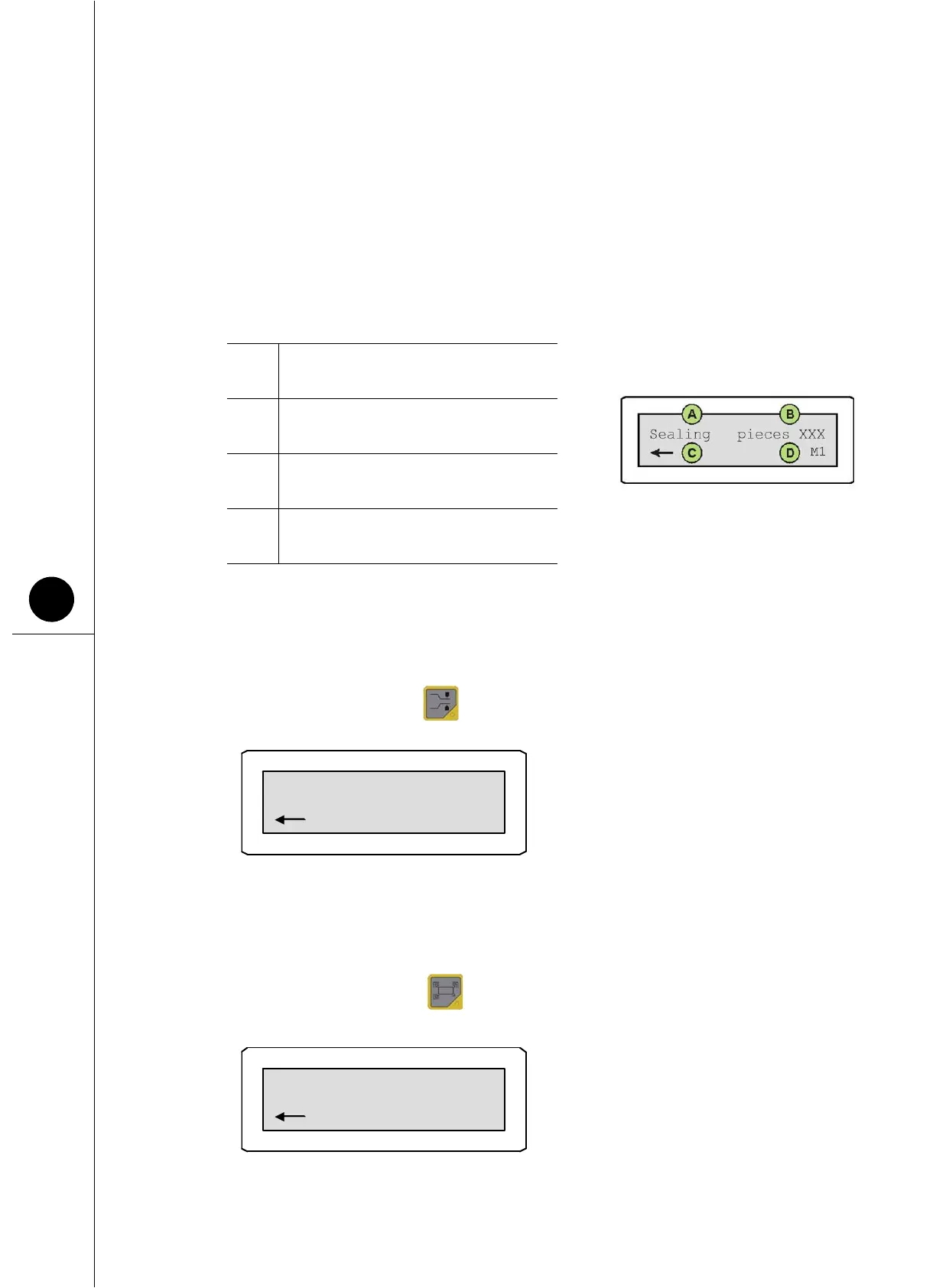
operating, the information A and B shown in the key scroll on the first row of the display.
1) Sealing mode
Sealing mode packages products in slack bags.
To access this mode, press .
2) Heat-shrinking mode
Heat shrinking mode packages products with the bag sticking to the product.
To access this mode, press .
When in heat shrinking mode the message “heating” appears on the operator panel display
A
Indicates the current operating mode
(sealing or heat shrinking).
B
Indicates the number of pieces
packaged.
C
The “arrow” symbol indicates that
the machine is ready for packaging.
D
Indicates the active programmable
memory.



 To Next Page