S
L
series - Use and maintenance manual
33
Translation from the original
5.6 ACCESS TO RESERVED MENU
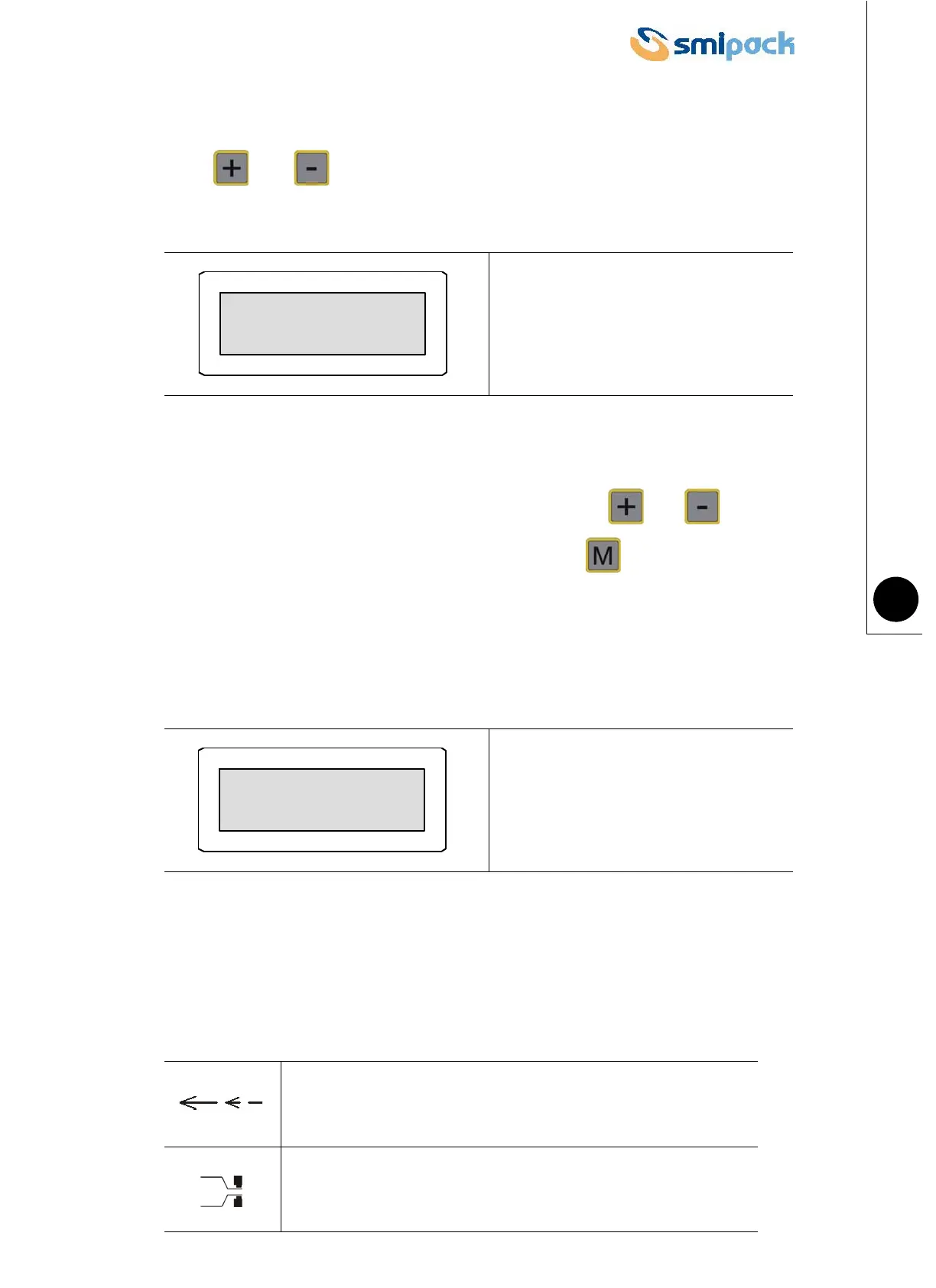
Press and simultaneously to access the reserved menu with the adjustment
parameters calibrated when the machine was test inspected.
Use the password PROGR to access the selection of parameters normally adjusted at
machine inspection.
To enter the password, select the letters of the alphabet with the and ; keys; the
introduction of each character must be confirmed by pressing .
1 • Choosing display language
Menu for adjusting display language.
5.7 DESCRIPTION OF SYMBOLS ON DISPLAY
The following table provides an explanation of the symbols which appear on the machine
operator panel display.
Fig. 5.6.1
Fig. 5.6.2
Tells the operator to introduce the product to be packaged.
Indicates a sealing process in progress.
Password *****
English 1



 To Next Page