82 / 284
4. Preparation to the use of the tunnel
4.7 LEGEND OF THE SYMBOLS AND DISPLAY MESSAGES
Tab. 4.6.2
Pressed key Video page
“F3” e “+” Parameters menu Italiano 0
“+” Parameters menu Francais 1
“+” Parameters menu Deutsch 2
“+” Parameters menu English 3
“+” Parameters menu Espanol 4
2 • Contrast
By pressing the key [
×] you pass to the video page that allows you to set the LCD
contrast.
Fig. 4.6.3
Set the contrast with the keys [+] and [-].
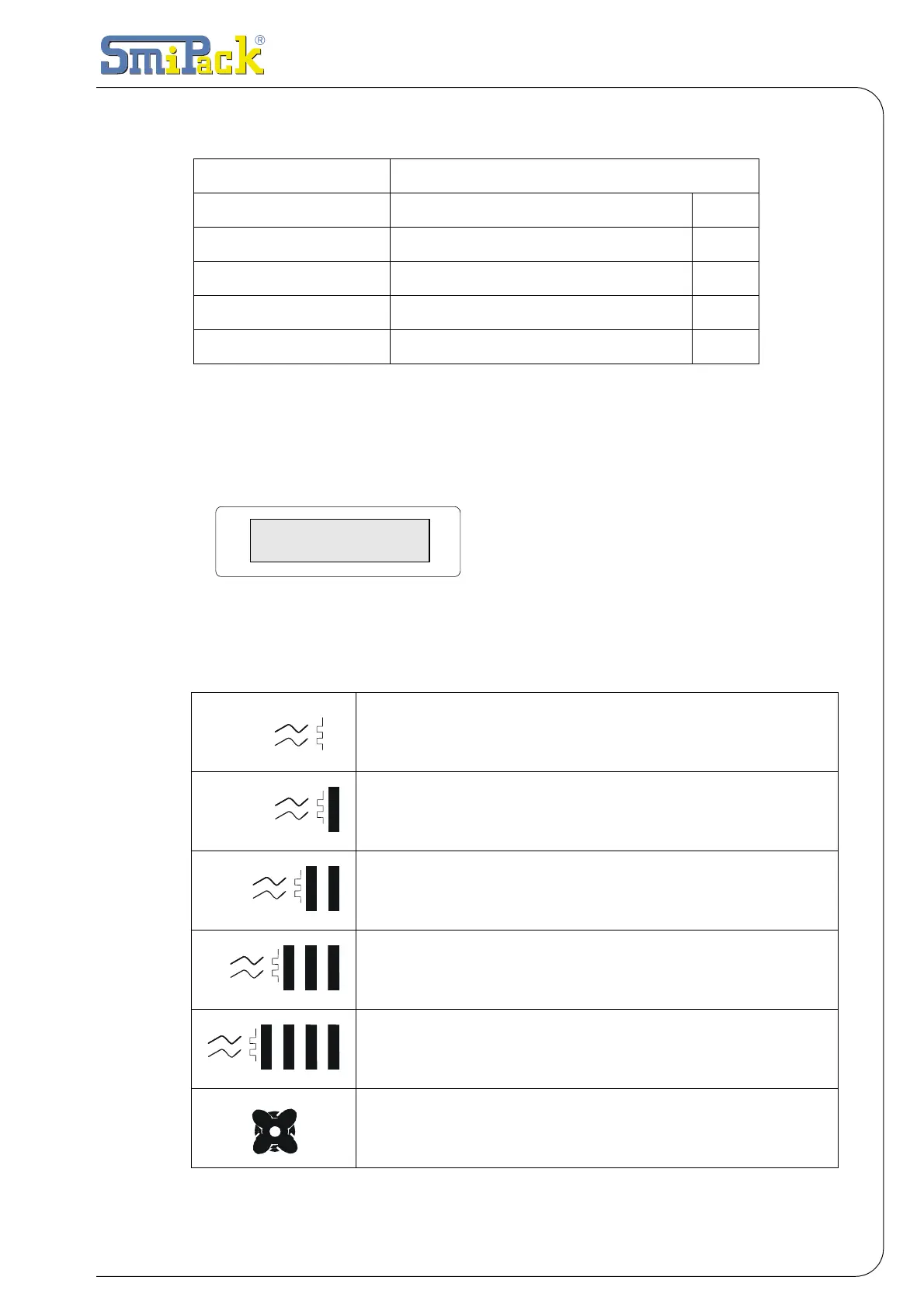
ACTIVE FURNACE HEATING UP STAGE 100%
ACTIVE FURNACE HEATING UP STAGE 90%
ACTIVE FURNACE HEATING UP STAGE 60%
ACTIVE FURNACE HEATING UP STAGE 30%
ACTIVE FURNACE HEATING UP STAGE 0%
HEAT-SHRINKING FANS ON
Menu Parameters
Contrast 240



 To Next Page