BTP-P33 User’s Manual
- 18 -
7Troubleshooting
When the printer has any problem, refer to this chapter for solution.
If the problem still cannot be solved, please contact your local dealer or
manufacturer for assistance.
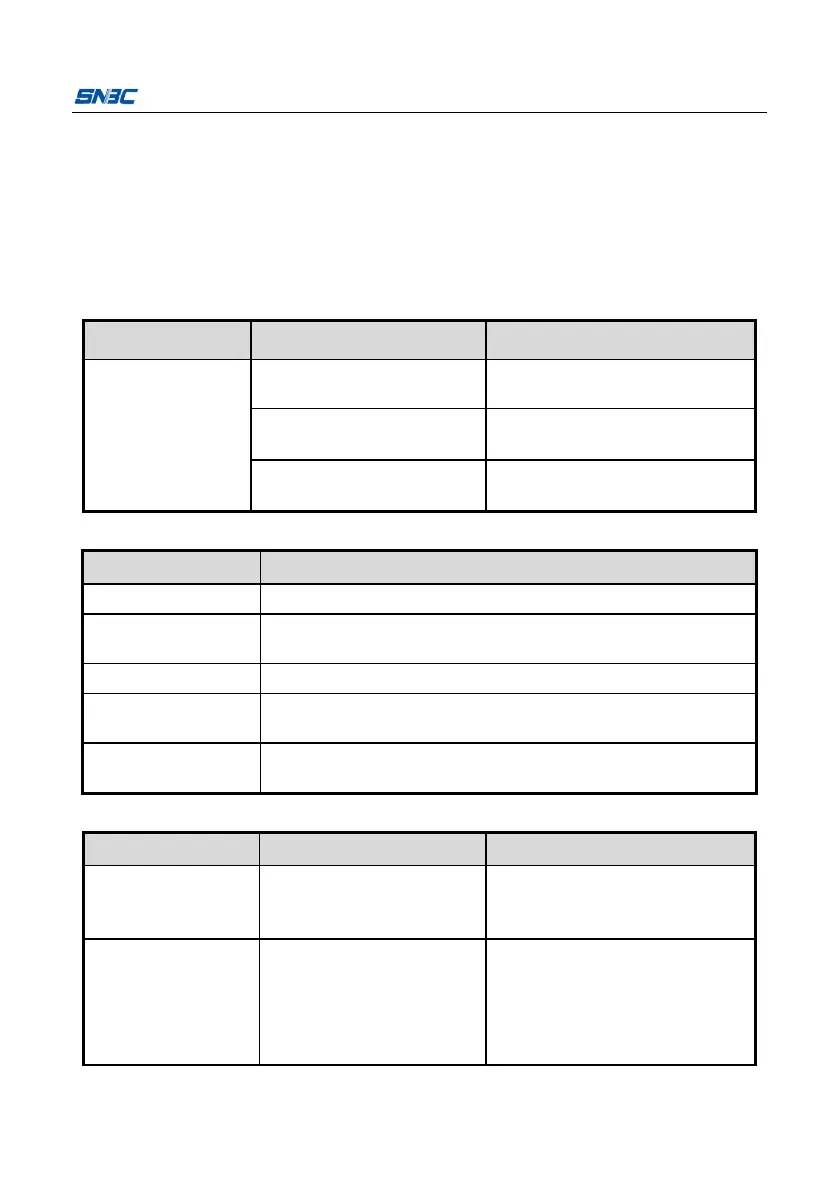
The LCD is off
and the printer
does not work.
The battery has no power.
Please charge the battery or
replace the battery.
The battery does not
connect well.
Take out the battery and
re-install it.
Circuit board is damaged.
Contact your local dealer or
manufacturer.
Replace with new paper roll.
Paper cabinet is
not closed.
Replace with new battery or charge the battery.
Wait for the temperature of print head to come down.
Replace with marked paper or label paper with better
quality, or contact with the manufacturer.
7.3 Problems during printing
Paper cannot be
sent out normally.
Open the top cover, check the
paper feeding path and clear
the jammed paper.
Printer starts
printing but stops
suddenly during
printing.



 To Next Page