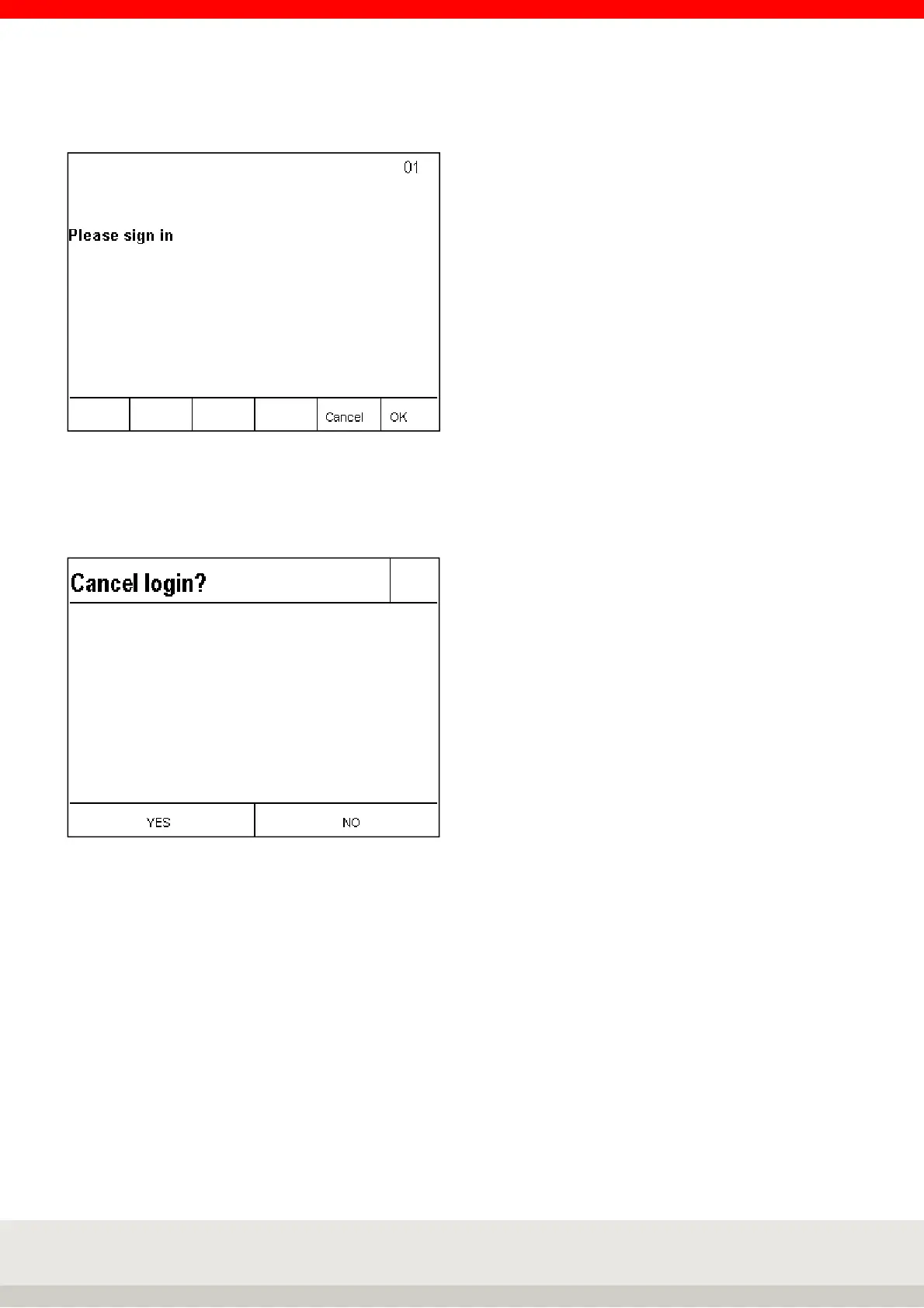
After switching on the terminal or the login call via the Enter key, the query window login appears.
With key F6 OK the registration is activated and a data record with the confirmation of registration is sent,
afterwards the terminal is in weighing mode.
Press F5 Cancel to display the security prompt Cancel login?
Press keys F4 to F6 NO to return to the Login for a new login query window.
With keys F1 to F3 YES the logon is deactivated and an EDP data record with the logon rejection is sent, then
the terminal is in weighing mode.
Activation of password query (external EDP query)
Call up setting mode by pressing the F6 key in the setting functions key level.
Use the arrow key to highlight F4 Terminal, F6 Next.
Use the arrow key to highlight F4 Login function, F6 Next.
Use the arrow key F4 to highlight the password request, F6 to proceed to the password request, then use the
arrow key F4 to select on and press F6 to accept.
For the password request function, the login function setting must be activated.
Without the internal password system in Terminal 3025, only an external EDP password is requested, sent
and released.



 To Next Page