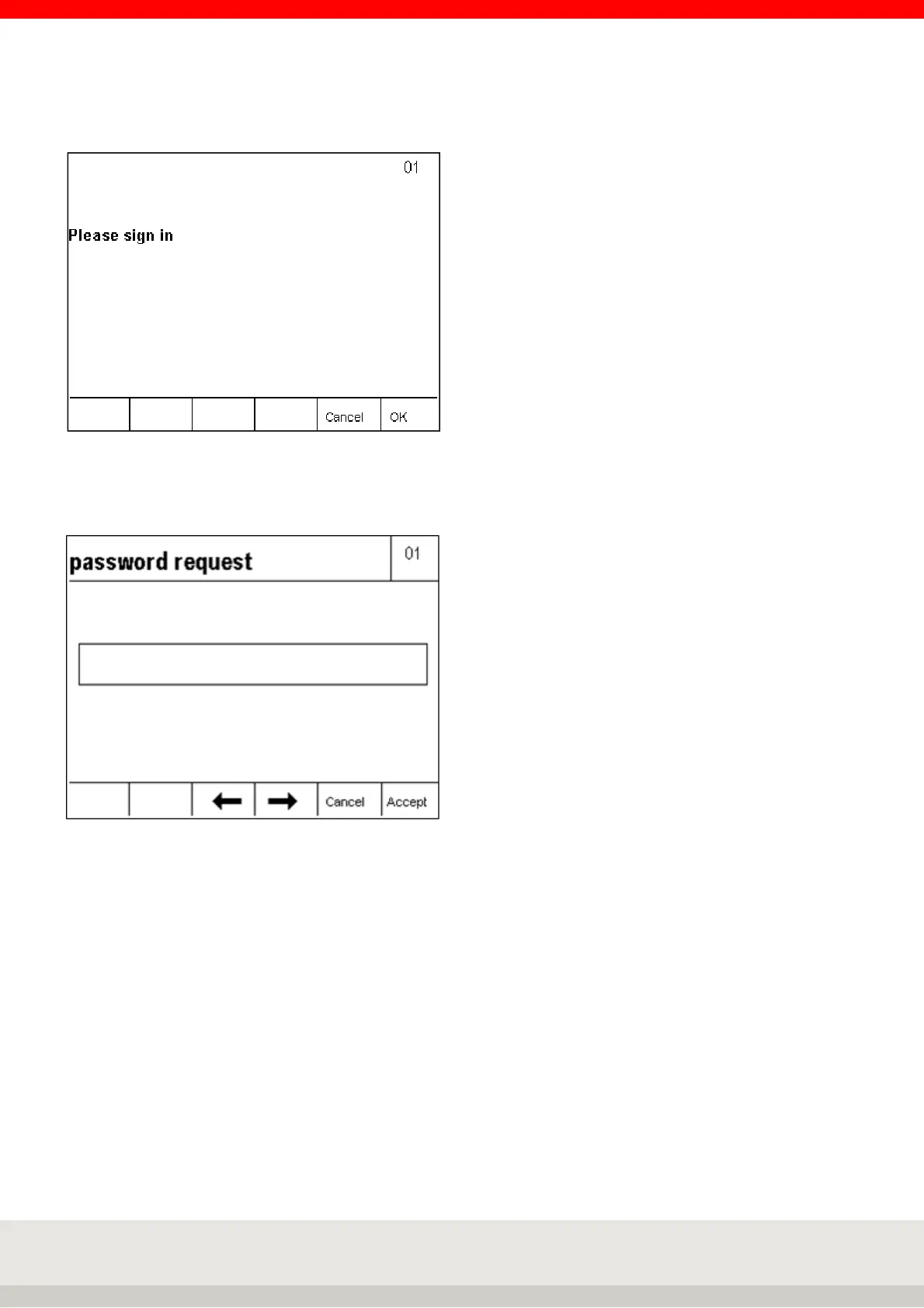
After switching on the terminal or the login call via the Enter key, the query window Login appears.
With key F5 Cancel you get to the menu Security question Cancel login?
Press F6 OK to display the password prompt.
Enter the required password using the keyboard and confirm with the F6 key.
The password with the command code is sent to the computer for verification and release and the hourglass
appears in the display. Within 5 seconds the computer must release the password, if the password release
does not come within this time the security question Login Cancel? appears. Or if an incorrect password is
confirmed (display message Error 02 Incorrect password), the password query is repeated.
If the F5 Cancel key is pressed in the password query, the Login query window appears on the display with its
query sequence.



 To Next Page