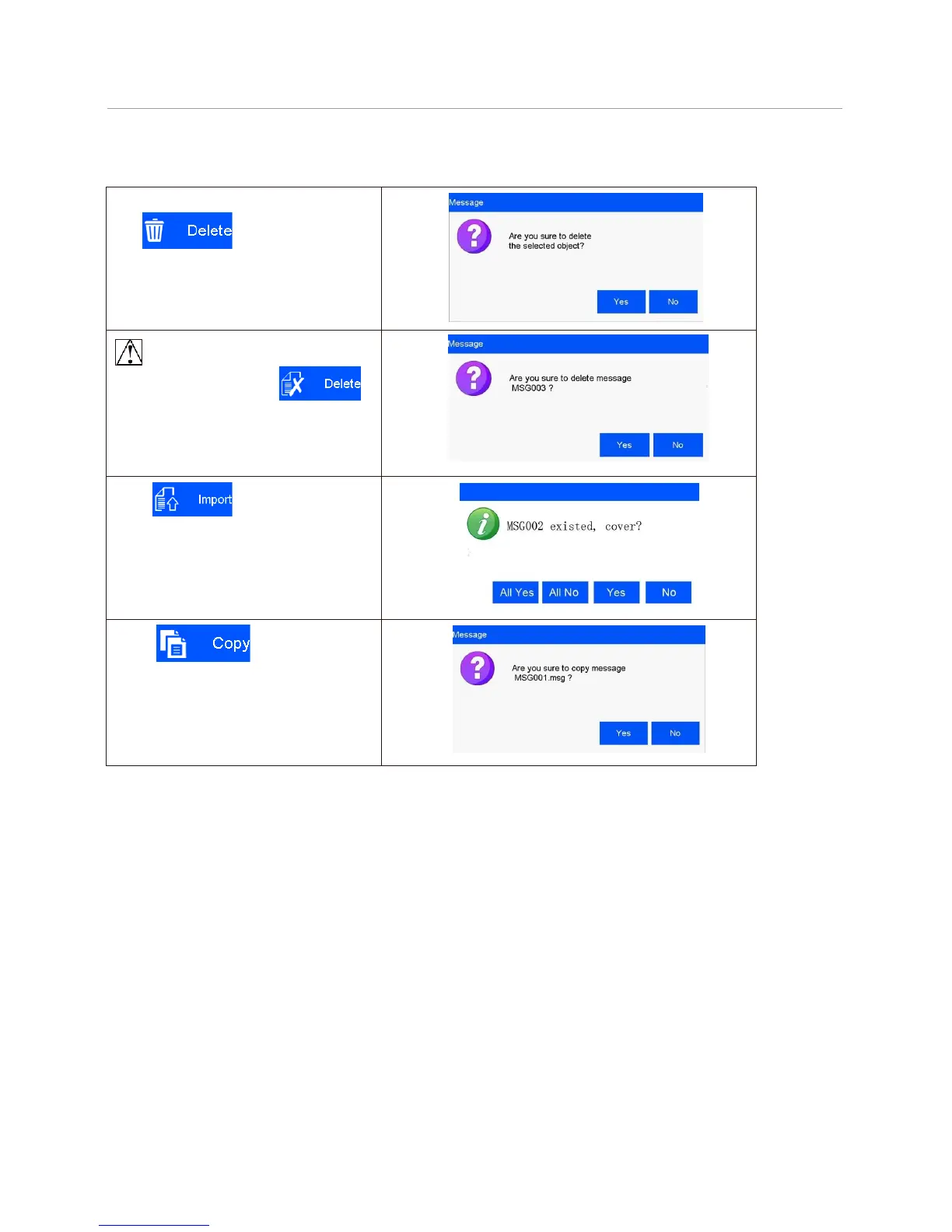
5.3.13 Delete Object or Delete/Import/copy Data
Select an object on data editing interface,
click to delete the object, a
dialog box appears to prompt if you are sure
that you want to delete.
Select a file on the list on data
management interface, click
to delete the file, a dialog box appears to
prompt if you sure that you want to delete .
Note: data in printing process cannot be
deleted.
Click in File Management
interface, it will import all files saved in U
disk under defined route. User will be
prompted if same name already existed.
Before import, insert the U disk firstly.
Select a file and click in
File Management interface, the same
message will be copied and saved as the
same name with “C1” suffix, for example:
MSG002’s copy will be named as
MSG002C1.



 To Next Page