42
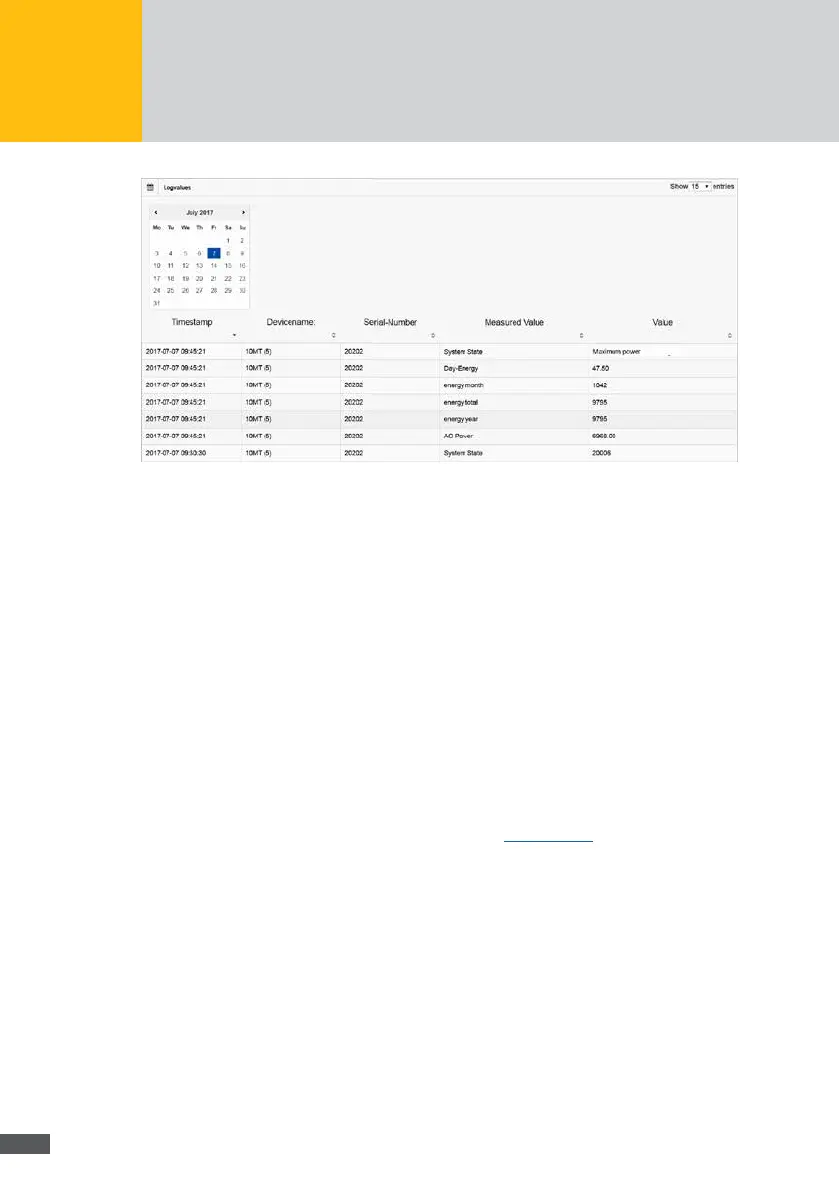
Fig. 30: Depiction of the log values
Select the date for which the log values of your plant shall be displayed in the calendar
eld.
The following data on the log values are displayed:
Time stamp:
time stamp, to which the value has been captured.
Device name:
name of the device for which the log values have been captured.
Serial number:
serial number of the device for which the log values have been captured.
Measured value:
designation of the measured value which has been captured on the selected date.
Value:
log value captured for the specied device.
For a detailed description of all measured values, see Section 6.5.4
Log settings
To specify the time interval at which the time values of the devices are logged and to
dene the sending of data generated from these values, select “Plant/Logging > Log
settings” in the MaxWeb XPN menu.



 To Next Page