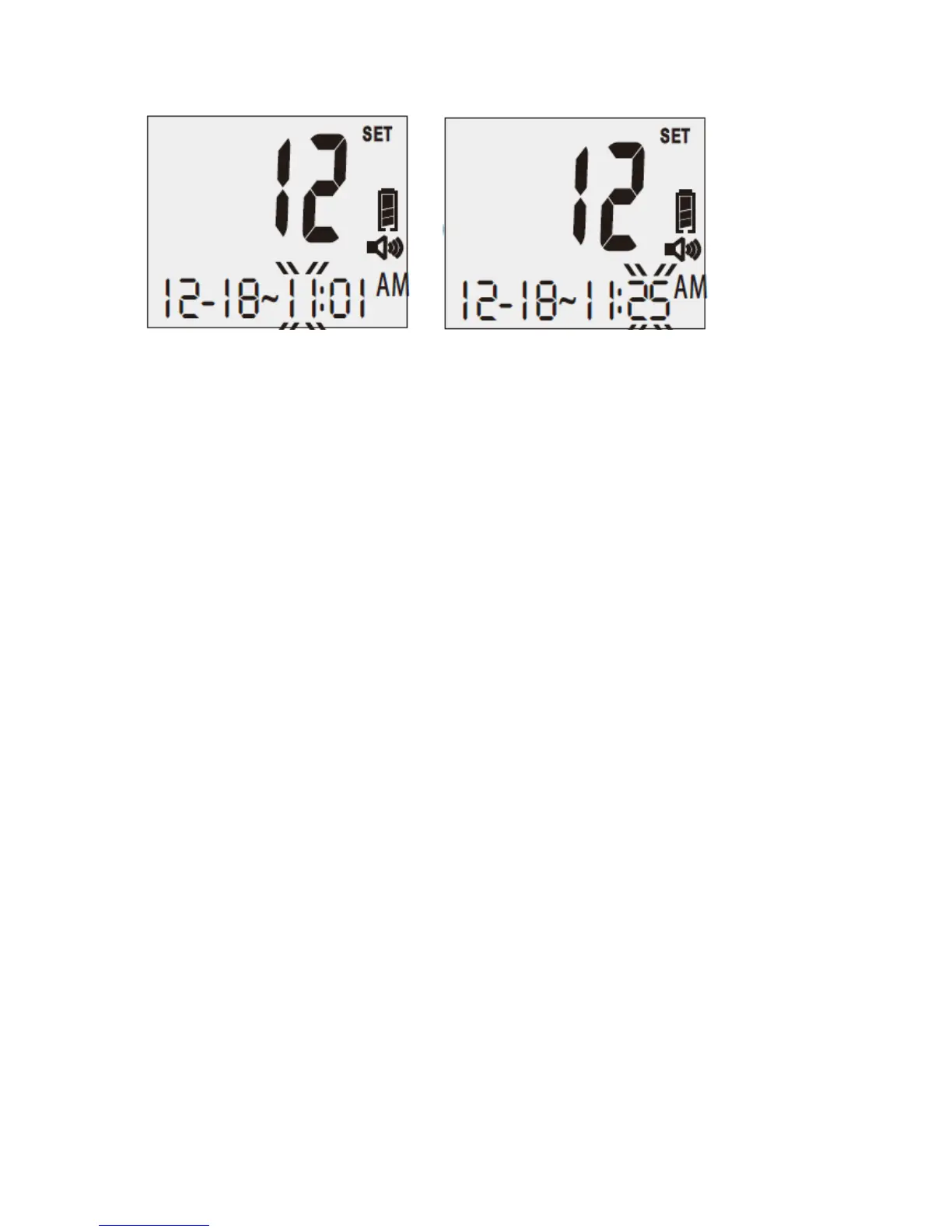
1-17 1-18
7. Set the Alarm Reminder: You will hear: “Please set the alarm. Alarm off. Press the up
button to turn alarm on.” or “Please set the alarm. Alarm on. Alarm set for XX:XX. Press
the up button to turn alarm off.”
7A Turn Alarm Reminder Off:
When you hear “Please set the alarm. Alarm on. Alarm set for XX:XX. Press the up button
to turn alarm off.” Press the up button, alarm will be turned off and you will hear: “Alarm
off.” Press the “R” right function button to exit alarm setting mode. You will enter the next
setting and hear “The unit of measure is milligrams per deciliter. Please set the unit.”
7B Set Alarm Reminder:
If you do not want to change the current alarm setting, press the “R” right function button to
exit the Alarm Setting mode. You will hear “The unit of measure is milligrams per deciliter.
Please set the unit.”
Once you press the “UP” button to turn the alarm on, a small alarm clock icon will be
displayed on the left side of the screen (see Figure 1-19). You will then hear: “Alarm on.
Alarm hour set for XX a.m. (or p.m.). Please set the hour.” The hour segment of “00:00” will
be flashing on the screen.
Press the “Up” or “Down” button to change the alarm hour setting until the desired hour
appears. Press the “R” right function button to confirm the correct hour for the alarm setting.
Each time you adjust the hour, you will hear “The hour is XX a.m. (or p.m.).”
At this point, the minute segment of “00:00” will be flashing on the screen and you will hear:
“Alarm minute set for XX. Please set the minute.” Press the “Up” or “Down” button until
the desired reminder minute appears on the screen. Each time you adjust the minute, you
will hear “The minute is XX.” Press the “R” right function button to confirm the setting. If
you have set the alarm to 8:45 a.m., You will hear “Alarm Reminder is set to 8:45 a.m.” and
the meter will move to the next setting (see Figure 1-20).



 To Next Page