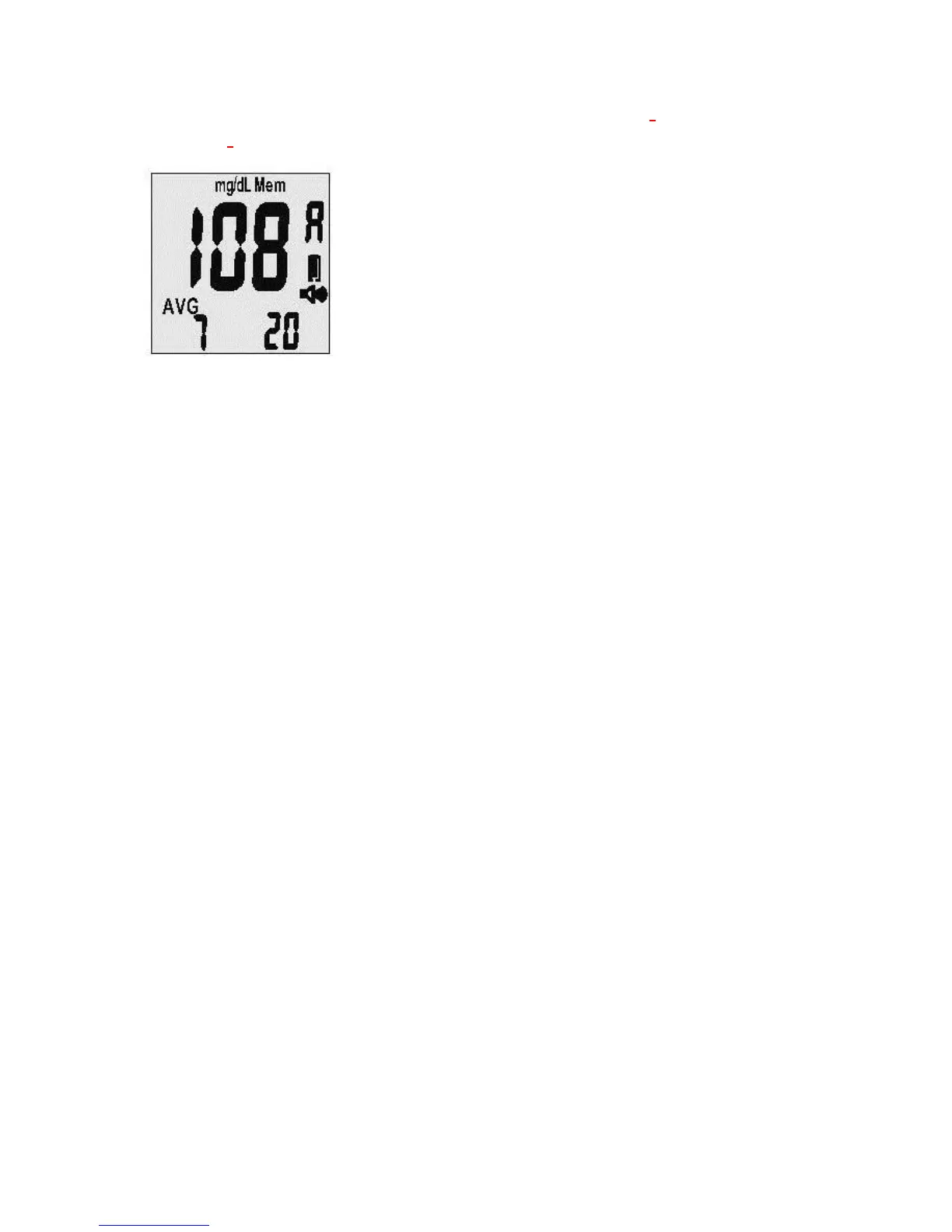
The screen will display the average reading with a “b” for “Before-Meals” tests or an “A” for
“After-Meals” tests (see Figure 4-5).
4-5
Note:
1. Out-of-range high and low test results will not be stored in the memory.
2. Do not insert the strip into the meter when you want to recall test results in memory.
3. The average readings in the meter memory are calculated from the results obtained during
the 7, 14, 28, 60 and 90 calendar days preceding the current date and time settings.
Downloading Your Test Results with the MyMeterLink System
The Solus V2 Glucose Meter allows you to transfer test results stored in its memory to an
online database called MyMeterLink. You will need a standard mini-USB cable to connect
your Solus V2
to your PC. If you do not have a mini-USB cable, please contact BioSense
Customer Service at (877) 592-3922. You can register for the MyMeterLink system at
www.MyMeterLink.com.



 To Next Page