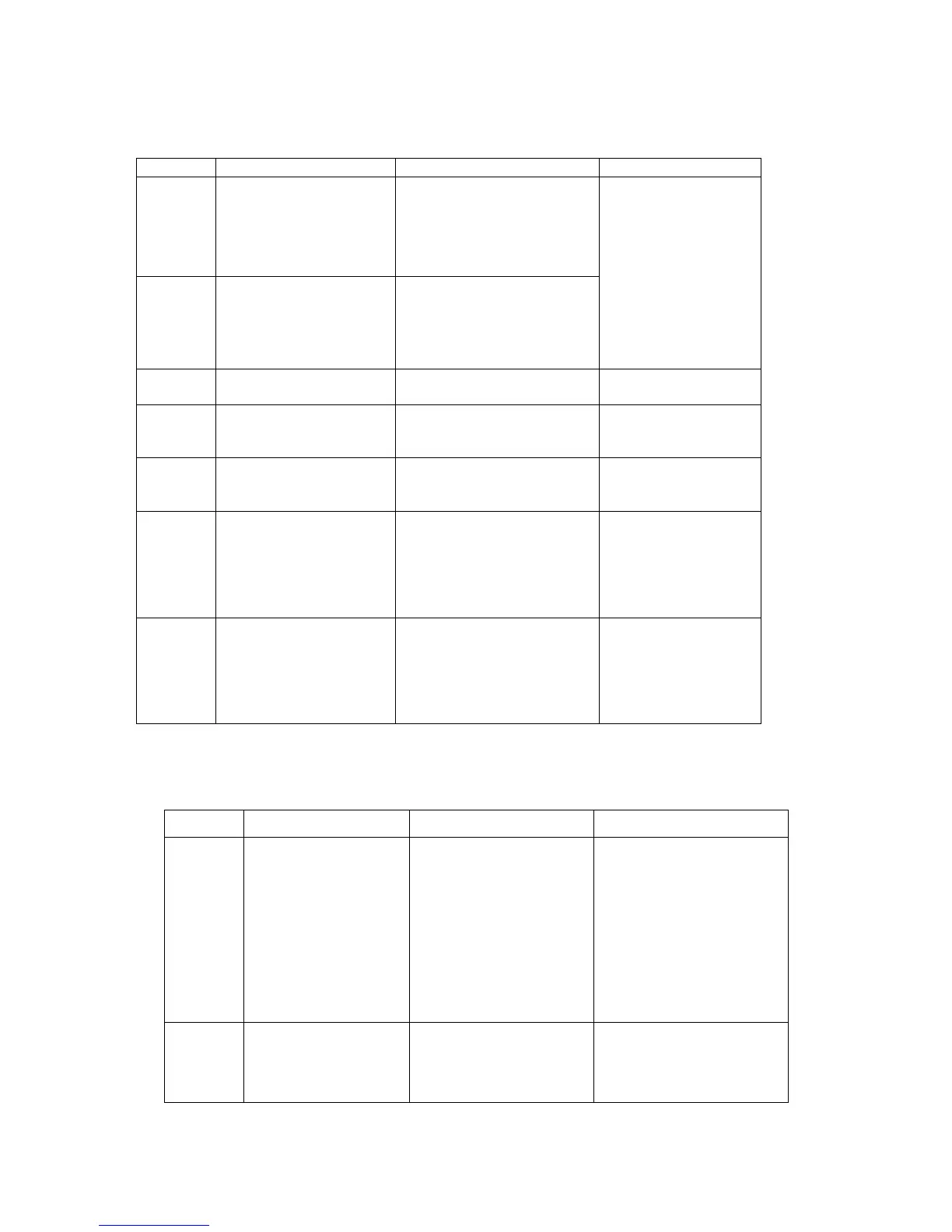
Troubleshooting Your Meter
Error Messages
The temperature is too
low.
The meter is operating in an
ambient temperature below
10
o
C or 50
o
F, which is the
lowest range of operating
temperature.
The system operation
range is 10
o
C to 40
o
C
(50
o
F to 104
o
F).
Repeat the test when
the temperature is
within the range.
The temperature is too
high.
The meter is operating in an
ambient temperature above
40
o
C or 104
o
F, which is the
cap of operating
temperature.
The battery is too low to
operate the meter.
Replace the battery
immediately.
The blood sample is not
sufficient.
Re-test with a new
strip and a new blood
sample.
The inserted test strip has
been wet or used.
Re-test with a new
test strip and a new
blood sample.
The meter is not working
properly, either because of a
defective meter or a
defective strip.
Re-test with a new
strip. If error message
“E_6” is still
displayed, contact
your local distributor
for technical support.
The memory chip of the
meter could be damaged or
malfunctioning.
Re-test with a new
strip. If error message
“E_7” is still
displayed, contact
your local distributor
for technical support.
The glucose level is
too low.
The test result is lower
than the minimum of
20 mg/dL
(1.1 mmol/L).
Test again following the
user guide for the correct
glucose measurement
process. If you see “LO”
again, please call your
medical doctor for advice
immediately.
The glucose level is
too high.
The test result is higher
than the maximum of
600 mg/dL
Test again following the
user guide for the correct
glucose measurement



 To Next Page