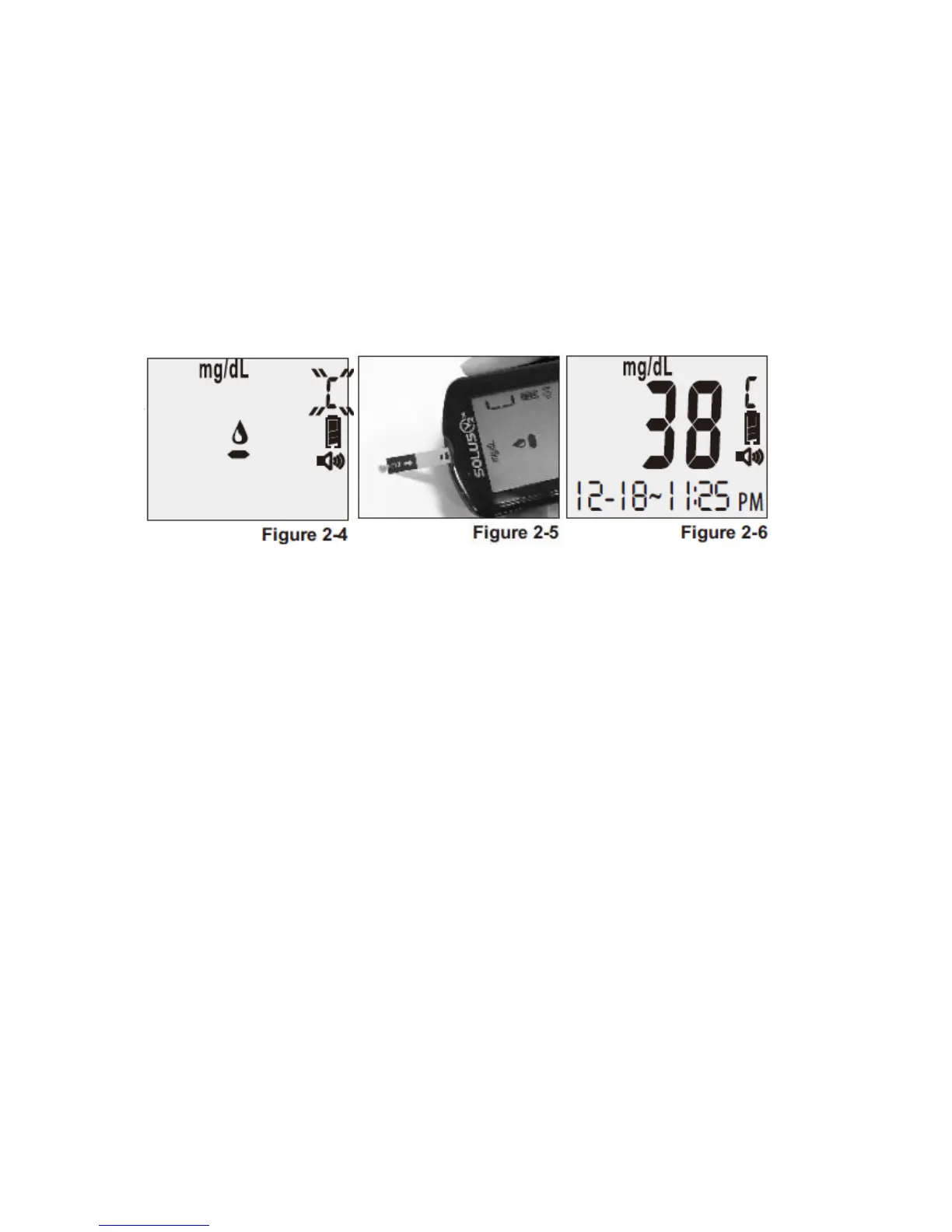
and apply it to the front edge of the test strip. You will hear: “Testing in process” (see
Figure 2-5).
4. Wait six (6) seconds and the meter will display the result. You will then hear: “The
glucose level is [number/unit]” (see Figure 2-6).
5. Remove the used strip. The meter will power off with a display of “OFF” and you will hear:
“Goodbye.”
6. Compare the reading you received from your meter to the appropriate control range
found on the bottle of strips. If the control test falls into range, you know your meter is
testing accurately.
Note:
1. If the meter, test strips and control solutions are moved from one temperature to another,
allow thirty (30) minutes for them to adjust to the new temperature before performing a
control test.
2. You must press the “R” right function button only once to set the meter to “Control Test”
mode before running the test. Do not perform the blood test in “Control Test” mode if
you want to save the test result in the meter’s memory.
3. Use only Solus V2 control solution with the Solus V2 Glucose Meter.
4. Solus V2 control solutions are used to confirm the accuracy of the meter and the test
strips.
5. Solus V2 control solution contains a known amount of glucose that reacts with test strips.
The low- and high-level control solutions are intended to check the management system
in different measurement ranges.
6. To ensure an accurate result, make sure to gently roll the control solution in the palm of
your hand. Then discard the first drop.
7. Use for only three (3) months after first opening the solution. Record the open date on
the control solution bottle. Discard after three (3) months.
8. Compare your control solution test results with the expected range printed on the test
strip bottle label. If your glucose control results fall outside the expected range, repeat
the test. Results that repeatedly fall outside the expected range may indicate:
(1)The control solution test may not be performed correctly.



 To Next Page