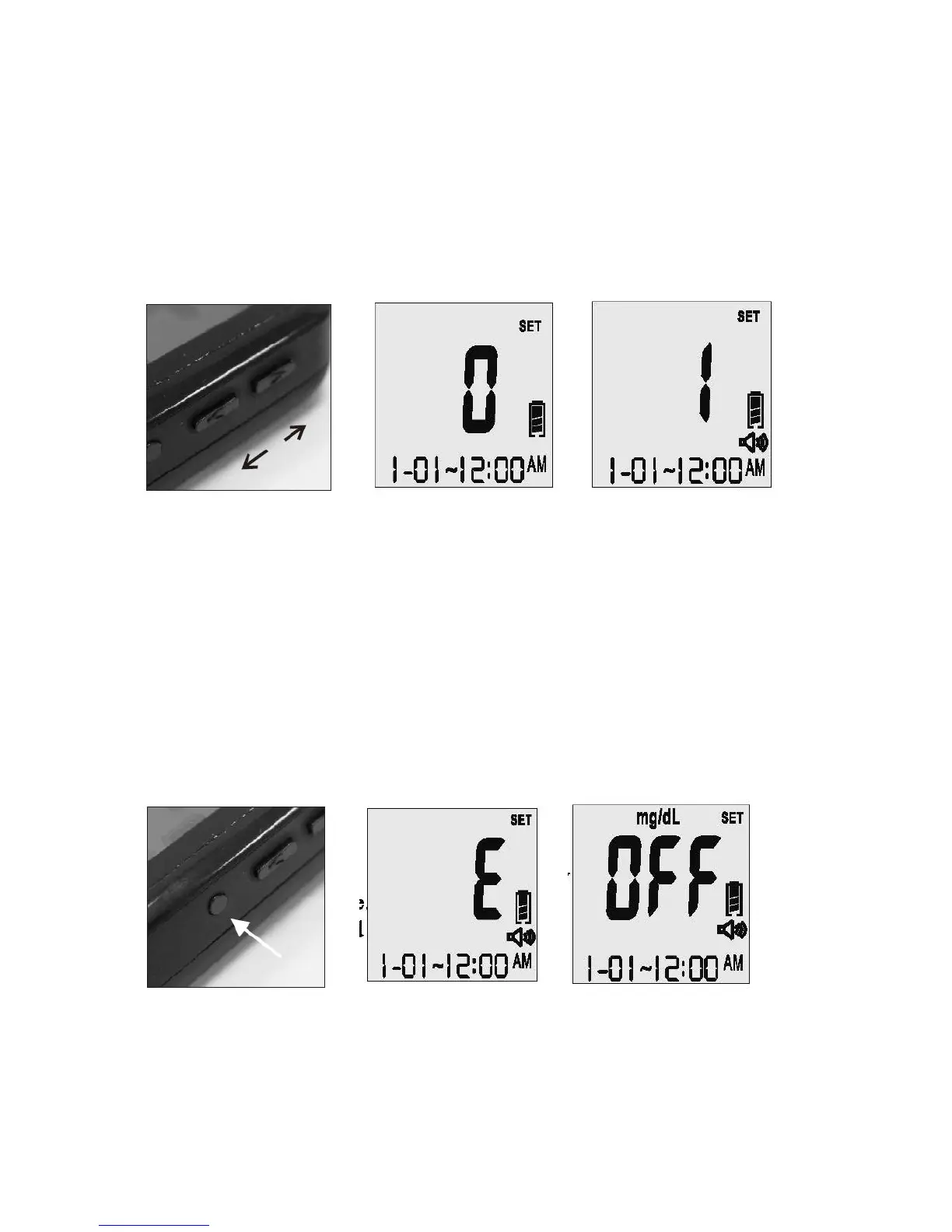
When the meter is in the “OFF” position, the voice volume of the meter can be adjusted by
pressing the “Up” or “Down” buttons. There are eight (8) different volume settings ranging
from OFF (0) to a volume level of seven (7).
To mute the volume, simply set the meter to “0” and you will hear “Voice Off.” The speaker
icon will disappear from the LCD screen (see Figure 1-5, 1-6).
1-4 1-5 1-6
On the right side of the meter, you will find a small, round button (see Figure 1-7).
To toggle between English and Spanish, simply press the round button twice. The first time
you push the button, the meter will speak the current setting. If you push the button a
second time, you will switch to the alternate language. The screen will show “E” or “S”
indicating your current setting. You will also hear “English” or “Español” (see Figure 1-8).
Once your current setting is established, the meter will automatically shut off in two (2)
seconds and say “Goodbye”. The screen will display “OFF” along with the date and time
when the meter is turned off. This will not affect the battery life (see Figure 1-9).
1-7 1-8 1-9



 To Next Page