GM47/GM48 INTEGRATOR’S MANUAL
30
LZT 123 7263 R1A
2.1 Start up Check List
To use the developer’s kit in standard format check the following:
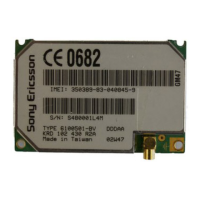
• With the case lid removed, make sure the GM47 module is plugged
into J4 and the RF lead is connected to the rear of the module;
• Add your SIM card;
• Check the jumpers are in their default positions. Refer to Figure 2.3;
• Connect the serial cable between your computer and UART1 on the
rear panel;
• Connect the antenna to the RF connector on the rear panel;
• Connect the audio equipment if required;
• Plug the external power supply into the socket marked 12v on the
front panel;
• Switch Vcc to ON;
• Push ON/OFF for at least 2 seconds until the yellow VIO LED is on.
Your developer’s kit should now be operational and ready to receive AT
commands.


 To Next Page