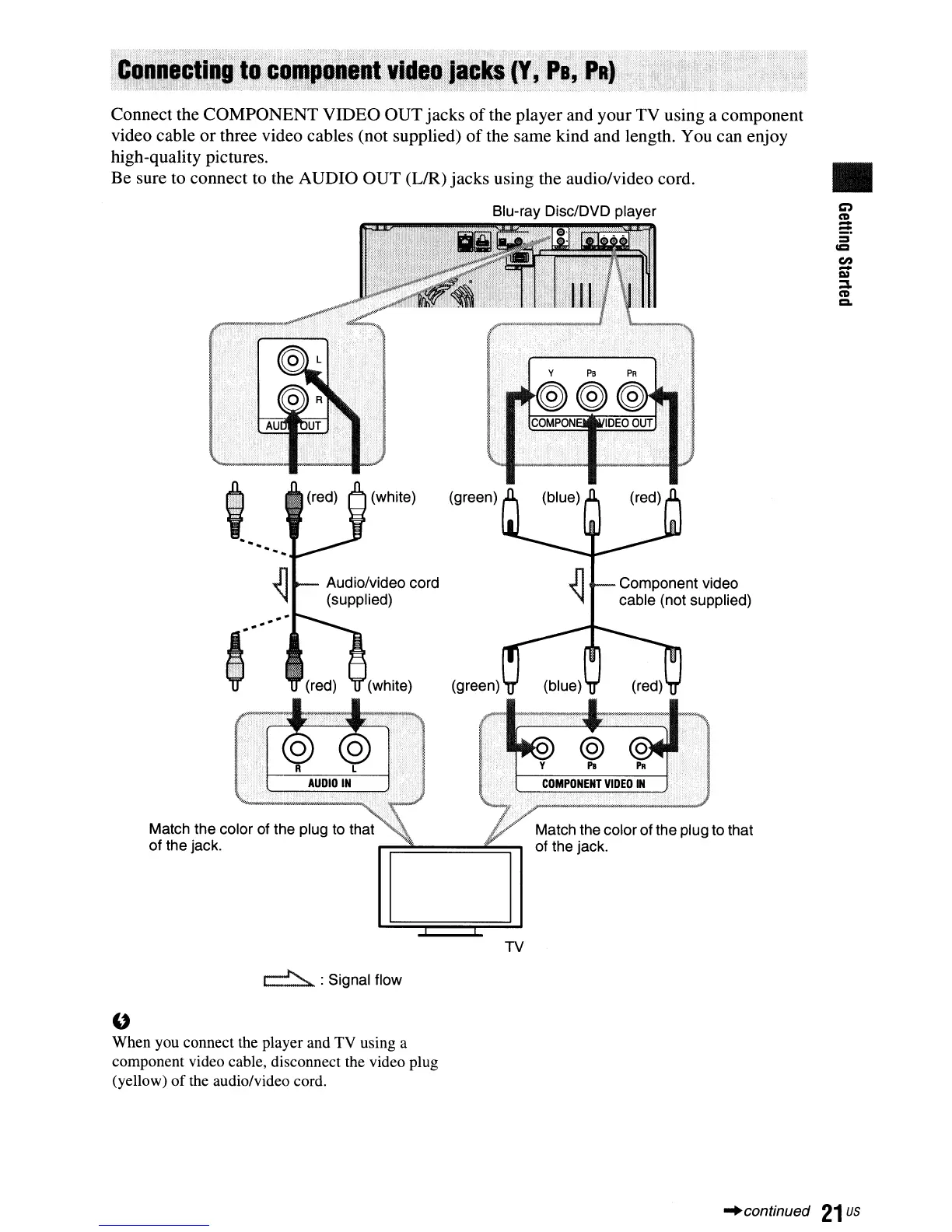
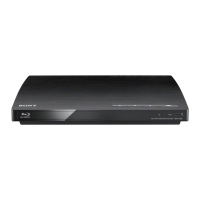
Connect the COMPONENT VIDEO OUT jacks
of
the player and your TV using a component
video cable or three video cables (not supplied)
of
the same kind and length. You can enjoy
high-quality pictures.
Be sure to connect to the AUDIO OUT
(UR)
jacks using the audio/video cord.
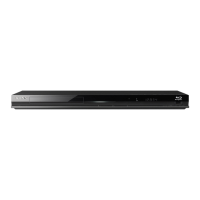
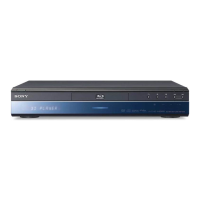
Blu-ray Disc/DVD player
Match the color of the plug to that
of the jack.
~
: Signal flow
"
When you connect the player and TV using a
component video cable, disconnect the video plug
(yellow)
of
the audio/video cord.
TV
Match the color of the plug to that
of the jack.
•
C)
CD
-
:::
=
ICI
en
-
I»
:::I.
CD
Q,
"continued
21
us


 To Next Page