•
./+/+/+/
o
OPTIONS
()
()
HOME
-+-:,=~
1
Select
a
track
you
want
to
add
to
a
Playlist,
and
press
OPTIONS.
The
options menu appears.
2
Select"
Add
to
Playlist"
using
+/+,
and
press
0.
3
Select
a
Playlist
number
using
+/+,
and
press
0.
The
selected track is added to the
Playlist.
To
playa
Playlist
1 Press
HOME
and select n (Music)
using
+1+.
2 Select
II
(Playlists) using
+1+,
and
press
0.
3 Select a Playlist using
+1+,
and
press
~
PLAY.
.:J
..
*1
lllli."l'jil
*2
Kij
••
l'hilZllM
*3
*1 BD-ROMs and BD-REsIBD-Rs containing MP3
audio tracks
*2
DVD-ROMs and DVD+RWs/DVD+RsIDVD-
RWs/DVD-Rs containing MP3 audio tracks
*3
CD-ROMs and CD-RWs/CD-Rs containing
MP3 audio tracks
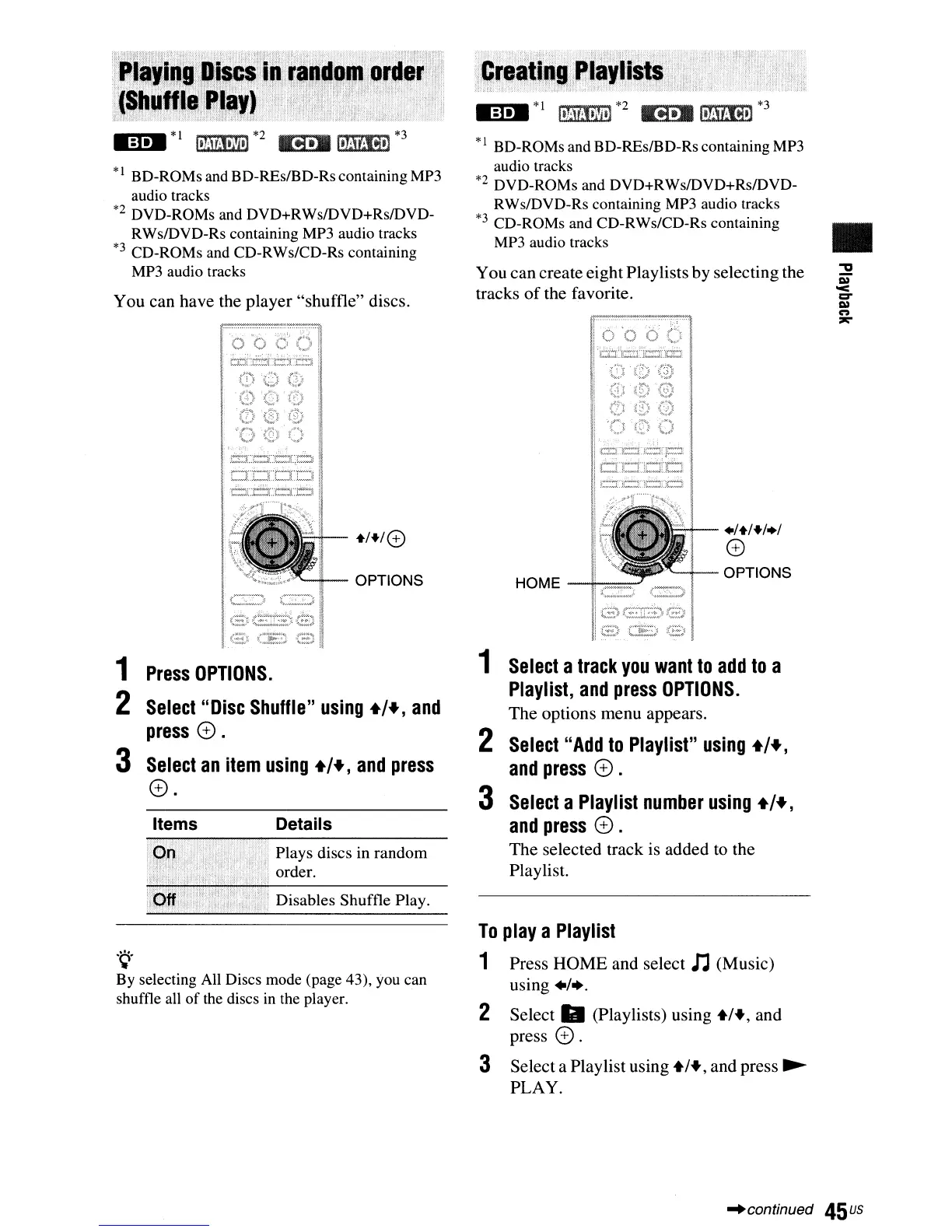
You
can
create eightPlaylists
by
selecting the
tracks
of
the favorite.
+/+/0
"--ii-
OPTIONS
Disables
Shuffle Play.
Plays
discs
in
random
order.
DetailsItems
.~.
By selecting All Discs mode (page 43), you can
shuffle all
of
the discs in the player.
1
Press
OPTIONS.
2
Select
"Disc
Shuffle"
using
+/+,
and
press
0.
3
Select
an
item
using
+/+,
and
press
0.
M:uM
*1
hWi,1.}i,!
*2
K!).BI,mlJij,]
*3
*1 BD-ROMs and BD-REs/BD-Rs containing MP3
audio tracks
*2
DVD-ROMs and DVD+RWsIDVD+RsIDVD-
RWs/DVD-Rs containing MP3 audio tracks
*3
CD-ROMs and CD-RWs/CD-Rs containing
MP3 audio tracks
You can have the
player
"shuffle"
discs.
-'continued
45
us



 To Next Page