Step
9:
Loading
Disc
Information
The player reads the disc infonnation
of
all
the unknown discs and loads it all into
memory so that disc type, titles, and other text
information can be displayed on the list.
•
•
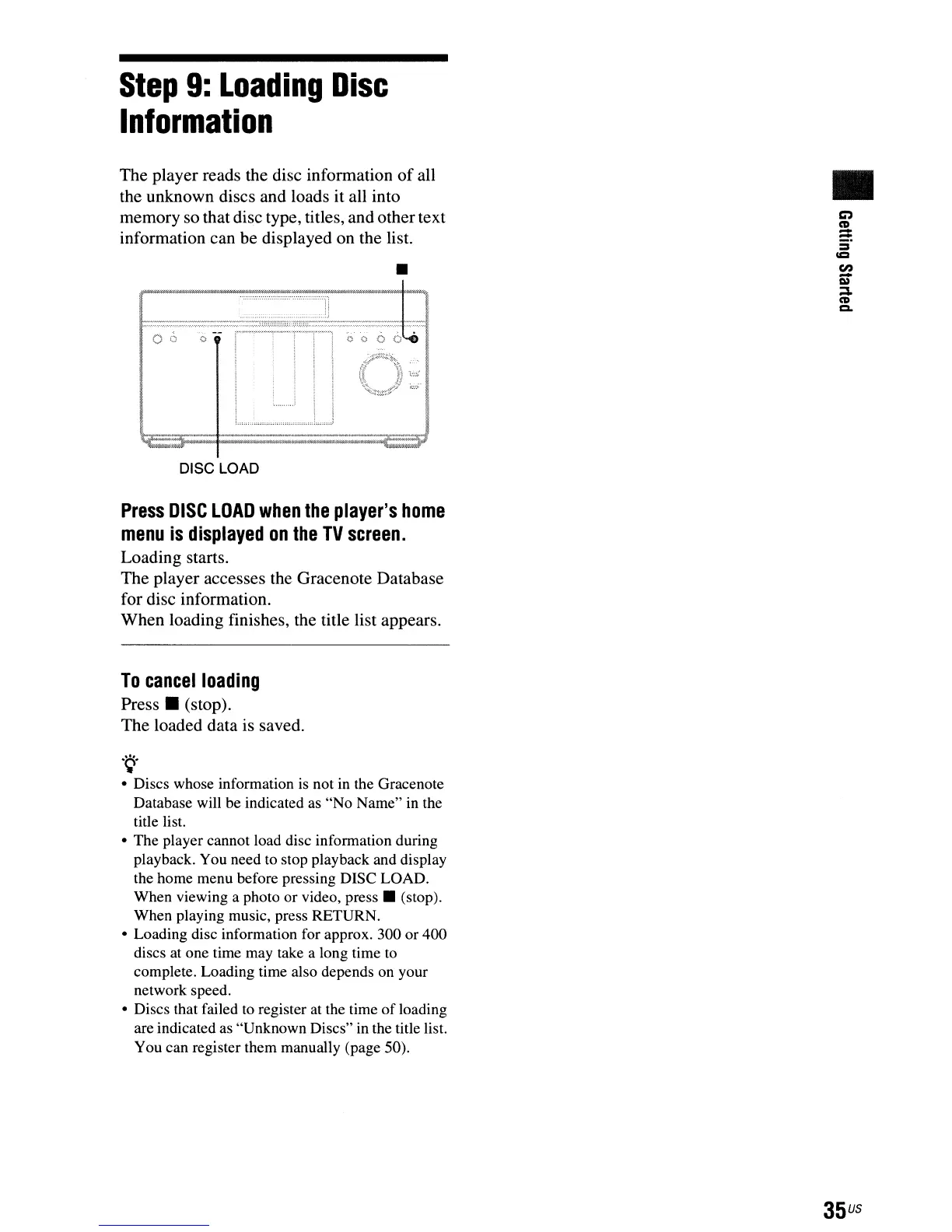
DISC LOAD
Press
DISC
LOAD
when
the
player's
home
menu
is
displayed
on
the
TV
screen.
Loading starts.
The player accesses the Gracenote Database
for disc information.
When loading finishes, the title list appears.
To
cancel
loading
Press.
(stop).
The loaded data is saved.
.
~.
• Discs whose information
is
not in the Gracenote
Database will be indicated as "No Name" in the
title list.
• The player cannot load disc information during
playback. You need to stop playback and display
the home menu before pressing DISC LOAD.
When viewing a photo or video,
press.
(stop).
When playing music, press RETURN.
• Loading disc information for approx. 300 or 400
discs at one time may take a long time
to
complete. Loading time also depends on your
network speed.
• Discs that failed to register at the time
of
loading
are indicated as "Unknown Discs" in the title list.
You can register them manually (page 50).



 To Next Page