To
view
best
quality
images
If
you have a Sony TV compatible with
"PhotoTV HD," you can enjoy best quality
images by the following connection and
settings.
1 Connect the player to the TV using an
HOMI
cable (not supplied).
2 Set "HDMI Resolution"
of
"Output
Video Format" to "Auto," "1080i," or
"1080p" in the "Video Settings" setup
(page 65).
3 Set the
TV's
video setting to [VIDEO-A]
mode.
For details on [VIDEO-A], refer
to
the
operating instructions supplied with the
TV.
*1
BD-ROMs and BD-REsIBD-Rs containing
JPEG image files
*2 DVD-ROMs and DVD+RWs/DVD+RsIDVD-
RWsIDVD-Rs containing JPEG image files
*3
CD-ROMs and
CD-RWs/CD-Rs
containing
JPEG image files
rg:~6,£l
[i)
CD
'(~)
I
(i)
i;)
{J
I
e
{E>
·o·\k>
..
<
..
.J
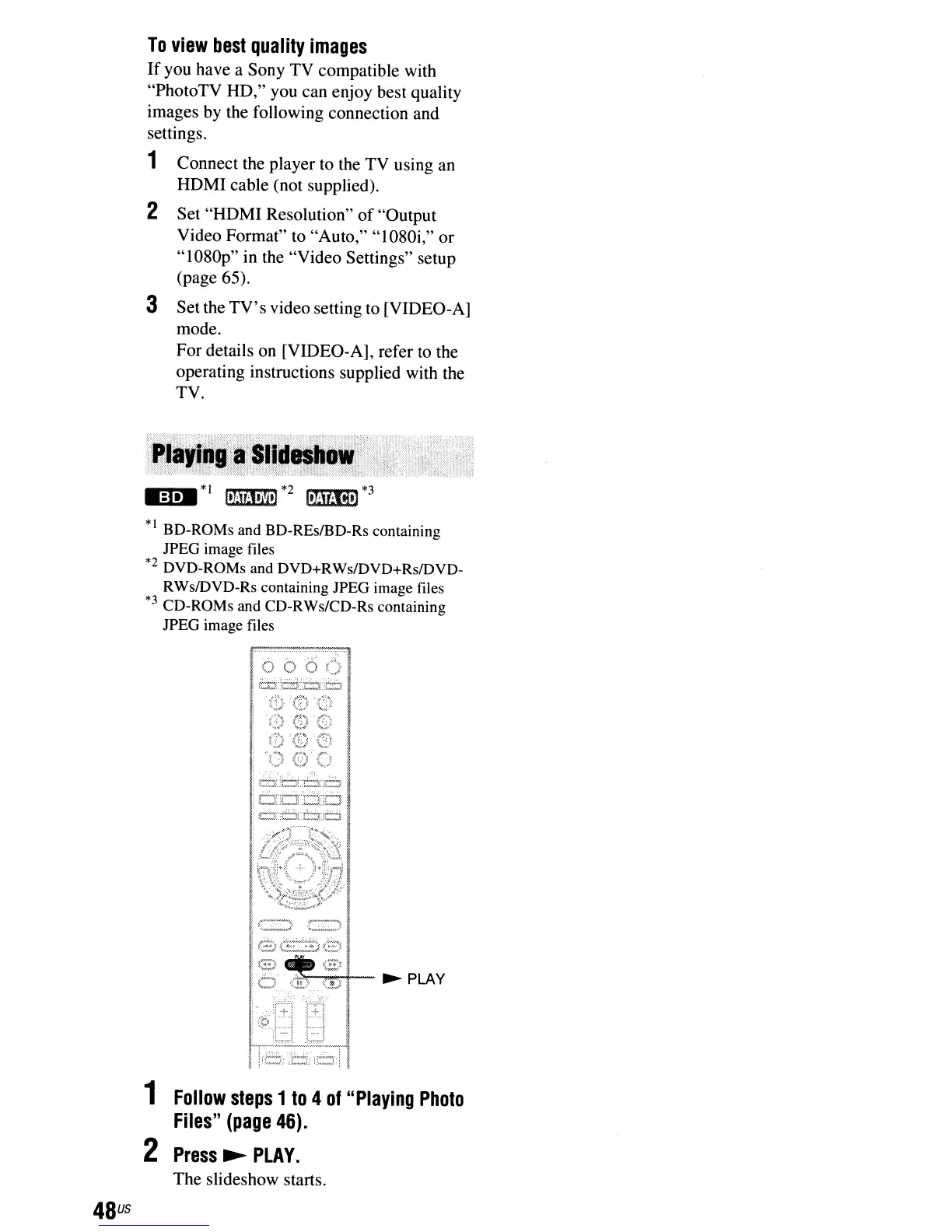
~PLAY
48
us
1
Follow
steps
1
to
4
of
"Playing
Photo
Files"
(page
46).
2
Press
~
PLAY.
The slideshow starts.



 To Next Page