56
us
Remote Control
Features
Operating
the
Player
and
Other
Components
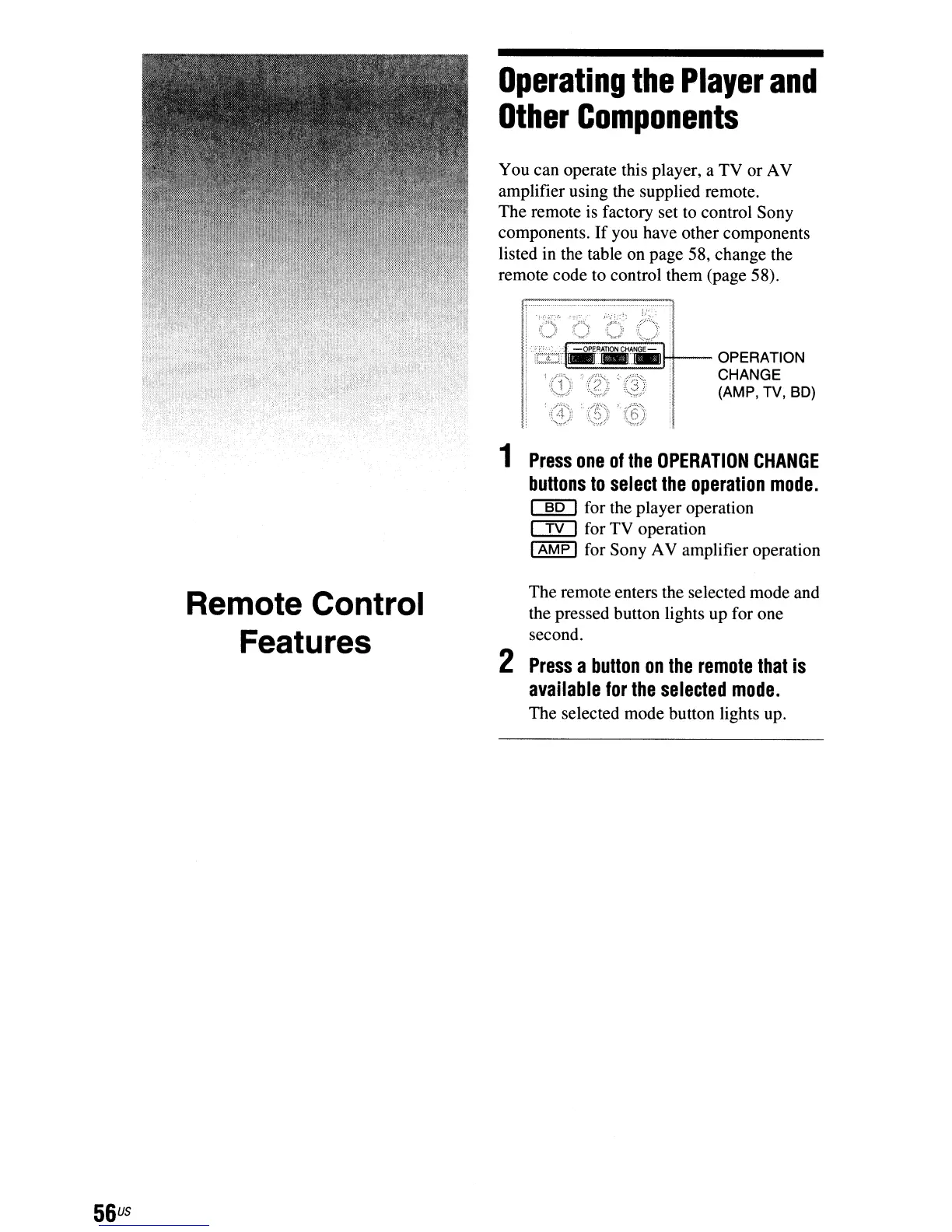
You can operate this player, a TV or AV
amplifier using the supplied remote.
The remote
is
factory set
to
control Sony
components.
If
you have other components
listed in the table on page 58, change the
remote code to control them (page 58).
H--
OPERATION
...
"'====
CHANGE
(AMP, TV, SD)
1
Press
one
of
the
OPERATION
CHANGE
buttons
to
select
the
operation
mode.
~
for the player operation
c:IYJ for TV operation
I
AMP
I for Sony AV amplifier operation
The remote enters the selected mode and
the pressed button lights up for one
second.
2
Press
a
button
on
the
remote
that
is
available
for
the
selected
mode.
The selected mode button lights up.



 To Next Page