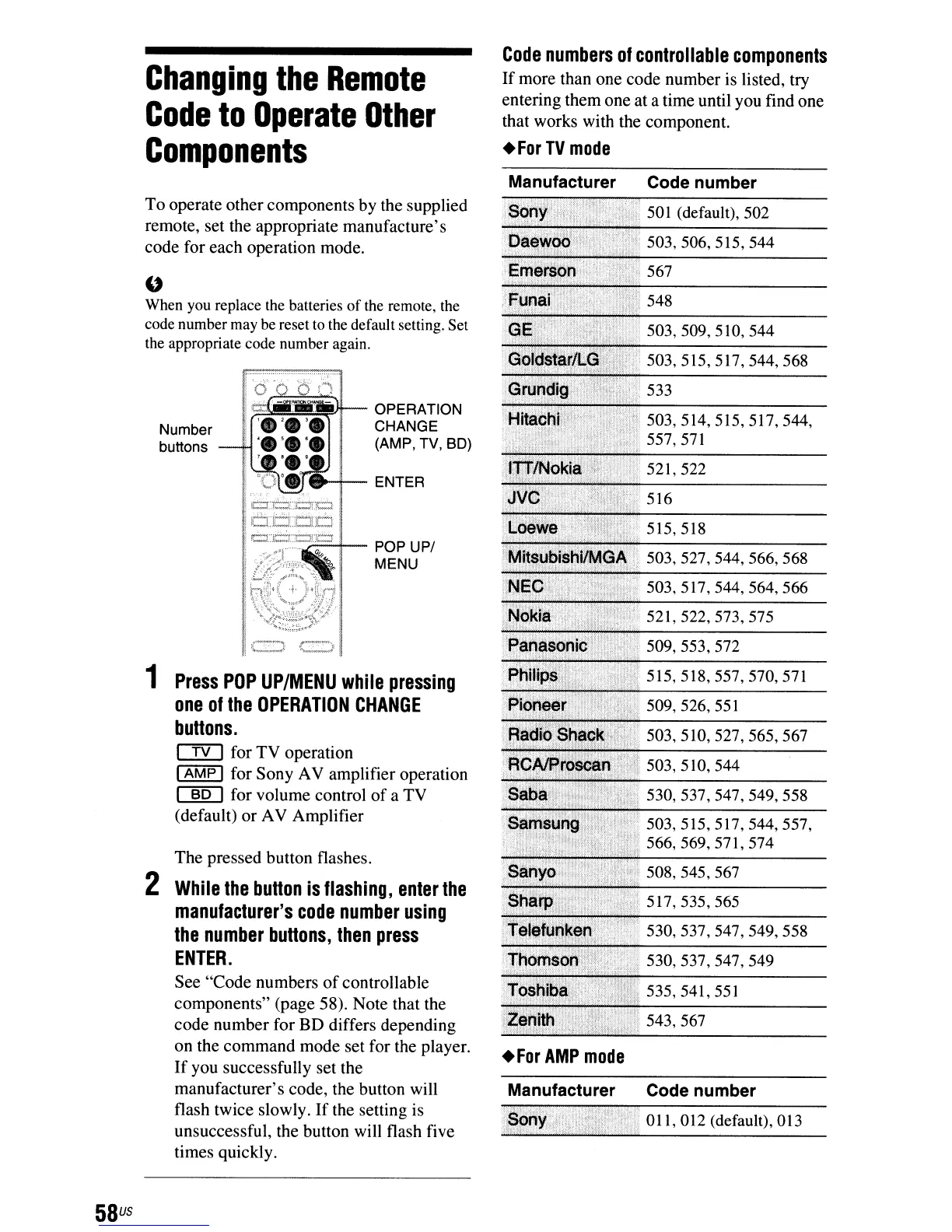
Changing
the
Remote
Code
to
Operate
Other
Components
Code
numbers
of
controllable
components
If
more than one code number is listed, try
entering them one at a time until you find one
that works with the component.
.For
TV
mode
543,567
517,535,565
535,541,551
508,545,567
503,510,527,565,567
503,510,544
530,537,547,549,558
503,515,517,544,557,
566,569,571,574
515,518,557,570,571
509,553,572
509,526,551
503,527,544,566,568
503,517,544,564,566
521,522,573,575
515,518
516
503,514,515,517,544,
557,571
503,509,510,544
503,515,517,544,568
533
530,537,547,549,558
.530,537,547,549
>Li/,
521,
522
Manufacturer Code number
011,012 (default),
013
.For
AMP
mode
OPERATION
CHANGE
(AMP, TV, SD)
~~-
POP UP/
MENU
"'-:1--
ENTER
Number
buttons
The pressed button flashes.
2
While
the
button
is
flashing,
enter
the
manufacturer's
code
number
using
the
number
buttons,
then
press
ENTER.
See "Code numbers
of
controllable
components" (page 58). Note that the
code number for BD differs depending
on the command mode set for the player.
If
you successfully set the
manufacturer's code, the button will
flash twice slowly.
If
the setting is
unsuccessful, the button will flash five
times quickly.
1
Press
pOP
UP/MENU
while
pressing
one
of
the
OPERATION
CHANGE
buttons.
CfYJ
for TV operation
I
AMP
I for Sony AV amplifier operation
~
for volume control
of
a TV
(default) or AV Amplifier
Manufacturer Code number
To operate other components by the supplied
501
(default),
502
remote, set the appropriate manufacture's
code for each operation mode.
"
When you replace the batteries
of
the remote, the
code number may be reset to the default setting. Set
the appropriate code number again.
58
us



 To Next Page