33
Basic Menu Operations
Chapter 3 Menu
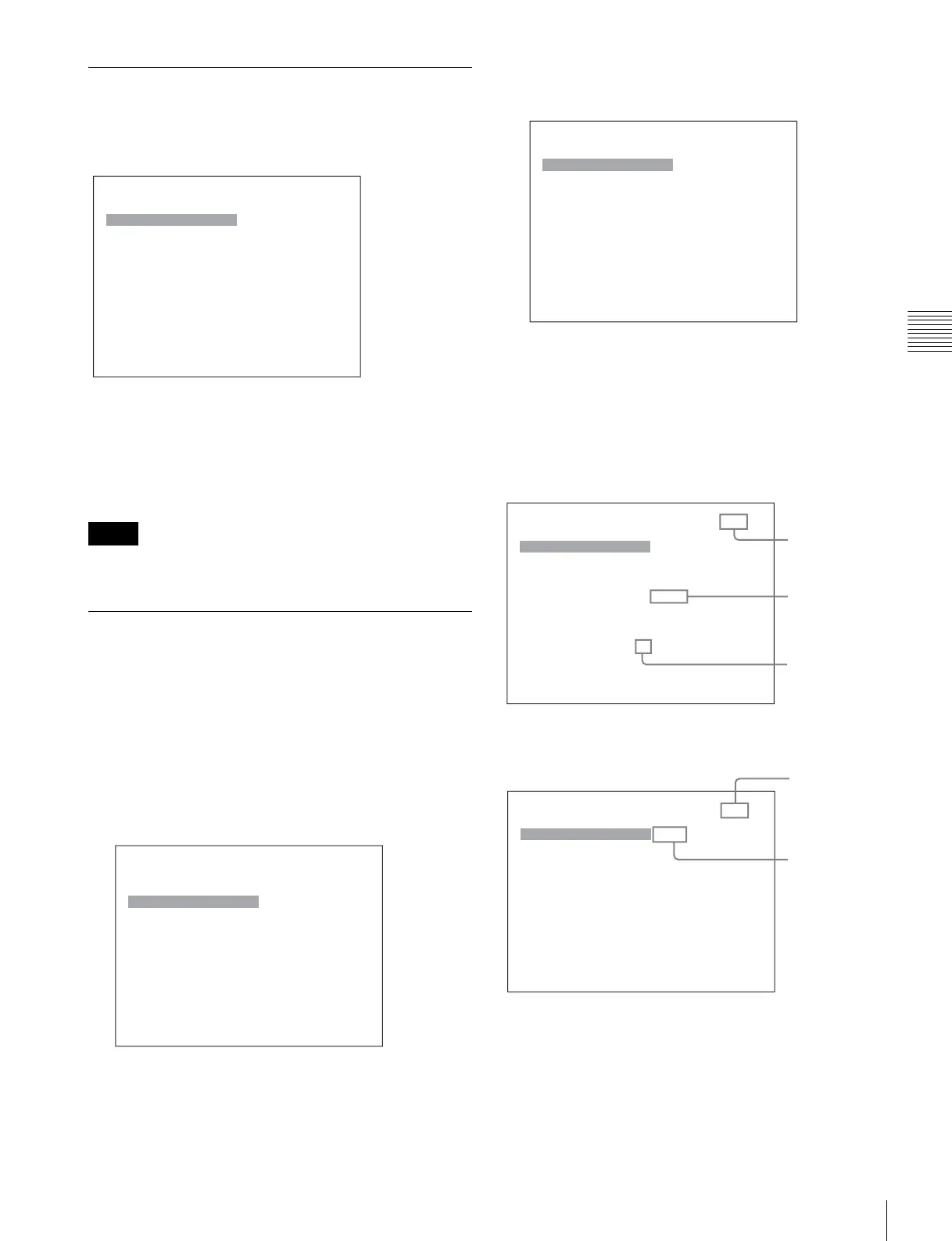
Displaying the Menu
Press the MENU button.
The main menu is displayed on the screen.
When you select one item on the main menu, the level 1
menu of the selected item appears.
For the items on the menu, see “Menu Structure” on page
36.
• Menu items displayed in gray cannot be selected.
• This menu is not displayed when Pixel Zoom is set to on.
Setting or Adjusting in the Menu
Operation
1
Press the MENU button.
The main menu is displayed.
2
Using the UP or DOWN button or PHASE knob, select
the desired item. (Example: select the Input
Configuration menu by pressing the DOWN button.)
3
Press the ENTER or Ent button.
The level 1 of the selected menu is displayed.
The current settings are displayed in place of the x
marks on the illustrations of the menu screen.
4
Repeat steps 2 and 3 until the desired menu is
displayed.
For more information about setting and adjustments,
see below.
Display example
Choosing the setting value
The method for selecting the value is different due to the
menu item.
• Selecting in setting mode
• Selecting from the setting list
Notes
MENU
Adjustment B
Input Configuration B
Display Setting B
Display Function B
System ConfigurationB
File Management B
Status B
Controller B
Key Protect: xxx
MENU
Adjustment B
Input Configuration B
Display Setting B
Display Function B
System ConfigurationB
File Management B
Status B
Controller B
Key Protect: xxx
iInput Configuration 1/2
CH01
Format B
Slot No: xxxxx
Input No: xxxxx
Screen Aspect B
Sync Mode: xxx
Color Temp: xxx
Picture Preset: xxxxx
Matrix/Gamma B
v
V
iInput Configuration 1/2
CH01
Format B
Slot No: xxxxx
Input No: xxxxx
Screen Aspect B
Sync Mode: xxx
Color Temp: xxx
Picture Preset: xxxxx
Matrix/Gamma B
v
V
Indicates that
the menu
continues onto
next page.
Chooses the
setting value.
Indicates that
this item has
sub-list. You
can go to the
lower level.
iInput Configuration 2/2
CH01
H Shift Offset: xxx
Channel Name B
NTSC Setup Level:: xx
Component Level: xxxxx
Betacam Setup Level::
xxx
RGB Range: B
1080I/PsF B
Film Cadence::
xxx
Copy From B
v
V
Enters
numerical
values.
Indicates that
the menu is
continued from
previous page.







 To Next Page