116
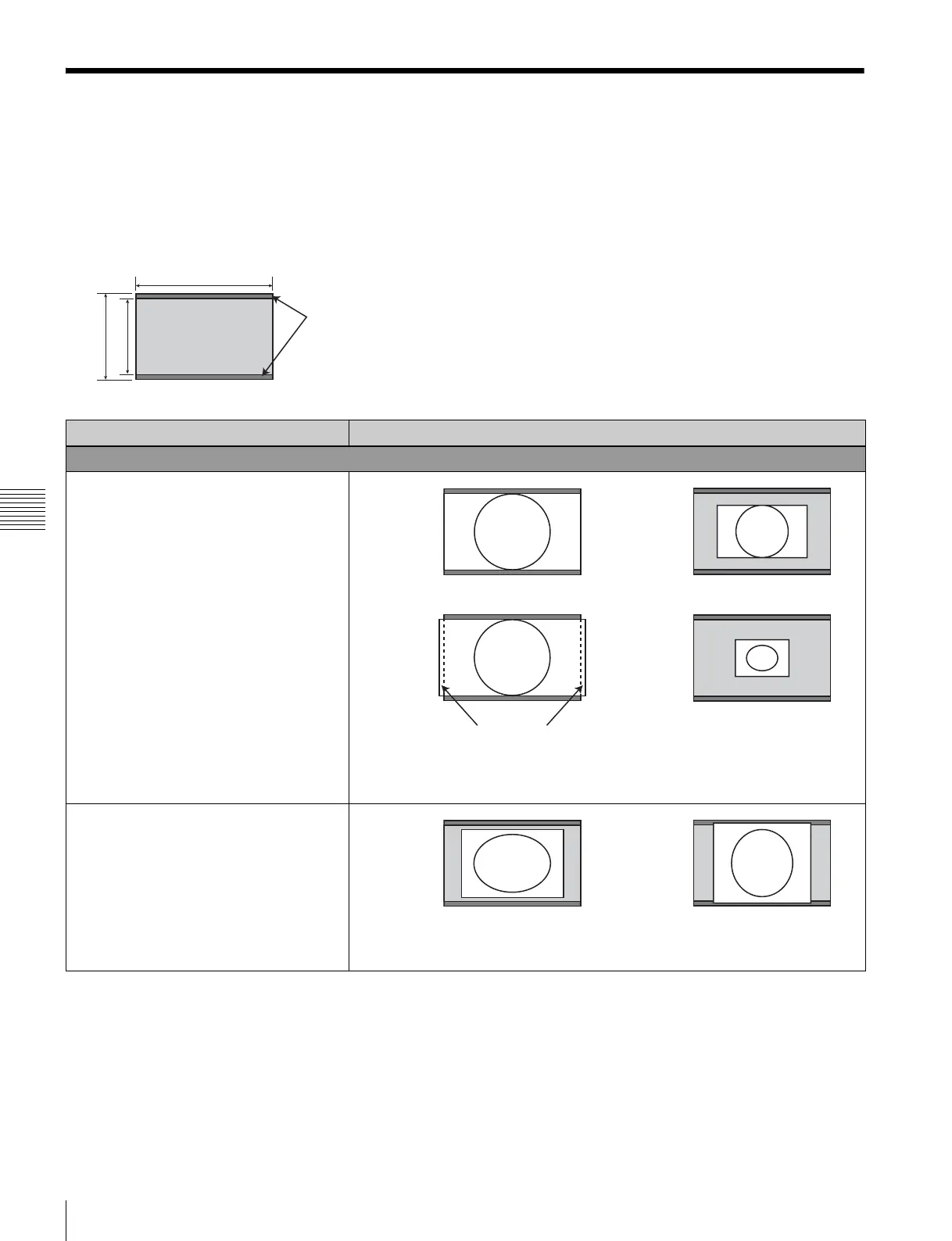
Scan Mode Image
Appendixes
Scan Mode Image
Example: Scan images of available signal system when the input adaptor is installed
For details of the picture display size, see page 107.
• For setting of the Native Scan Mode menu, see Native Scan Mode (page 58) of the Display Setting menu.
• For setting of Aspect, see the Screen Aspect menu (page 51)
of the Input Configuration menu.
Panel size
1920
1080
1200
Area masked by the
16:9 frame
Scan mode Input signal system and scan mode image
Native Scan
Native Scan Mode: ×1
Native Scan Mode: ×2
1920 × 1080
2048 × 1080
1280 × 720
720 × 576
720 × 487
Displayed by sliding the
picture with the PHASE knob
of the controller.
720 × 487
1440 × 487
1440 × 483
720 × 576
1440 × 576
Remove the 16:9 frame to
display the whole picture.







 To Next Page