87
Displaying Two Signals on One Screen (Picture&Picture)
Chapter 4 Operations
Displaying Two Signals
on One Screen
(Picture&Picture)
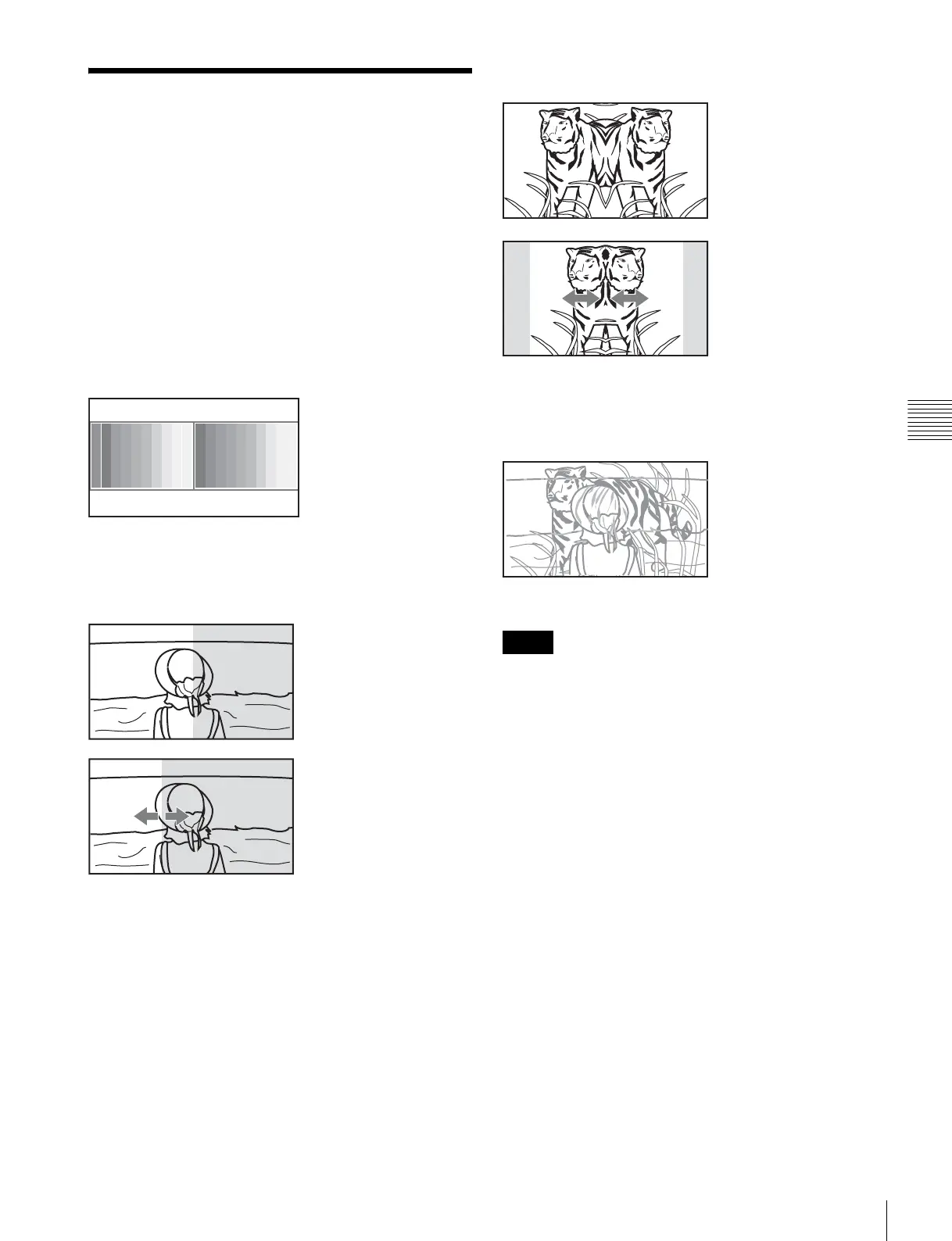
Two input signals are output on the monitor. You can
select the display mode from Side by Side (side by side),
Wipe (wipe), Butterfly (butterfly) and Blending
(blending). This is useful for adjusting the color or
comparing two pictures.
You can input the file loaded in the Capture menu (page
64) of the Display Function menu.
Side by Side (side by side)
Wipe (wipe)
Butterfly (butterfly)
Blending (blending)
• The input signals from INPUT 1 and INPUT 2 of one
input adaptor are not displayed in the multi display.
Two or more input adaptors are required to use the input
signals from the input adaptor as signal A and signal B.
• You cannot select the same channel number as channels
for signal A and signal B. And set a different channel
number of the different input adaptor for signal A and
signal B.
• When the wipe or blending mode is used, signal A and
signal B should be genlocked to synchronize with each
other.
• When signal A and signal B are not the same signal
format and signal system, the pictures may not be
displayed correctly.
• The input of signal A is not changed in the multi display.
• The internal signal is not displayed in the multi display.
• The captured picture data is not used to display as signal
A and signal B at the same time.
• The signals are not displayed in the multi display mode
when Pixel Zoom is set to on.
Procedure
1
Select the channel number and set the input signal to
display as signal A.
Signal A Signal B
Two pictures are
displayed side by side.
Signal A Signal B
The boundary line of the left
and right area is changed
with the PHASE knob of the
controller.
Left and right pictures
connected at the boundary
position are displayed.
Notes
Signal A Signal B
The display range of the
picture is changed with the
PHASE knob of the
controller.
The right picture is a left-right
reversal picture of the left
picture.
Signal A and Signal B
A picture that superimposes
signal A and signal B is
displayed.
The mixed ratio of two input
signals is changed with the
PHASE knob of the
controller.







 To Next Page