77
Status Menu
Chapter 3 Menu
Status Menu
Overview
This menu is used to view general data about the monitor status, current channel, etc.
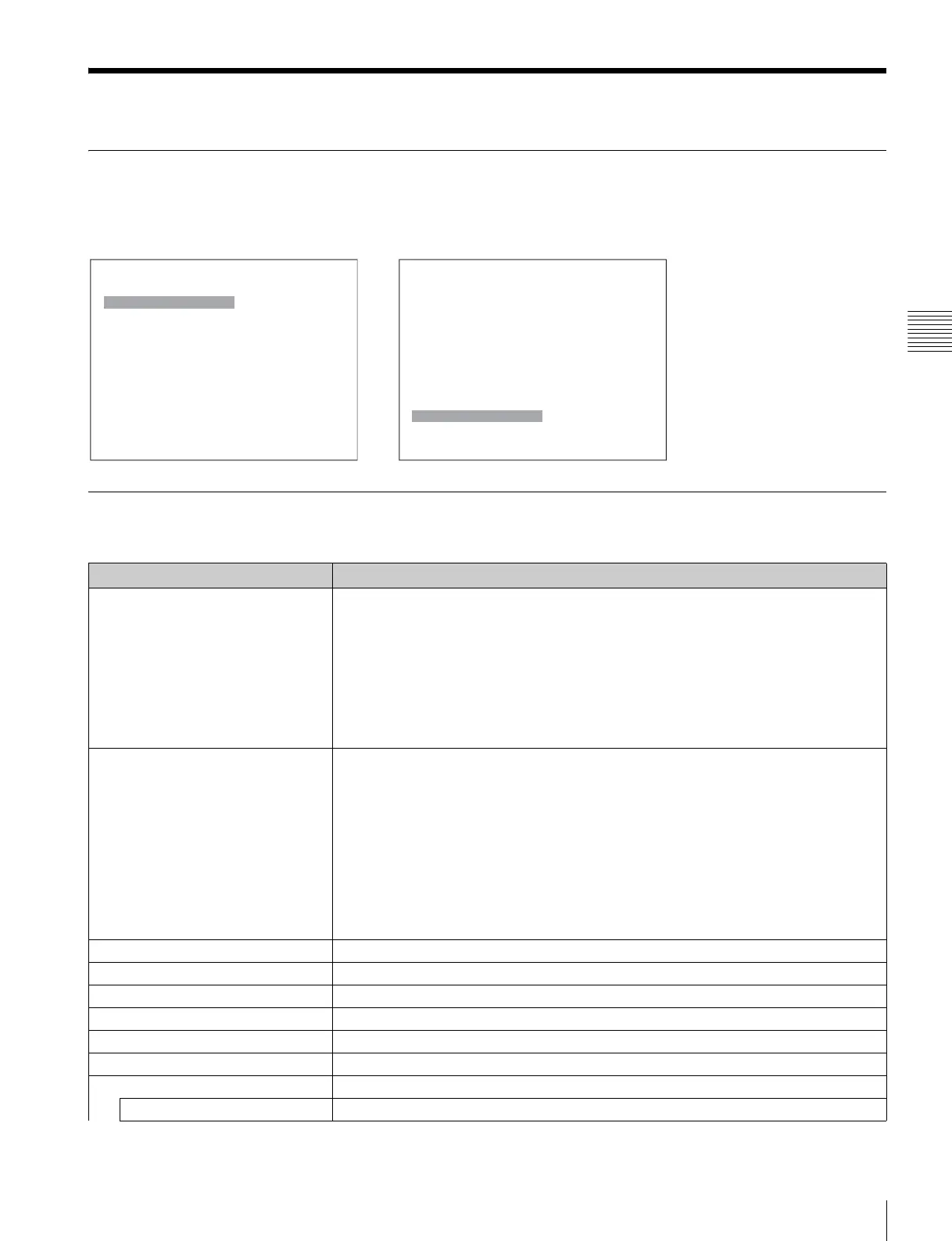
When Status is selected, the following menus are displayed.
Menu Function and Operation
Menu Function and operation ([ ]: factory setting)
CH Status Displays the information on the used channels.
The information of the internal signal assigned to the channel number is displayed on the
channels 91 to 97.
CH: Channel number
Op: Option slot number
In: Input connector number
Format: Input signal format
Name: Channel name
For details on the assigned signal, see “Channel numbers 91 to 97 assignment” on page 35.
Slot Status
Option1 to Option4
Displays the type of input adaptor installed in Option1 to Option4.
D1: When BKM-220D is installed
Composite: When BKM-227W is installed
Component: When BKM-229X is installed
HD-SDI/D1: When BKM-243HS or BKM-244CC is installed
Empty: When the adaptor is not installed
Unknown: When non-supported adaptor is installed
When the item is selected, the model name and serial number of the installed input adaptor
are displayed.
Model Name: Model name
Serial No: Serial number
Model Name Displays the model name of the monitor.
Serial No Displays the serial number of the monitor.
Software Version Displays software version of the monitor.
Operation Time Displays operation time (hours, in total) of the monitor.
Backlight Displays brighten time (hours, in total) of the monitor backlight.
Network Switch Displays the NETWORK switch setting.
Controller Status Displays information on the controller.
Model Name Displays the model name.
iStatus 1/2
CH Status B
Slot Status
Option1 HD-SDI/D1 B
Option2 D1 B
Option3 Composite B
Option4 Component B
v
V
iStatus 2/2
Model Name: B xxxxx
Serial No: B xxxxx
Software Version: xxxxx
Operation Time: xxxxx
Backlight: xxxxx
Network Switch: xxx
Controller Status B
v
V







 To Next Page