83
Key Protect Menu
Chapter 3 Menu
Key Protect Menu
Overview
This menu is used to lock the data so that the setting is not changed by an unauthorized user.
Menu Function and Operation
Menu Function and operation ([ ]: factory setting)
Key Protect Sets the key protection.
On: The button on the controller (except the menu operation buttons and monitor
selection buttons) and the parallel remote do not function and other settings are not
changeable.
[Off]: Release the lock.
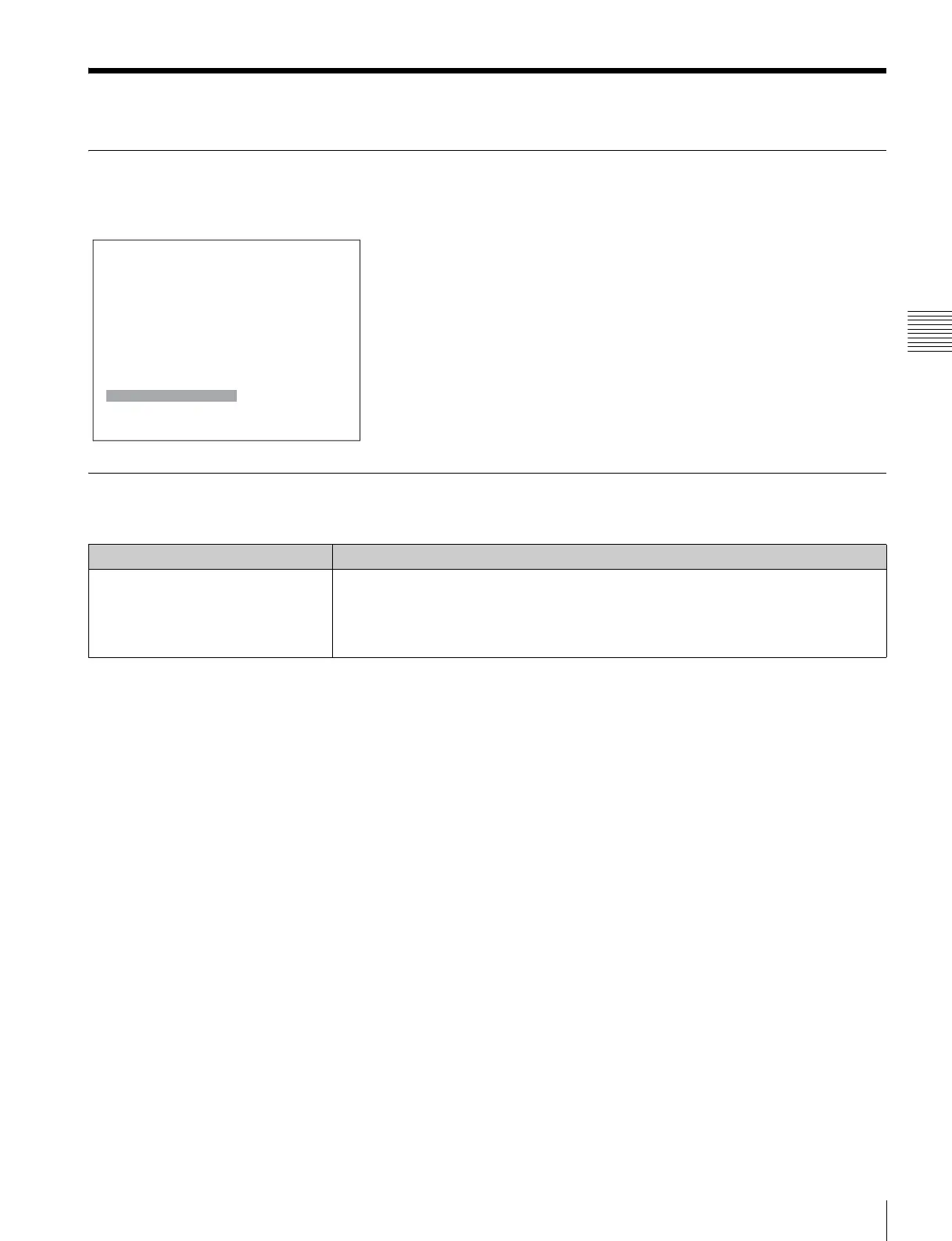
MENU
Adjustment B
Input Configuration B
Display Setting B
Display Function B
System ConfigurationB
File Management B
Status B
Controller B
Key Protect: Off







 To Next Page