56
Display Setting Menu
Chapter 3 Menu
Display Setting Menu
Overview
This menu is used for setting the monitor condition such as the color reproduction or frame.
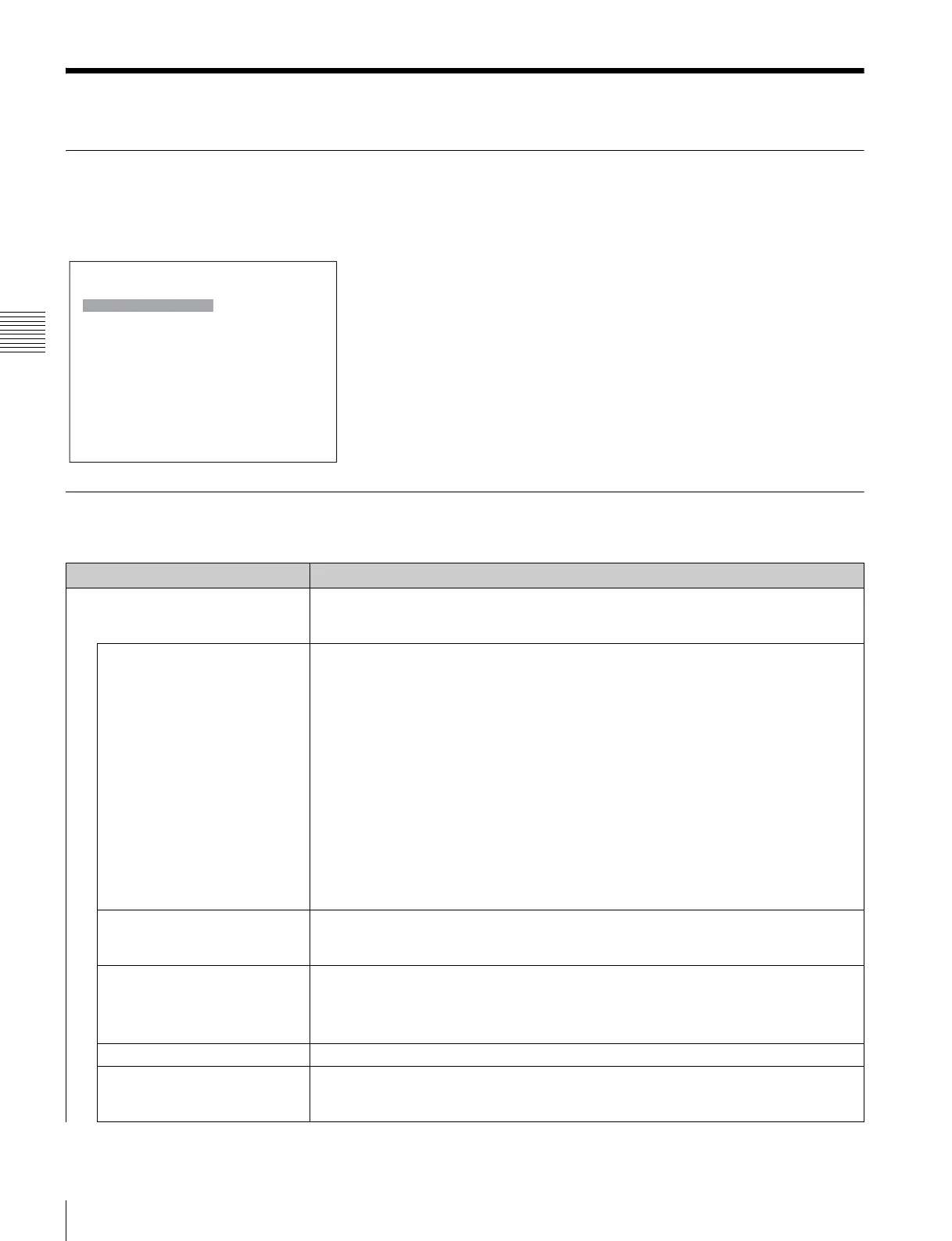
When Display Setting is selected, the following menu is displayed.
Menu Function and Operation
Menu Function and operation ([ ]: factory setting)
Color Gamut As the BVM-L230 is equipped with the wider color space LED backlight, the signal can be
displayed (emulation) in the color gamut (color space and gamma) selected in the Emulation
menu.
Emulation Sets the used color gamut (color space and gamma).
BVM SMPTE-C: Displays in the color gamut of BVM-A24 SMPTE-C phosphor CRT.
BVM EBU: Displays in the color gamut of BVM-A24 EBU phosphor CRT.
ITU-R BT.709: Displays in the color gamut of three primary colors chromaticity point
provided by ITU-R BT.709.
D-Cine*
1
: Displays in the color gamut of three primary colors chromaticity point provided
by SMPTE RP 431-2.
L230 Native: Displays in the color gamut of the BVM-L230 individual three primary
colors chromaticity point. This is the widest color space setting of the signal reproduced
by the BVM-L230.
S-GAMUT: Sets to display the color gamut of the wide color space mode S-GAMUT,
which is available for the F23 Digital Cinematography Camera.
*1Three primary colors chromaticity point provided by SMPTE RP 431-2 is not covered in full.
Note
When User LUT is set to Applied, you cannot set Emulation.
User LUT Sets whether or not to apply the user data for the Emulation setting ([Not Applied] or
Applied).
If the user data are not prepared, you cannot set User LUT.
User LUT Data Selects the user data.
You can select from User1, User2, User3, User4 or User5. [--- (no setting)]
Note
The user data without a LUT data file is not displayed and cannot be selected.
File The read LUT data file name is displayed.
Emulation The reference color gamut for making the LUT data are displayed.
When User LUT is set to Applied, Emulation is forcibly set to the color gamut displayed in this
menu inside the monitor.
iDisplay Setting
Color Gamut B
User Matrix/Gamma
B
Native Scan Mode: xxx
Aperture Value: xxx
NTSC Comb Filter: xxx
Filter Switch: xxx
Peak White Control: xxx







 To Next Page