34
Basic Menu Operations
Chapter 3 Menu
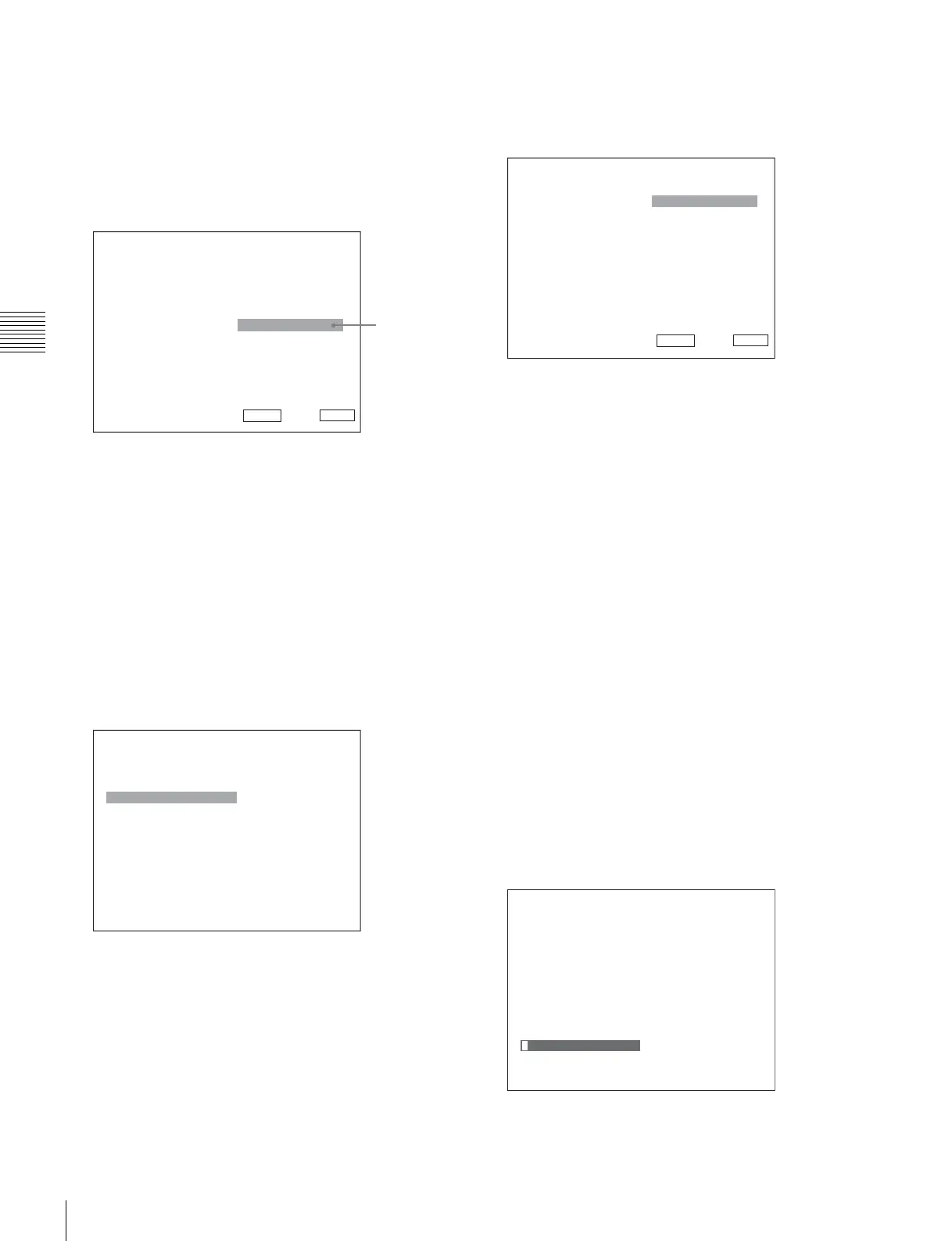
When selecting in setting mode
1
Using the UP or DOWN button or PHASE knob, select
the desired item and press the ENTER or Ent button.
The cursor moves to the setting value and the monitor
enters in setting mode.
Display example
2
Using the UP or DOWN button or PHASE knob, select
the setting value.
3
Press the ENTER or Ent button.
The setting is confirmed and the cursor returns to the
item.
When selecting from the setting list
1
Using the UP or DOWN button or PHASE knob, select
the desired item in the setting list.
Display example
2
Press the ENTER or Ent button.
The setting is confirmed and the display returns to the
menu of the upper level.
Entering numerical values
1
Using the UP or DOWN button or PHASE knob, select
the desired item and press the ENTER or Ent button.
The cursor moves to the setting value and the monitor
enters in setting mode.
Display example
2
Select the value in one of the following three ways:
• Enter the value directly using the numeric buttons
and press the ENTER or Ent button. (only the item
whose the value of setting range is over 0)
• Select the value using the UP or DOWN button.
• Select the value using the PHASE knob.
3
Press the ENTER or Ent button.
The setting is confirmed and the cursor returns to the
item.
Entering characters
1
Using the UP or DOWN button or PHASE knob, select
New Name or the existing name.
The “---“ means that one or more characters can be
entered in sequence after the existing name.
2
Press the ENTER or Ent button.
3
Using the UP or DOWN button or PHASE knob, select
the characters that you wish to enter.
Display example
iInput Configuration 1/2
CH01
Format B
Slot No: xxxxx
Input No: xxxxx
Screen Aspect B
Sync Mode: xxx
Color Temp: xxx
Picture Preset: xxxxx
Matrix/Gamma B
v
V
Set: ENTER Cancel: MENU
Cursor
iiiParallel Remote 1/4
1 Pin
CH: 01
---
Under Scan
Over Scan
Native Scan
16 : 9
H Delay
V Delay
External Sync
Comb
v
V
iInput Configuration 2/2
CH01
H Shift Offset: xxx
Channel Name B
NTSC Setup Level:: xx
Component Level: xxxxx
Betacam Setup Level::
xxx
RGB Range: B
1080I/PsF B
Film Cadence::
xxx
Copy From B
v
V
Set: ENTER Cancel: MENU
iiChannel Name
CH01
PROG___
EDIT___
CAM___
VTR___
PREV___
New Name







 To Next Page