40
Menu Structure
Chapter 3 Menu
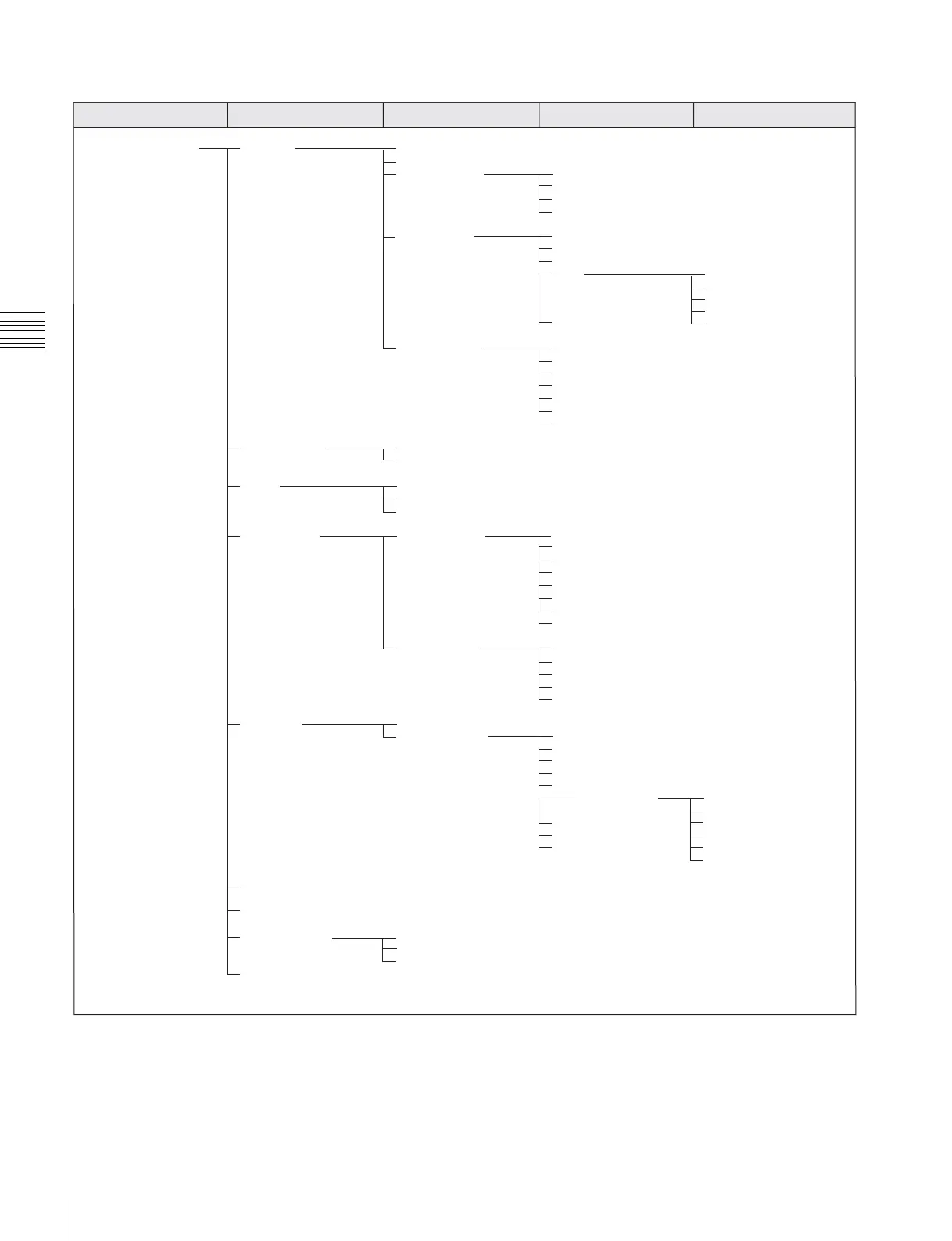
System Configuration menu (page 69)
System Configuration Network Monitor ID
Group ID
Network Setting IP Address
Subnet Mask
Default Gateway
Address
SNMP Setting Contact
Name
Location
Trap Mode
Trap Address Setting
Trap Address Status
Reset Mode/Address
Community Authentication
Protocol Setting SDCP/SDAP Community
SDCP Port No
SDAP Port No
SDAP Broadcast
SDAP Broadcast Period
Acceptable IP Address
Reset Protocol Setting
Parallel Remote Parallel Remote
1 Pin - 8 Pin
Power Standby Mode
Power On Status
Default CH
On Screen Set Input Information Format
Position
CH No
Position
CH Name
Position
Scan Mode
Position
Closed Caption Closed Caption
Type
Service 708
Service 608
OSD Level
Password Change Password
Apply Password Adjustment
Input Configuration
Display Setting
Display Function
System Configuration
Individual Item Network
Parallel Remote
File Management Power
Controller On Screen Set
Key Protect Date/Time
Scan Mode Skip
Date/Time
Scan Mode Skip
Monitor Upgrade Software Upgrade
Kernel Upgrade
FPGA Upgrade
Maintenance
Main menu Level 1 Level 2 Level 3 Level 4







 To Next Page