121
Editing Videomontage
Als u een videoband met
cassettegeheugen gebruikt, kunt u een
titelbeeld over de opgenomen beelden
heen vastleggen, tijdens opnemen of
daarna. Bij het afspelen van de
videocassette verschijnt de titel dan 5
seconden lang in beeld, vanaf het punt
waar u deze hebt aangebracht.
U kunt kiezen uit 8 vast ingebouwde titels en 2
zelf te maken titelbeelden (zie blz. 125). Tevens
kunt u via het instelmenu de kleur, het formaat
en de plaats in beeld voor uw titel bepalen.
(1)Kies in de “CAMERA” of “VCR” stand met
de SEL/PUSH EXEC regelknop het onderdeel
in het instelmenu en druk de regelknop
in.
(2)Draai aan de SEL/PUSH EXEC regelknop,
stel in op TITLE en druk de regelknop in.
(3)Draai aan de SEL/PUSH EXEC regelknop,
kies het menu-onderdeel en druk de
regelknop in.
(4)Draai aan de SEL/PUSH EXEC regelknop om
de gewenste titel te kiezen en druk de
regelknop in. De gekozen titel gaat knipperen.
(5)Nu kunt u desgewenst de kleur, het formaat
of de plaats in beeld voor uw titel aanpassen.
1 Draai aan de SEL/PUSH EXEC regelknop,
kies de kleur (COLOUR), het formaat
(SIZE) of de plaats in beeld (POSITION) en
druk de regelknop in. Het gekozen
onderdeel gaat knipperen.
2 Draai aan de SEL/PUSH EXEC regelknop
om het gekozen onderdeel naar wens in te
stellen en druk de regelknop in.
3 Herhaal deze stappen 1 en 2 tot uw
titelbeeld geheel naar wens is ingesteld.
(6)Druk tenslotte nog eens op de SEL/PUSH
EXEC regelknop om de titelkeuze af te
ronden.
Tijdens opnemen of afspelen of in de
weergavepauzestand:
De aanduiding “TITLE SAVE” verschijnt
ongeveer 5 seconden lang op het scherm en
dan is de titel vastgelegd.
In de opnamepauzestand:
Eerst verschijnt alleen de aanduiding
“TITLE”. Zodra u daarna op de START/STOP
toets drukt om te beginnen met opnemen,
verschijnt de aanduiding “TITLE SAVE”
ongeveer 5 seconden lang op het scherm en
dan is de titel vastgelegd.
If you use a tape with cassette memory,
you can superimpose the title. When you
play back the tape, the title is displayed
for 5 seconds from the point where you
superimposed it.
You can select one of 8 preset titles and 2 custom
titles (p. 125). You can also select the colour, size
and position of titles.
(1)In CAMERA or VCR mode, turn the SEL/
PUSH EXEC dial to select in the menu
settings, then press the dial.
(2)Turn the SEL/PUSH EXEC dial to select
TITLE, then press the dial.
(3)Turn the SEL/PUSH EXEC dial to select ,
then press the dial.
(4)Turn the SEL/PUSH EXEC dial to select the
desired title, then press the dial. The title
flashes.
(5)Change the colour, size, or position, if
necessary.
1 Turn the SEL/PUSH EXEC dial to select
the COLOUR, SIZE or POSITION, then
press the dial. The item appears.
2 Turn the SEL/PUSH EXEC dial to select
the desired item, then press the dial.
3 Repeat steps 1 and 2 until the title is laid
out as desired.
(6)Press the SEL/PUSH EXEC dial again to
complete the setting.
In the recording, playback or playback pause
mode:
The TITLE SAVE indicator appears on the
screen for 5 seconds and the title is set.
In the standby mode:
The TITLE indicator appears. And when you
press START/STOP to start recording, TITLE
SAVE appears on the screen for 5 seconds and
the title is set.
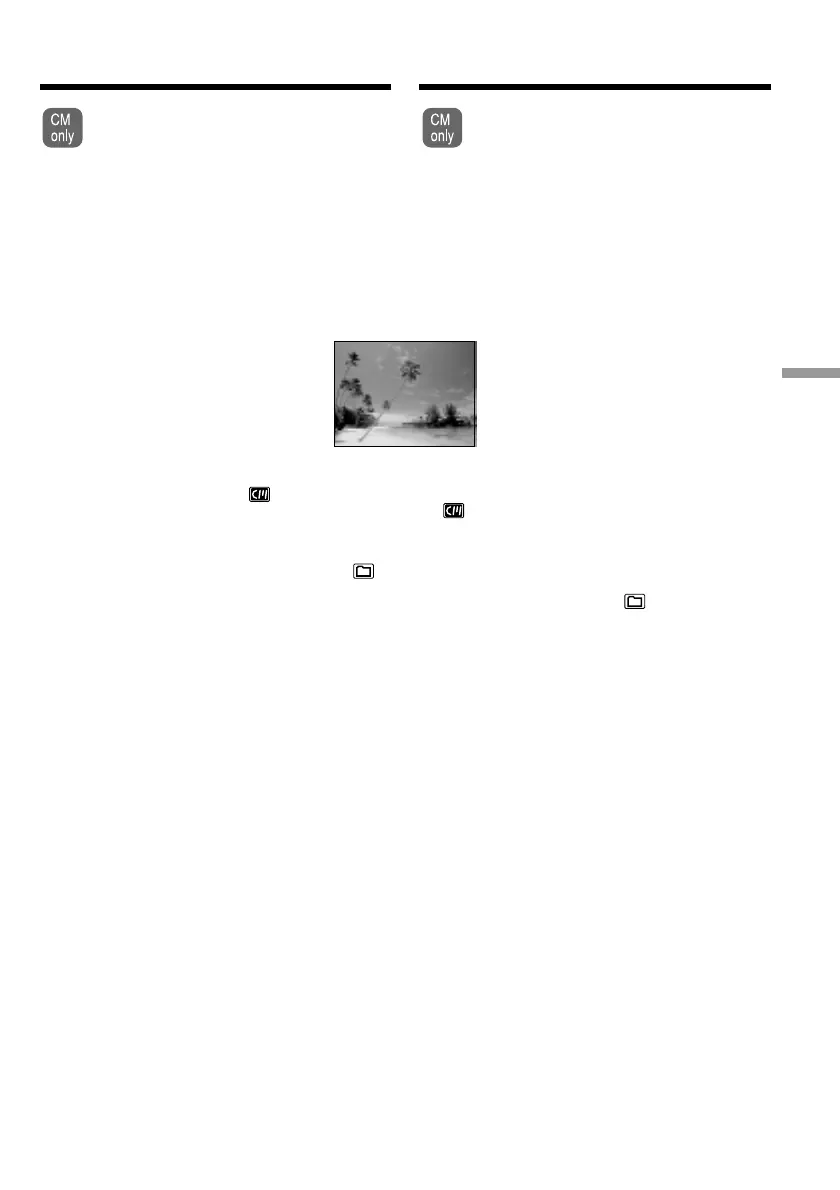
Superimposing a title
VACATION
Een titel in beeld
opnemen













 To Next Page