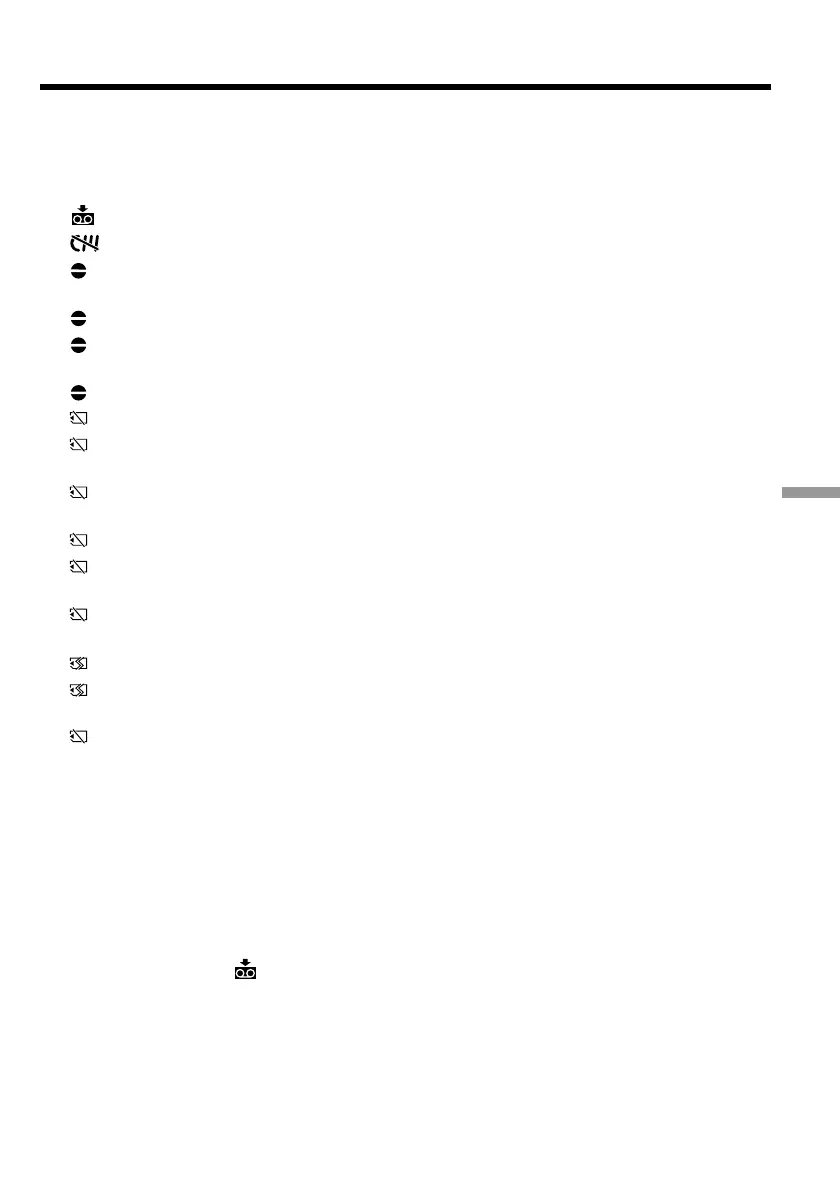
211
Troubleshooting Problemen oplossen
Warning indicators and messages
Warning messages
•CLOCK SET Set the date and time (p. 22).
•FOR “InfoLITHIUM” Use an “InfoLITHIUM” battery pack (p. 18).
BATTERY ONLY
• CLEANING CASSETTE** The video heads are dirty (p. 230).
• FULL The tape cassette memory is full.*
• 16BIT AUDIO MODE is set to 16BIT (p. 134).* You cannot dub new
sound.
• REC MODE REC MODE is set to LP (p. 134).* You cannot dub new sound.
• TAPE There is no recorded portion on the tape.* You cannot dub new
sound.
• “i.LINK” CABLE i.LINK cable is connected (p. 111).* You cannot dub new sound.
• FULL The “Memory Stick“ is full (p. 157).*
• - The write-protect tab on the “Memory Stick“ is set to LOCK (p.
144).*
• NO FILE No still image is recorded on the “Memory Stick“
(p. 177).*
• NO MEMORY STICK No “Memory Stick“ is inserted.*
• AUDIO ERROR You are trying to record an image with sound that cannot be
recorded by your camcorder on “Memory Stick”.*
• NO STILL IMAGE FILE There is no still image when trying to print on the 9 split print
paper in MEMORY mode.
• MEMORY STICK ERROR The “Memory Stick“ data is corrupted (p. 146).*
• FORMAT ERROR The “Memory Stick” is not recognised. Check the format (p.
133).*
• - DIRECTORY ERROR There are more than two same directories (p. 177).*
•COPY INHIBIT The tape contains copyright control signals for copyright
protection of software (p. 222).*
•Q Z TAPE END The tape has reached the end of the tape.*
•Q NO TAPE Insert a cassette tape.*
• DELETING You have pressed PHOTO during deleting all images on
“Memory Stick.”
• FORMATTING You have pressed PHOTO during formatting a “Memory Stick.”
* You hear the melody or beep sound.
** The x indicator and “ CLEANING CASSETTE” message appear one after another on the
screen.













 To Next Page