Self-diagnosis display
Your camcorder has a self-diagnosis display
flmction.
This flmction displays tile current condition of
your camcorder as a 5 digit code (a
combination of a letter and figures) on tile
LCD screen, display window, or in the
viewfinder. If a 5-digit code is displayed, check
tile fbllowing code chart. Tile last two digits
(indicated by E3E3) will differ depending on
tile state of your camcorder.
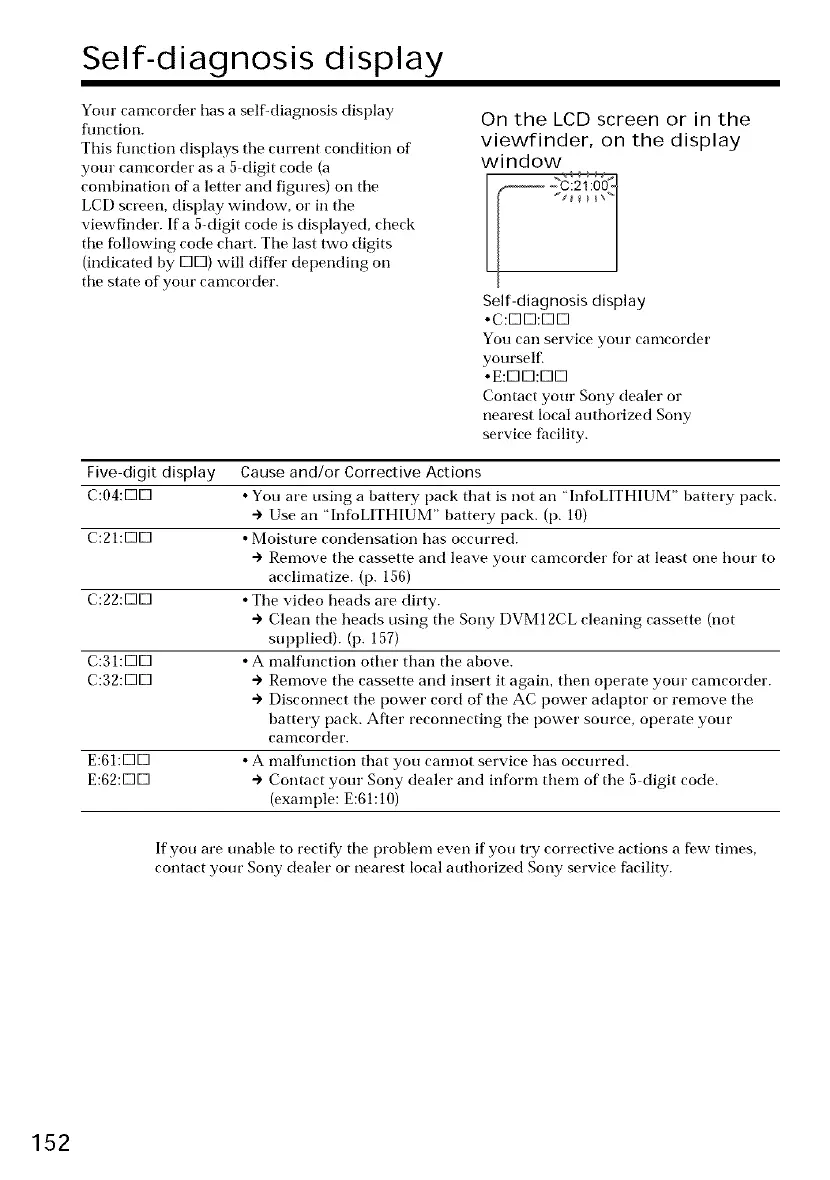
On the LCD screen or in the
viewfinder, on the display
window
Self-diagnosis display
•C:EIEI:EIEI
gou can service your caolcorder
yourself.
•E:EIEI:EIEI
Contact your Sony dealer or
nearest local authorized Sony
service facility.
Five-digit display Cause and/or Corrective Actions
C:04:E3E3 • You are using a battery pack that is not an "InfoLITHIUM" battery pack.
"> Use an "InfoLITHIUM" battery pack. (p. 10)
C:21:E3E3 • Moisture condensation has occurred.
"> Remove tile cassette and leave your camcorder for at least one hour to
acclimatize. (p. 156)
C:22:EIEI • The video heads are dirty.
"> Clean tile heads using tile Sony DVM 12CL cleaning cassette (not
supplied). (p. 157)
C:31:K]K] • A malflmction other than tile above.
C:32:K]K] + Remove tile cassette and insert it again, then operate your camcorder.
+ Disconnect tile power cord of tile AC power adaptor or remove tile
battery pack. After reconnecting tile power source, operate your
canlcorder.
E:61:K]K] • A malfunction that you cannot service has occurred.
E:62:K]K] + Contact your Sony dealer and inform them of tile 5 digit code.
(example: E:61:10)
If you are unable to rectify tile problem even if you try corrective actions a few times,
contact your Sony dealer or nearest local attthorized Sony service facility.
152















 To Next Page