Recording a picture
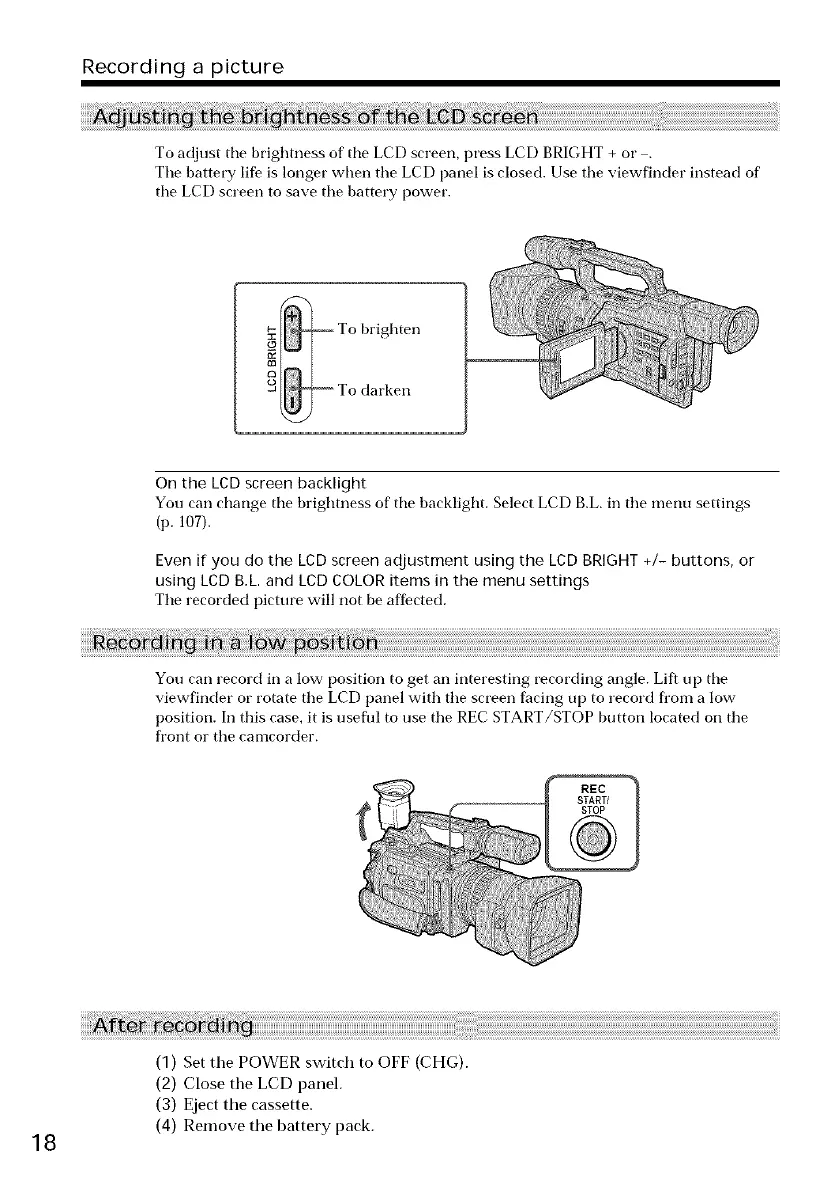
To adjust tile brightness of tile LCD screen, press LCD BRIGHT + or .
Tile battery life is longer when the LCD panel is closed. Use the viewfinder instead of
tile LCD screen to save tile battery power.
!_ To brighten
o _ To darken
On the LCD screen backlight
You carl change tile brightness of tile backlight. Select LCD B.L. in tile menu settings
(p. 107).
Even if you do the LCD screen adjustment using the LCD BRIGHT +/- buttons, or
using LCD B.L. and LCD COLOR items in the menu settings
Tile recorded picture will not be affected.
You carl record in a low position to get an interesting recording angle. Lift up tile
viewfinder or rotate tile LCD panel with tile screen facing up to record from a low
position. In this case, it is useftrl to use tile REC START/STOP button Located on tile
front or tile camcorder.
18
(1) Set the POWER switch to OFF (CHG).
(2) Close the LCD panel.
(3) Eject the cassette.
(4) Remove the battery pack.















 To Next Page