Using the PROGRAM AE function
You can select fl'om five PROGRAM AE (Auto Exposure) modes to suit your shooting
situation, referring to the following.
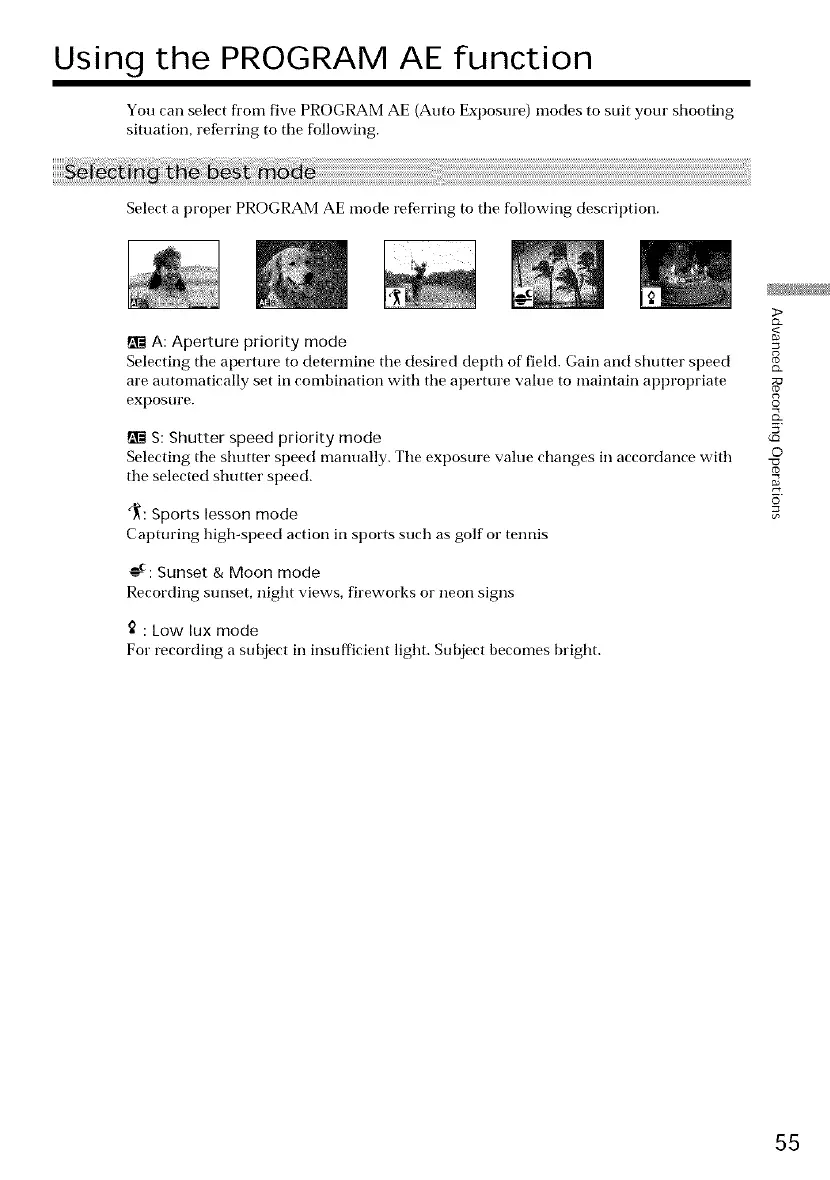
Select a proper PROGRAM AE mode referring to tile following description.
A: Aperture priority mode
Selecting tile aperture to determine tile desired depth of field. Gain and shutter speed
are automatically set in combination with tile aperture value to maintain appropriate
expostlre.
S: Shutter speed priority mode
Selecting tile shutter speed manually. Tile exposure value changes in accordance with
tile selected shutter speed.
_: Sports lesson mode
Capturing high-speed action in sports such as golf or tennis
AC.
----. Sunset & Moon mode
Recording sunset, night views, fireworks or neon signs
: Low lux mode
For recording a subject in insufficient light. Subject becomes bright.
>
g
g
©
(o
o
55















 To Next Page