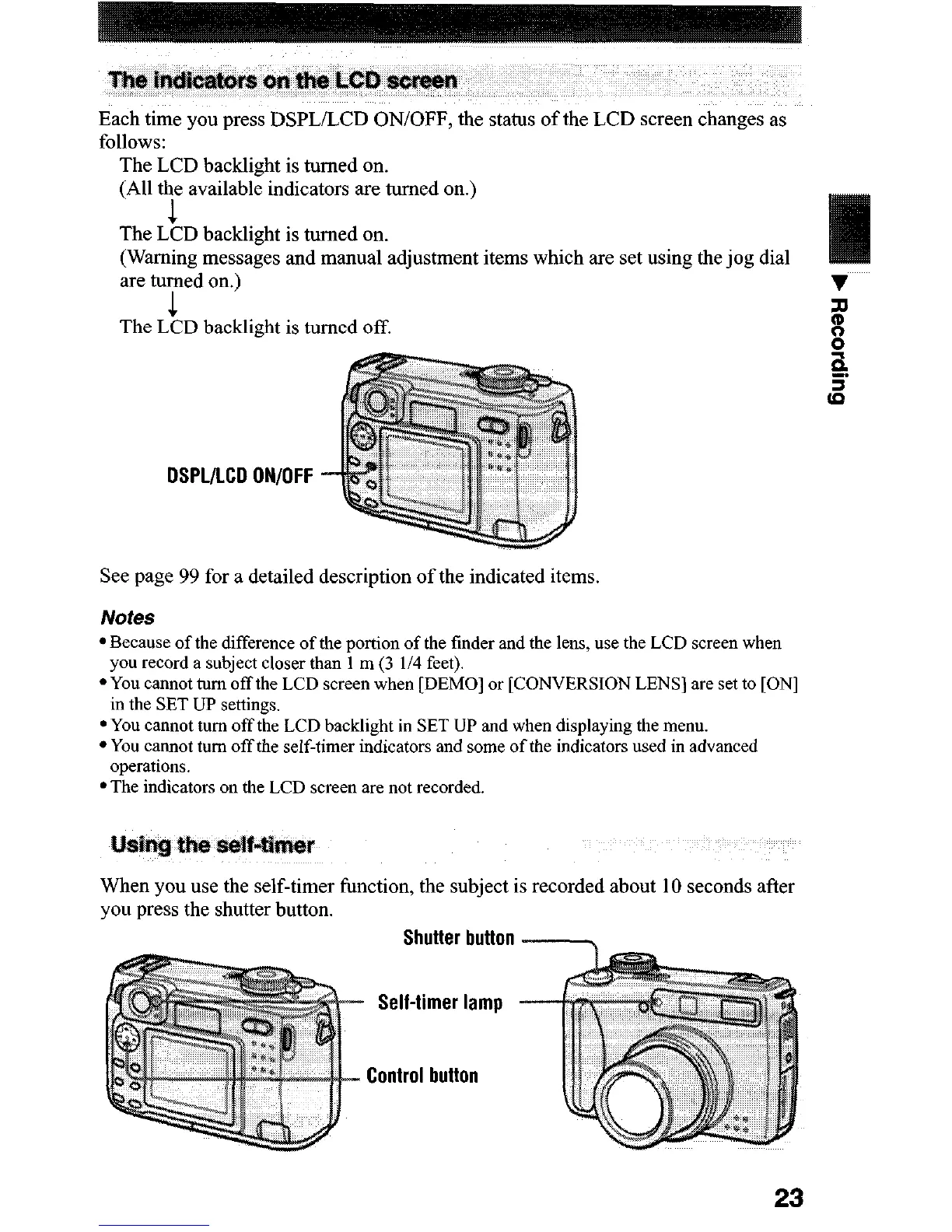
Each time you press DSPL/LCD ON/OFF, the status of the LCD screen changes as
follows:
The LCD backlight is turned on.
(All the available indicators are turned on.)
1
The LCD backlight is turned on.
(Warning messages and manual adjustment items which are set using the jog dial
are turned on.)
1
The LCD backlight is turned off.
DSPL/LCD ON/OFF
See page 99 for a detailed description of the indicated items.
l Because of the difference of the portion of the finder and the lens, use the LCD screen when
you record a subject closer than 1 m (3 l/4 feet).
l You cannot tam off the LCD screen when [DEMO] or [CONVERSION LENS] are set to [ON]
in the SET UP settings.
l You cannot turn off the LCD backlight in SET UP and when displaying the menu.
l You cannot turn off the self-timer indicators and some of the indicators used in advanced
operations.
l The indicators on the LCD screen are not recorded.
When you use the self-timer function, the subject is recorded about 10 seconds after
you press the shutter button.
Shutter button
Self-timer lamp
Control button
23












 To Next Page