5-38
DSR-45/45P
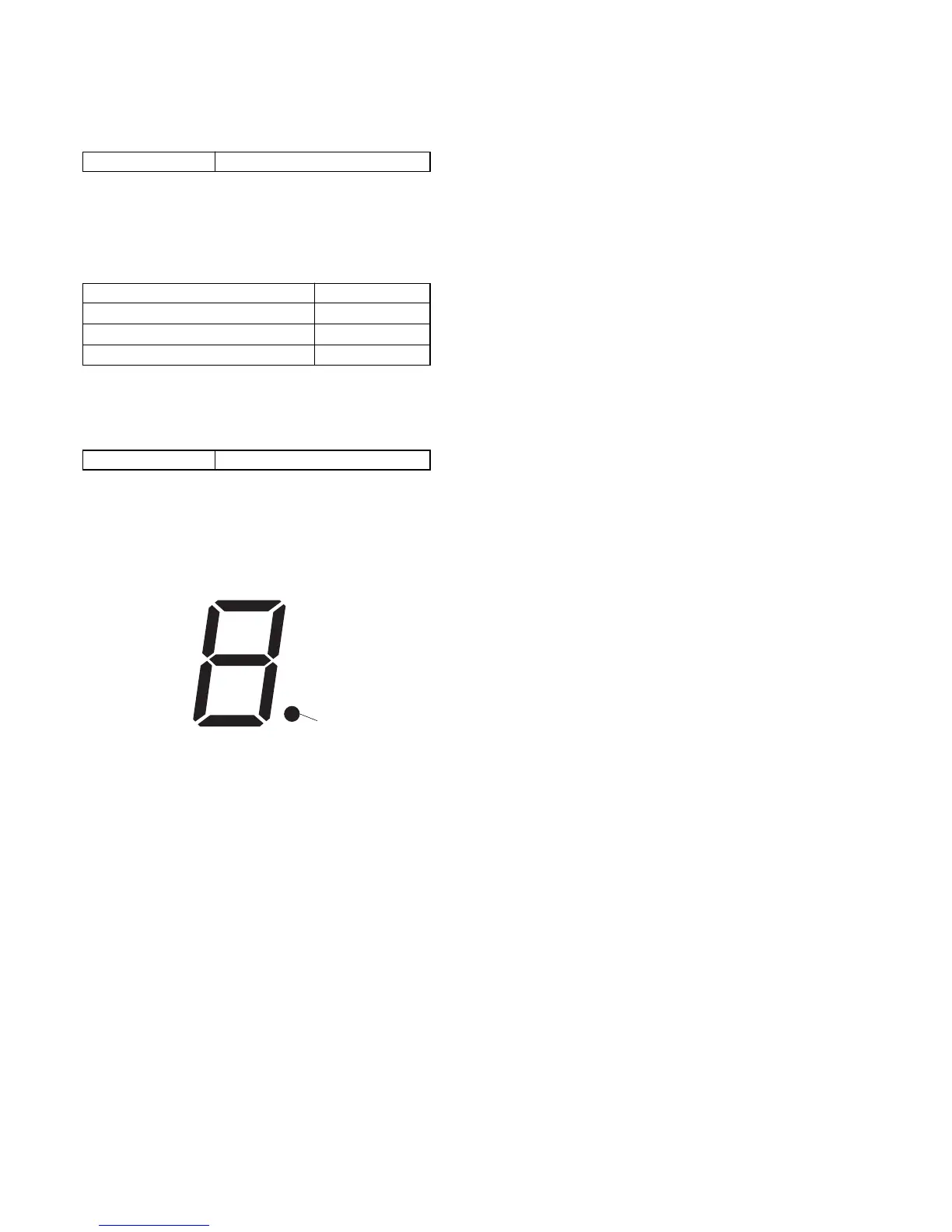
bit1
bit6
bit0
bit2
bit7
bit3
bit4
bit5
6. LED Check
(1) All lit check
Page 9 Address 05, 4E
Using method:
1) Select page: 9, address: 05, and set data: 20.
2) Select page: 9, address: 4E, and set data: FF.
3) Check that all LEDs light up in the following colors respec-
tively.
LED Color
POWER, PLAY Green
REC, 7 Segment LED Red
Others Amber
4) Select page: 9, address: 4E, and set data: 00.
5) Select page: 9, address: 05, and set data: 00.
(2) 7 Segment LED Check
Page 9 Address 05, 4E
Using method:
1) Select page: 9, address: 05, and set data: 20.
2) Select page: 9, address: 4E, and set each bit to “1”, and then
check that the segments associated with respective bits light
up.
3) Select page: 9, address: 4E, and set data: 00.
4) Select page: 9, address: 05, and set data: 00.


 To Next Page