5-90
DSR-45/45P
1. Audio PAL Data Input (DSR-45P)
(1) Data input in normal case
If the JC-21 board or IC5006 on the JC-21 board was replaced,
perform the following data input.
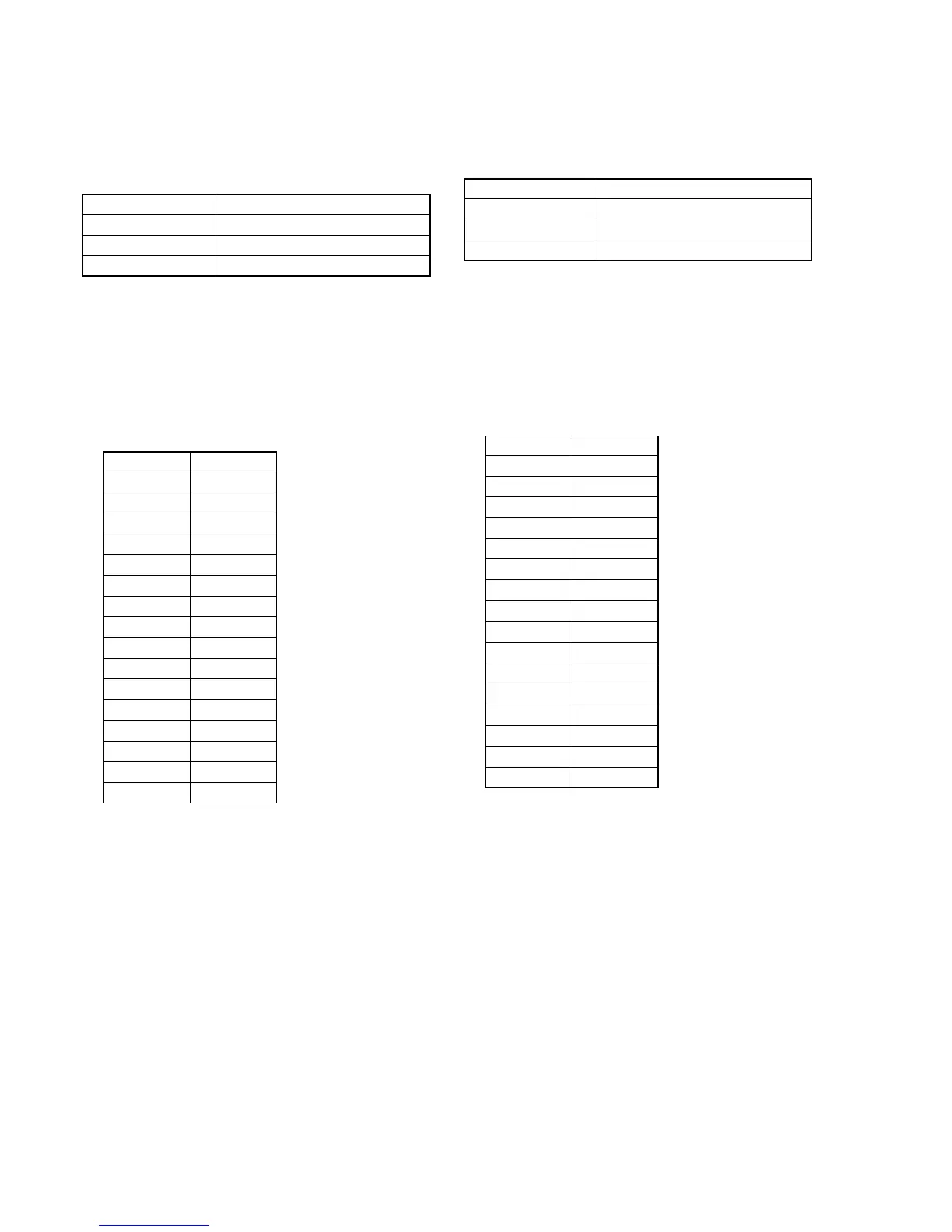
Mode STOP
Signal Arbitrary
Adjustment Page D
Adjustment Address 40 to 4F
Input method:
1) Select page: 0, address: 01, and set data: 01.
2) Select page: D, and input data in the following table.
Note: To write in the non-volatile memory (EEP ROM), press
the PAUSE button of the adjustment remote com-
mander each time to set data.
3) Select page: 0, address: 01, and set data: 00.
4) Press the RESET switch at bottom of the set using a thin and
long pin.
Address Data
40 00
41 18
42 AC
43 65
44 00
45 1A
46 AC
47 65
48 00
49 14
4A 92
4B 50
4C 00
4D 16
4E 92
4F 50
(2) Data setting at audio check
In making an audio check, perform the following data setting. After
the audio check finished, perform “data input in normal case” to
restore the data.
Mode STOP
Signal Arbitrary
Adjustment Page D
Adjustment Address 40 to 4F
Input method:
1) Select page: 0, address: 01, and set data: 01.
2) Select page: D, and input data in the following table.
Note: To write in the non-volatile memory (EEP ROM), press
the PAUSE button of the adjustment remote com-
mander each time to set data.
3) Select page: 0, address: 01, and set data: 00.
4) Press the RESET switch at bottom of the set using a thin and
long pin.
Address Data
40 00
41 18
42 FF
43 7F
44 00
45 1A
46 FF
47 7F
48 00
49 14
4A 00
4B 40
4C 00
4D 16
4E 00
4F 40


 To Next Page