9-7
DVW-250/250P
9-3-6. Save the Servo Data
1. On the DIAG menu, set PAGE as follows.
PAGE : <TEST><TTP><ADJUST/NVRAM>
<NVRAM>
ITEM : SV DATA SAVE
2. Press the SET button.
The “SAVING.....” message is displayed on the audio
meter LCD.
3. When this saving is completed, the “DATA SAVED”
message is displayed on the audio meter LCD.
9-3. Servo System Adjustment
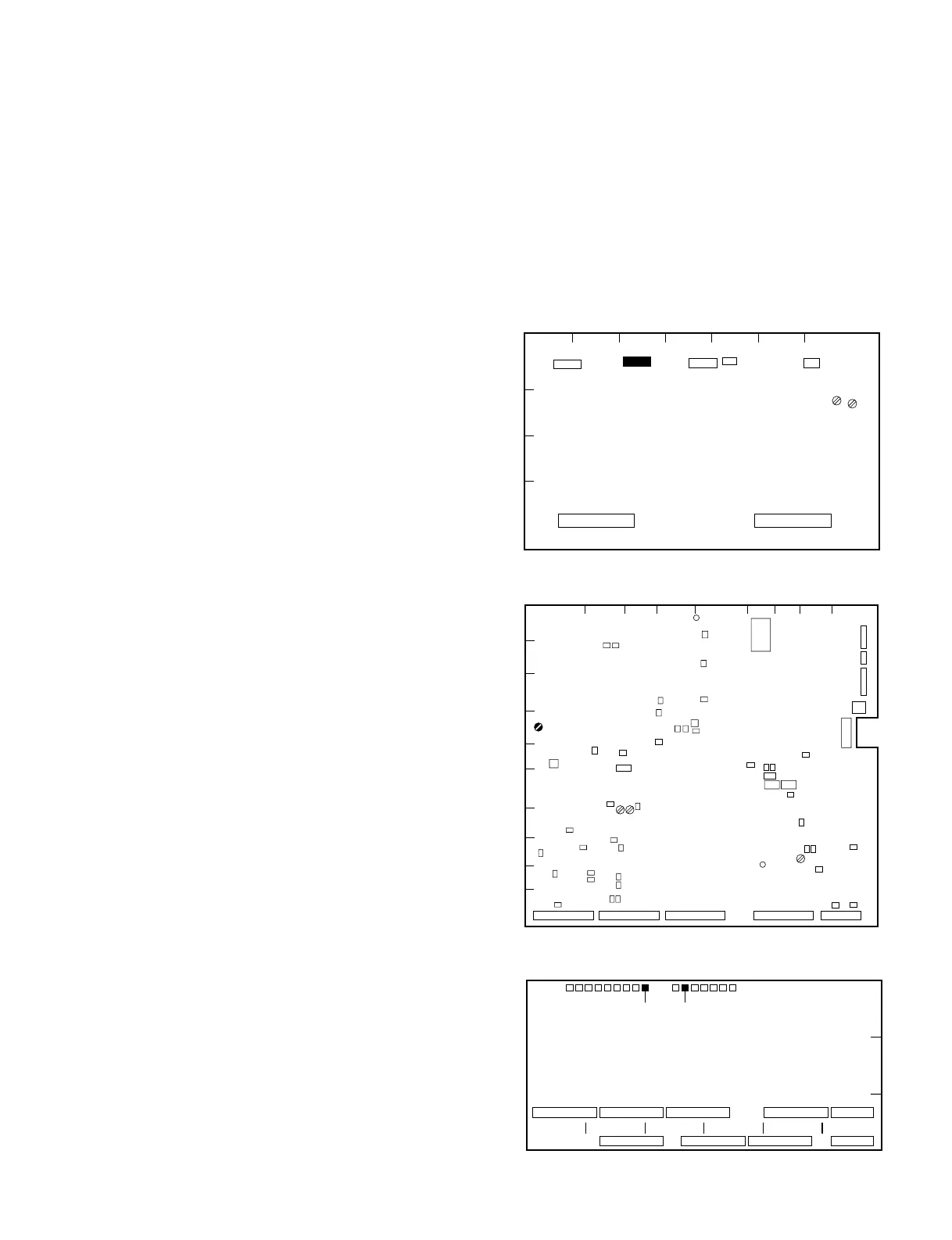
EQ-54 Board A side
1
2
3
4
AB C DE F G
S700
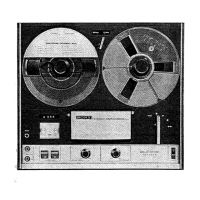
SST-3 Board A side
1
ABCDE GHJ
2
3
4
5
6
7
8
9
10
F
RV401
A
1
2
3
BCDEF
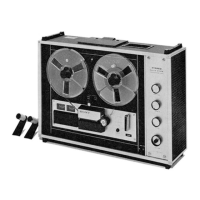
TP10
MB-601 Board A side
TP8


 To Next Page