1-25
DVW-250/250P
1-12. Cleaning when the Heads are
Clogged
How to clean the video head when the heads are clogged,
refer to “5-1-2. Cleaning of Tape Running Surface of
Upper Drum and Video Heads”.
If it recommended to clean the video heads periodically to
avoid head clogging.
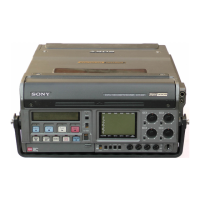
1-13. Tracking/Audio Meter Adjustment
1-13-1. Tracking Adjustment
When perform the tracking adjustment, perform the
following steps.
1. Set the setup menu as follows. (Refer to Section 3-1.)
PAGE:<TRACKING>
ITEM:AUTO TR → OFF
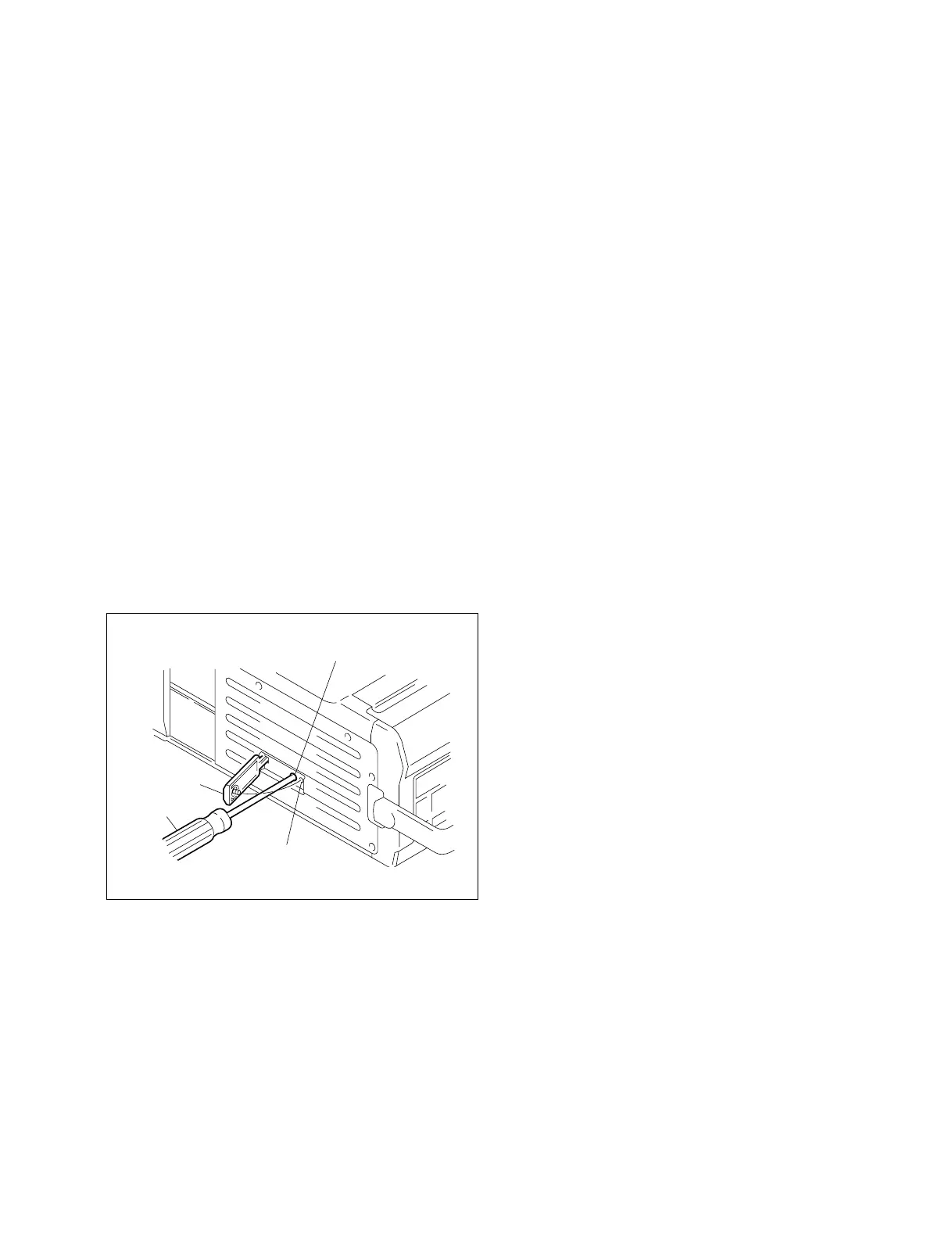
2. Remove the screw and open the L SUB cover.
3. Put the driver into the hole for tracking adjustment,
and adjust the tracking.
1-13-2. Audio Meter Contrast Adjustment
When perform the audio meter contrast adjustment,
perform the following steps.
1. Remove the screw and open the L SUB cover.
2. Put the driver into the hole for LCD contrast, and
adjust the LCD contrast.
1-14. Optional Accessories
1-14-1. Optional Accessories
Soft carrying case : BKDW-250
Battery : BP-L60
BP-90A
AC Power adaptor : AC-550(for UC)
AC-550CE(for SY)
Battery Charger : BC-L100(for UC)
BC-L100CE(for SY)
BC-410(for UC)
BC-410CE(for SY)
Video cassette tape : BCT-D series
Remote controller : BVR-3
RF modulator : REU-89UCA(for UC)
RFU-89EAU(for SY)
1-12. Cleaning when the Heads are Clogged
1-13. Tracking/Audio Meter Adjustment
1-14. Optional Accessories
Driver
L SUB cover
Hole for tracking adjustment
Hole for LCD contrast


 To Next Page