89
OTHERS menu (with the DXC-637 series)
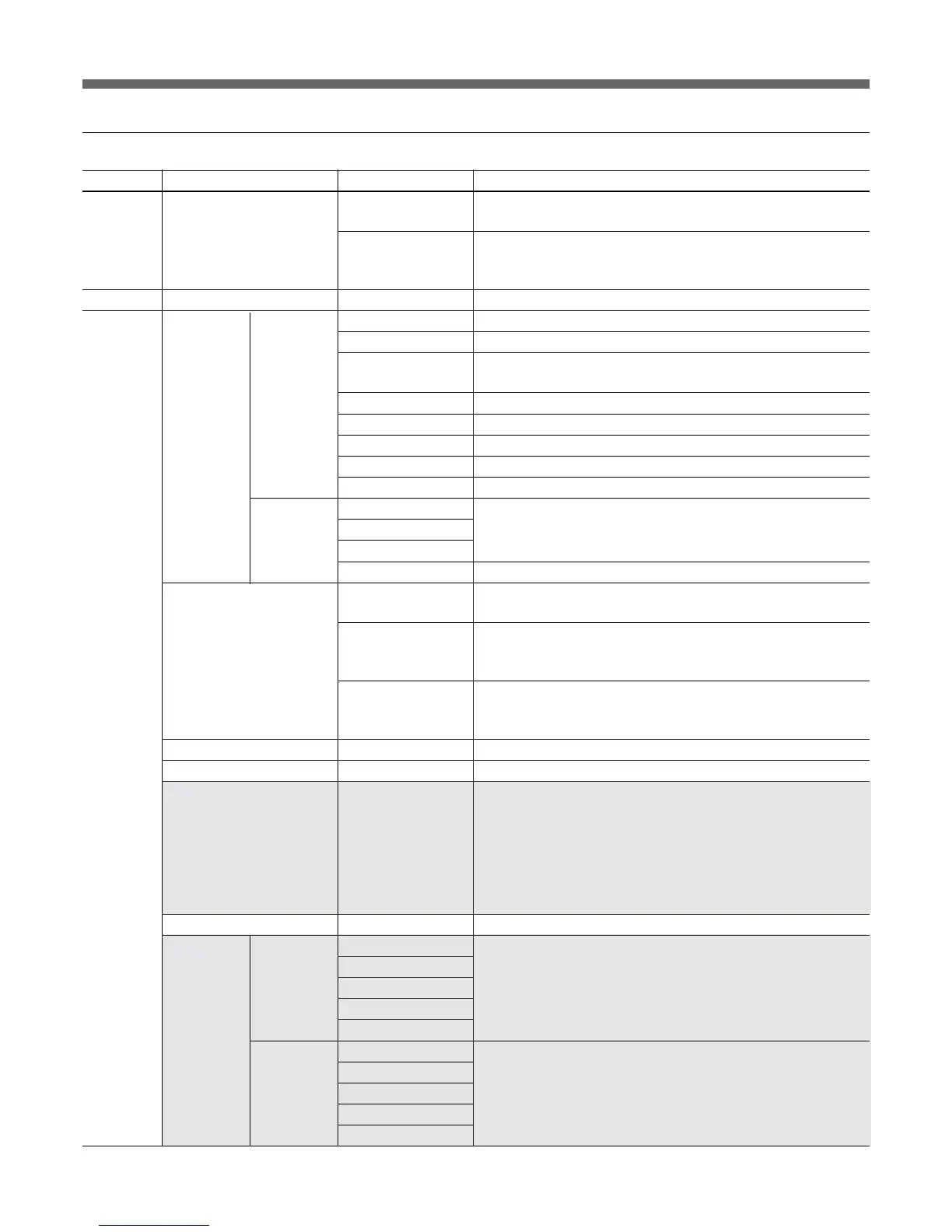
Menu 2ndary menu Submenu Control item Function
Camera Title ID Title IND To turn the title display ON/OFF while the camera is in Color Bars
mode
Clock IND Switching of the clock indication
Cam: To always display the clock indication
Off: No clock indication
File Copy to Slave To copy the status of the master unit to slave units
RCP Config RCP Buzzer • Call To set the volume of the call buzzer
Adjusting Volume • Touch To set the responding sound volume of the touch panel
• Switch To set the confirmation sound volume of the self-illuminating
switches
• Master To set the total buzzer sound volume
Call Buzzer To turn the call buzzer ON/OFF
Touch Click To turn the responding sound of the touch panel ON/OFF
SW Click To turn the confirmation sound of switches ON/OFF
All Off To turn the volume of all the buzzers ON/OFF
LED Bright • Switch To set the brightness of respective LEDs
• Tally
• Other
• Master To set the brightness of the all LEDs of the unit
VR Setting VR STD Mode To select the initial settings for IRIS or MASTER BLACK
Adjustment mode: Absolute or Relative
VR Rel. Scale IRIS VR
To select the response rate of the IRIS knob (relative-value
adjustment rates: 1/1, 1/2, and 1/4, where 1/1 is the quickest
response position)
M. Black VR (Only available for RCP-D50) To select the response rate of the
MASTER BLACK knob (relative-value adjustment rates: 1/1, 1/2,
and 1/4, where 1/1 is the quickest response position)
Information To display the software version of the unit
Cable Comp Cable Length To set the length of the remote cable (5 m/25 m/50 m)
SW Setting • SW Assign/Sel To allocate a function to the ASSIGN button
No Assign: No assignment
Black/Flare: Switching the function of the BLACK/FLARE knobs
Black Auto: ON/OFF of the auto black
(not operative)
ATW: ON/OFF of the auto tracing white balance
TLCS: ON/OFF of the total level control function
(not operative)
DynaLatitude: ON/OFF of the DynaLatitude function (not operative)
CAM No. • No. To select the camera number to be displayed on the RCP
Date/Time Set Date • Year Date adjustment of the clock built into the unit
• Month
• Day
Set
Cancel
Time • Hour Time adjustment of the clock built into the unit
• Minute
• Second
Set
Cancel
Config



 To Next Page