11
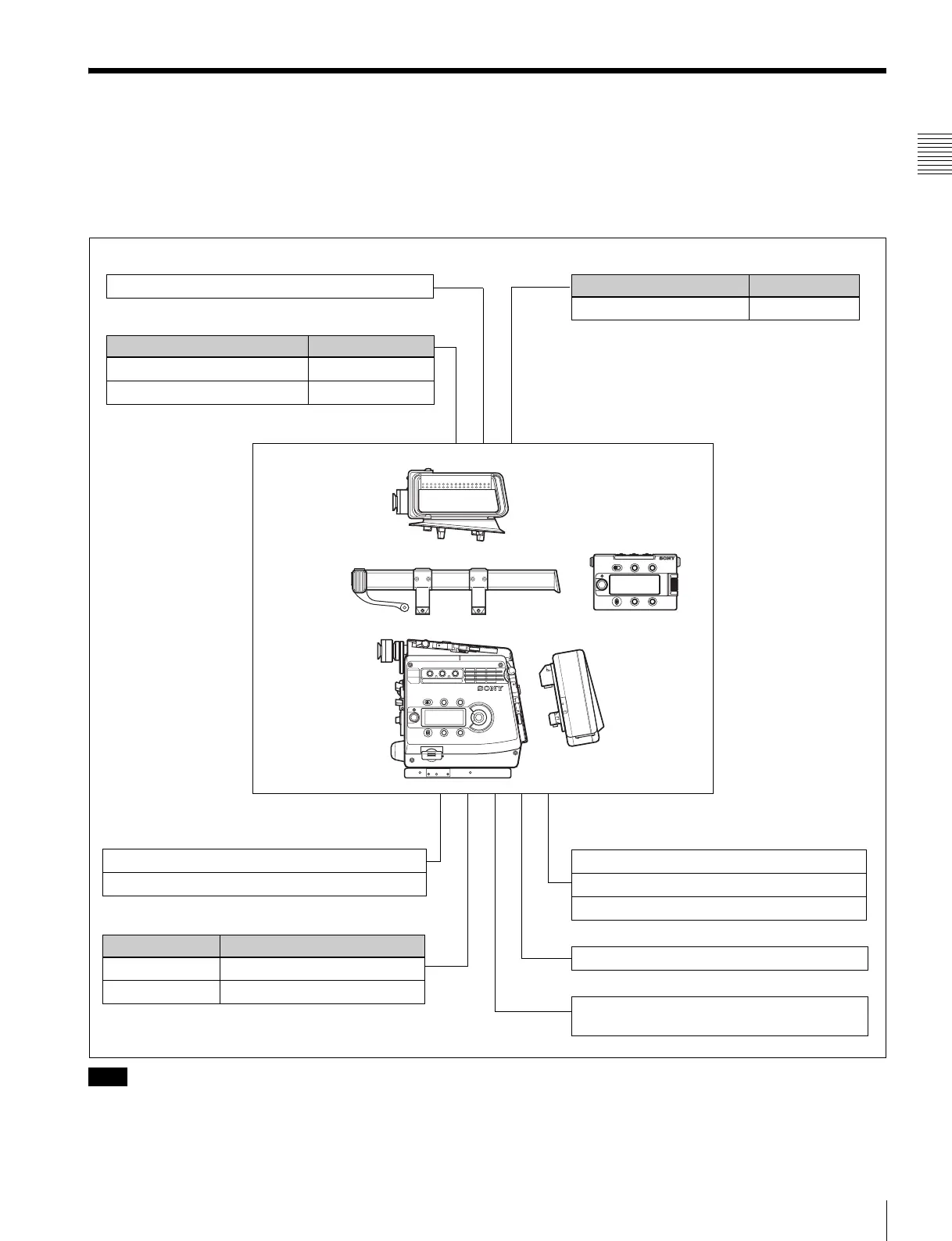
Example of System Configuration
Chapter 1 Overview
1-2 Example of System Configuration
The diagram below shows a system configuration example
to use of this camera.
In this manual, an optional HDVF-C30WR HD Electronic
Viewfinder is used to instruct how to operate the unit.
For more information about the fittings, connections, or
use of additional equipment and accessories, see “Chapter
2 Installation and Preparations” as well as the operation
manuals for the connected equipment.
When using the SRW-1, CA-F101, or a control device,
such as an RM-B750, in combination with this camera,
you must check each of their versions.
Consult a Sony representative for information about these
versions.
Note
L
O
C
K
Video recorder and related device
SRW-1 HD Portable Digital Recorder
CA-F101 Optical Fiber Camera Adapter
Remote control devices
System operating device
Data storage media
RM-B750 Remote Control Unit
MSU-1000/1500 Master Setup Unit
MSU-900/950 Master Setup Unit
HDFA-200 HD Optical FIber Adaptor Unit
“Memory Stick PRO”
“Memory Stick PRO Duo”
Products for tripod mounting
Name Model name
Bridge Plate BP-5 (ARRIFLEX made)
Shoulder Set S-1 (ARRIFLEX made)
F35
Product Configuration
Center handle
L handle
Assistant panel
Interface box
Camera head
Product for AC power supply
Note: When the AC-DN2B is used, turning on the
camera with an RM-B750 Remote Control Unit
connected may make the RM-B750 inoperable.
To reenable the RM-B750, disconnect and
reconnect the remote control cable maintaining
the power-on status.
Product Model name
AC Adaptor AC-DN2B
Riser plate
Viewfinder
Products for battery operation
HDVF-C30WR HD Electronic Viewfinder
Product Model name
Battery Pack BP-GL95
Battery Adaptor BKP-L551



 To Next Page