69
Basic Menu Operations
Chapter 4 Menu Configuration and Detailed Settings
Mac OS X 10.5
Applicable browser
Internet Explorer 6 or 7
Firefox 3
Safai 3
Displaying the menus
1
Set an IP address at HOST IP ADDRESS on the <IP
ADDR SET> page of the NETWORK menu (e.g.:
192.168.0.1).
2
Connect a PC to the camera via a hub or directly using
a cross cable.
3
Start up the Web browser on the PC and enter http://
then the IP address you set on the <IP ADDR SET>
page (e.g.: http://192.168.0.1).
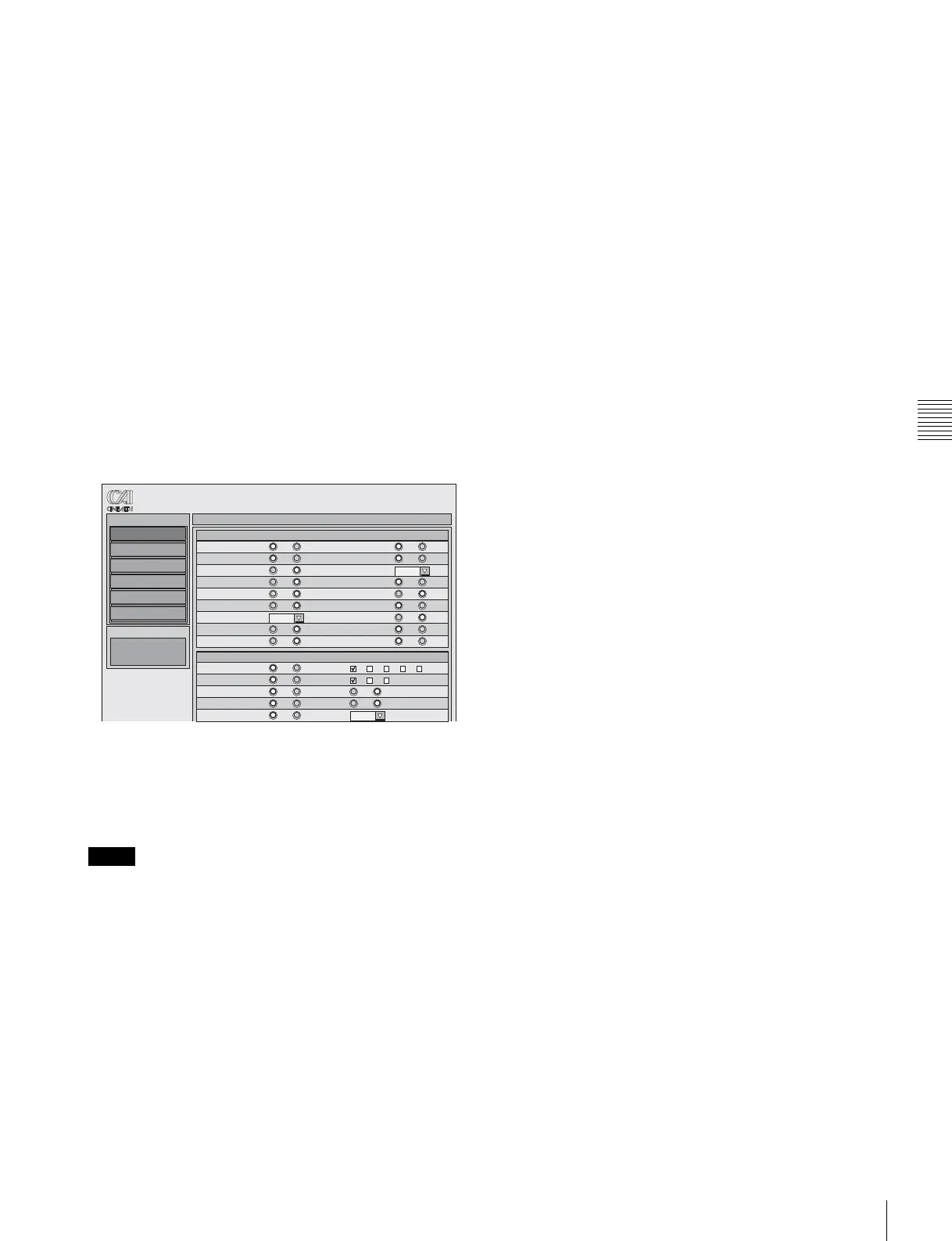
The menu display will appear:
Setting the menus
To change the ON/OFF settings, use the radio buttons.
To select the values and options, use the check boxes or
pulldown list.
• Even when a hub is used, connect only one PC for one
camera. Two or more PCs cannot be connected.
• File transfer operations cannot be made using a PC (e.g.,
you cannot transfer scenes files to a PC or store them on
a PC).
Notes
Operation
Camera
Paint
Maintenance
Network
File
Diagnosis
VF DISPLAY
Operation Menu
FPS GAIN
ON OFF ON OFF
ND SHUTT
ON OFF ON OFF
5600K UNIT
ON OFF
WHITE BATT12
ON OFF ON OFF
TAPE BATT24
ON OFF ON OFF
TC REC
ON OFF ON OFF
MESSAG FOCUS
ALL
deg
ON OFF
ZOOM EX
ON OFF ON OFF
IRIS CC
ON OFF ON OFF
"!" IND
ND
ON OFF
WHITE
ON OFF
5600K
ON OFF
SHUTT
ON OFF
FAN
ON OFF
[
IND
]
[
IND
]
[
IND
]
[
IND
]
ON
12345
PAB
OFF
ON OFF
[
NORMAL
]
[
NORMAL
]
[
IND
]
[
NORMAL
]
[
NORMAL
]
[
NORMAL
]
AUTO1
Status Information



 To Next Page