79
Menu List
Chapter 4 Menu Configuration and Detailed Settings
4-3-2 PAINT Menu
• When the setting is in the fixed status, it is displayed in parentheses.
Example: (OFF)
• The markings [P01] to [P03] in the No. column indicate the page numbers in Cine-EI mode and Cine mode.
The pages marked with [ - - ] in the No. column are not displayed in Cine-EI mode and Cine mode.
: Valid in Custom mode only (Switch settings, such as ON/OFF, are fixed to the default statuses in Cine-EI mode
and Cine mode.)
: Valid in any operation modes
: Valid in Custom mode and Cine mode only
Execute by ENTER. : Execute by pushing on the MENU SEL/ENTER dial.
Notes
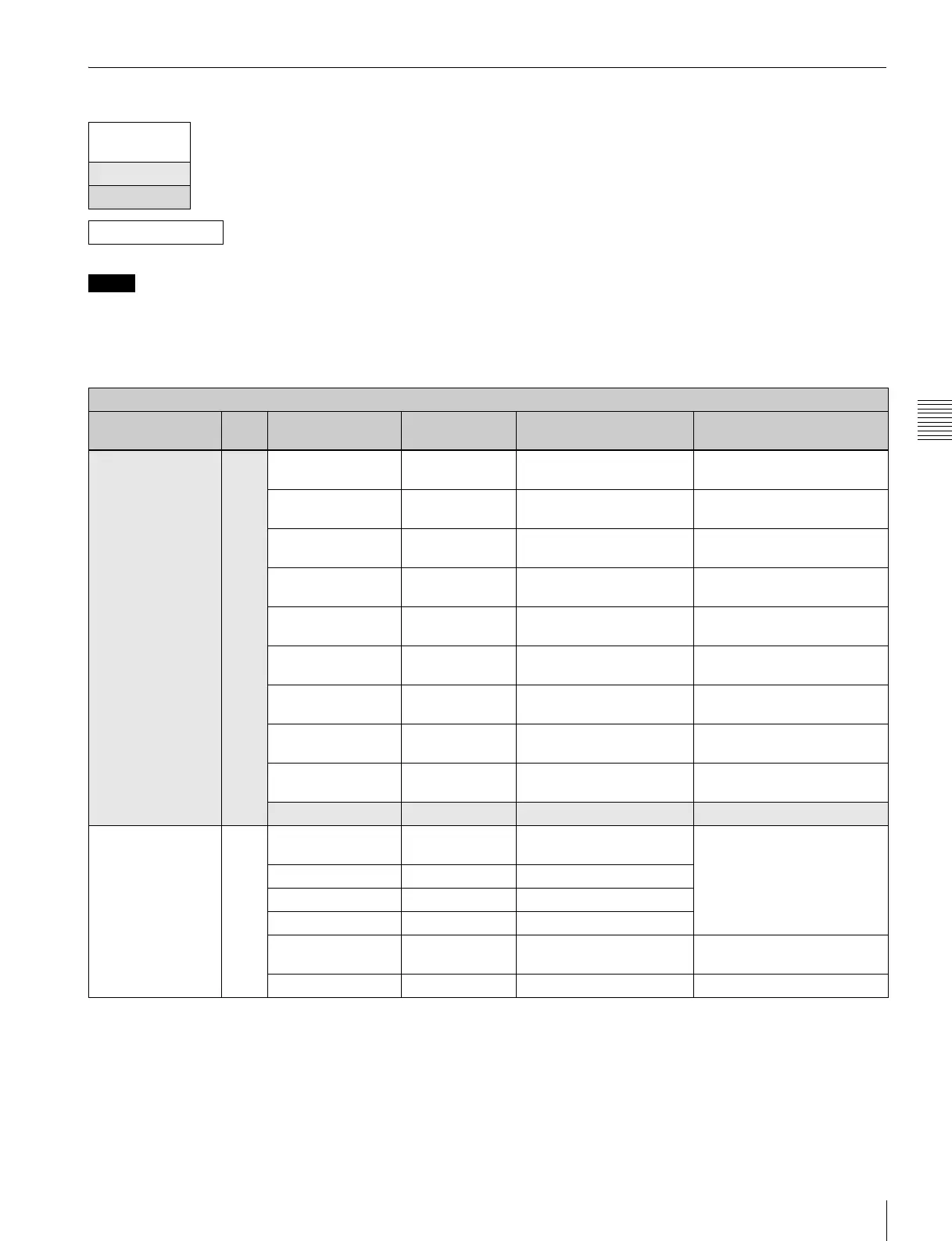
PAINT menu
Page title &
purpose
No. Item Default Settings Remarks
<SW STATUS>
Glancing and
switching the paint
functions on/off
P01
[P01]
FLARE (OFF) ON, OFF Fixed to OFF in Cine-EI mode
and Cine mode
GAMMA (ON) ON, OFF Fixed to ON in Cine-EI mode
and Cine mode
BLK GAM (OFF) ON, OFF Fixed to OFF in Cine-EI mode
and Cine mode
KNEE (OFF) ON, OFF Fixed to OFF in Cine-EI mode
and Cine mode
WHT CLIP (OFF) ON, OFF Fixed to OFF in Cine-EI mode
and Cine mode
DETAIL (OFF) ON, OFF Fixed to OFF in Cine-EI mode
and Cine mode
LVL DEP (OFF) ON, OFF Fixed to OFF in Cine-EI mode
and Cine mode
SKIN DTL (OFF) ON, OFF Fixed to OFF in Cine-EI mode
and Cine mode
MATRIX (OFF) ON, OFF Fixed to OFF in Cine-EI mode
and Cine mode
5600K OFF ON, OFF
<VIDEO LEVEL>
Adjusting the
various video
balance
P02
[ - - ] WHITE
[R] [G] [B] [M]
000 –99 to +99
R, G, B, and M (master)
values can be independently
set.(M cannot be set for
WHITE or FLARE.)
BLACK 0 0 0 0 –99 to +99
FLARE 0 0 0 –99 to +99
GAMMA 0 0 0 0 –99 to +99
FLARE OFF ON, OFF Fixed to OFF in Cine-EI mode
and Cine mode
TEST OFF OFF, TEST1, TEST2



 To Next Page