43
Basic Settings with the Subdisplay
Chapter 3 Basic Adjustments and Settings
3-2-15 Checking the Optical Levels
When the SRW-1 is connected via the optional CA-F101
Optical Fiber Camera Adapter, you can check the optical
levels on the optical status page.
Optical status page
CAM: Optical reception level on the camera side
VTR: Optical reception level on the SRW-1 side
The status of the level is indicated with eight segments.
If 6 to 8 segments are lit: Normal
If 3 to 5 segments are lit: Cautioning level
If only 1 or 2 segments are lit: Warning level
If no segment is lit: No signal or unusable level
For details, refer to the Operation Manual of the CA-F101.
3-2-16 Limiting Pages that are
Displayed on the Subdisplay
You can limit pages that are displayed on the subdisplay.
Use Setup mode of the subdisplay or the OPERATION
menu.
To set the subdisplay to Setup mode
Hold the PAGE button pressed for more than 5 seconds to
set the subdisplay to Setup page.
Subdisplay in Setup mode
Select the page to be switch ON/OFF on the first line and
select ON or OFF on the second line. Any page with an
OFF setting will not be displayed on the subdisplay.
To switch subdisplay pages ON/OFF using
the menu
You can also switch subdisplay pages ON/OFF using the
<PAGE SELECT> subpage that can be accessed from the
<SUBDISPLAY 2> page of the USER (OPERATION)
menu.
For details on how to operate the menu, see “4-2 Basic
Menu Operations” (page 66).
<SUBDISPLAY 2> page
Move the pointer to PAGE SELECT then push on the
MENU SEL/ENTER dial to jump to the <PAGE
SELECT> subpage, where limitation of display pages can
be assigned.
<PAGE SELECT> page
To switch ON/OFF, move the pointer to an item whose
setting you wish to change and push on the MENU SEL/
ENTER dial.
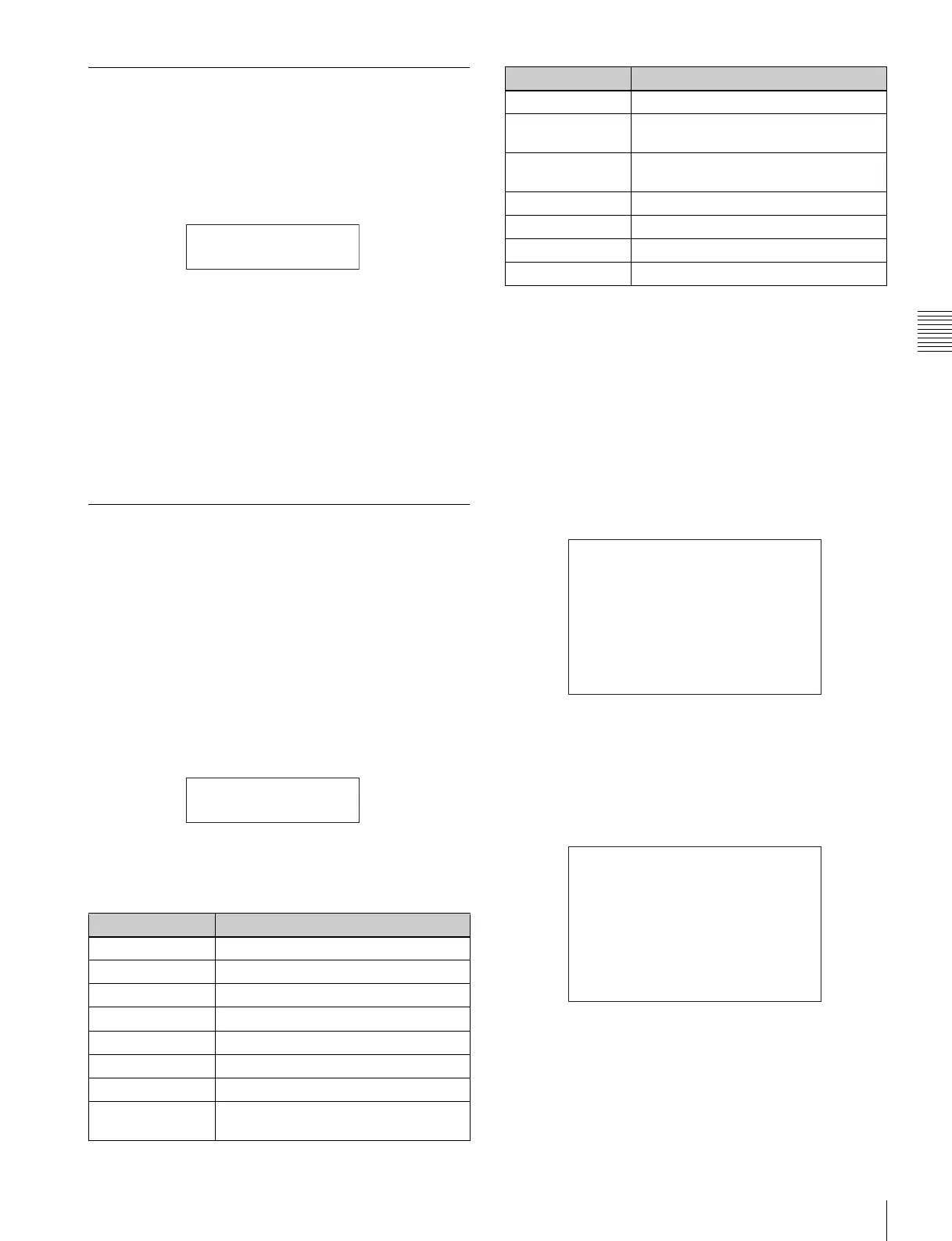
Menu indication Target page
SHUTTER Shutter setting page
RAMP RAMP operation page
FORMAT Video-format selection page
ND Optical filter selection page
GAIN/WHT/5600K Gain setting page
LENS FILE Lens file selection page
TC/TAPE REM Time code/tape remaining display page
VOLT/FAN Voltage confirmation/Fan Operation
mode select page
CAM:
xxxxxxxx
b
VTR:
xxxxxxxx
b
SHUTTER
ON
CHAR MIX Character indication setting page
ASSIGN SW1/
SW2
Assignable buttons 1/2 setting page
ASSIGN SW3/
SW4
Assignable button 3/switch 4 setting
page
BRIGHT Subdisplay brightness adjustment page
GAMMA TABLE Gamma table selection page
COLOR SPACE Color space selection page
OPITICAL LEVEL Optical status page
Menu indication Target page
<SUBDISPLAY 2> 12
LOCK SW MODE
CAMERA : -RUN
PANEL : FULL
B
PAGE SELECT
<PAGE SELECT> ESC
xx
SHUTTER :
B
ON
RAMP : ON
FORMAT : ON
ND : ON
GAIN/WHITE/5600K : ON
LENS FILE : ON
TC/TAPE REM : ON
VOLTAGE/FAN MODE : ON
CHARACTER MIX : ON
ASSIGN SW1/SW2 : ON



 To Next Page